Accessories
✎
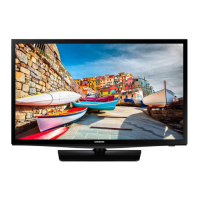
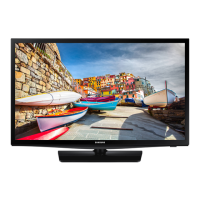
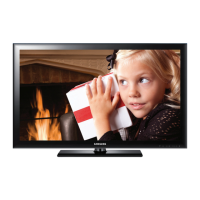
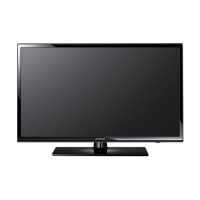
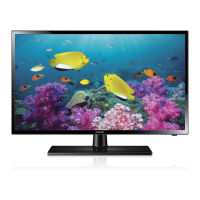
Please make sure the following items are included with your LED TV. If any items are missing, contact your dealer.
✎
The items’ colour and shapes may vary depending on the models.
y Remote Control & Batteries (AAA x 2)
y Quick Set up Guide
y RF Signal Gender (HG28EB460)
y Power Cord
y Safety Guide (Not available in all locations)
y Screws
y Holder-Wire Stand
✎
The stand and stand screw may not be included depending on the model.
✎
The Data Cable may not be included depending on the SI Vendor.
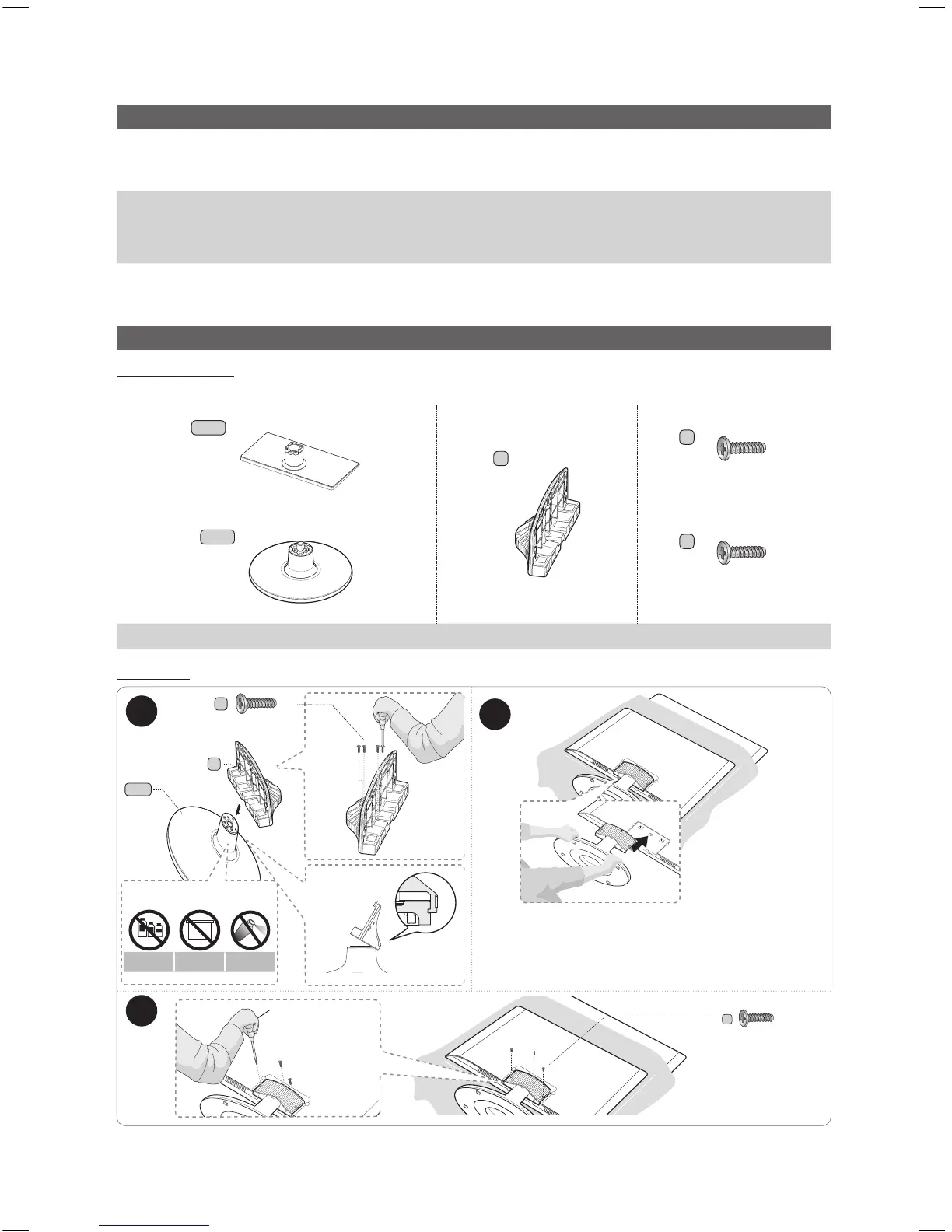
Installing the LED TV Stand
Stand Components
When installing the stand, use the provided components and parts.
A-1
1 EA
HG32EB460, HG39EB460
B
1 EA
C
X7 (M4 X L12)
D
X8 (M4 X L12)
(HG28EB460)
(HG32EB460, HG39EB460)
1 EA
A-2
HG28EB460
Stand Guide Stand Screws
HG28EB460
1
2
✎
Place a soft cloth over a table to protect the TV, and
then place the TV on the cloth screen side down.
✎
Insert the Stand Guide into the slot on the bottom of
the T V.
B
A-2
C
(M4 X L12)
x3
DO NOT USE
CHEMICALS
DO NOT USE
GREASE
DO NOT USE
OIL
ATTENTION
C
(M4 X L12)
x4
Side
3
[HB460-XC]Install Guide-ENG.indd 4 2013-04-03 �� 3:26:50



 To Next Page