Using the Zoom
mode
Select Zoom, and then press ENTER to magnify the
screen.
You
can scroll through the magnified screen
by
using
the ... or
....
buttons.
~
To
return to the screen to normal size, press the
RETURN G button.
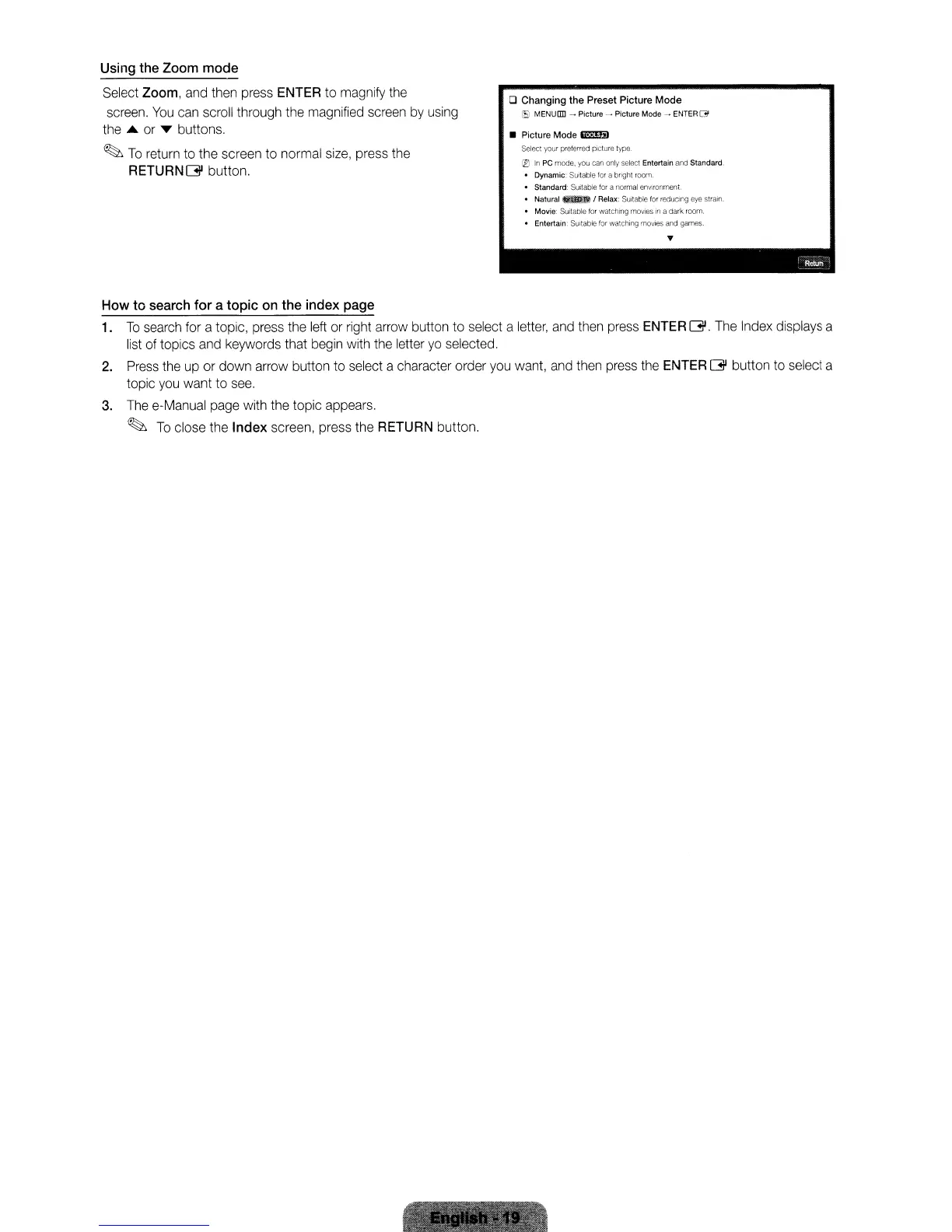
o Changing the Preset Picture Mode
(EJ
MENUDD - Picture
.....
Picture Mode
--
ENTER(3
• Picture Mode Ilil1lmI
Select your preferred pICture type.
®
In
PC mode,
you
can only select Entertain and Standard.
• Dynamic: SUitable
tor
a bright room.
•
Standard:
Suitable lor a normal
environment
• Natural I Relax: Suitable for reduclflg eye strain.
Movie: Suitable for watching movies
in a dark room
Entertain:
SUitable
for
walching rT'lQVleS a garnes.
...
--
R"""
How
to
search
for
a
topic
on the index page
1.
To
search for a topic, press the left or right arrow button to select a letter, and then press ENTER
G.
The Index displays a
list of topics and keywords that begin with the letter
yo
selected.
2.
Press
the up or down arrow button to select a character order you want, and then press the ENTER G button to select a
topic you want to
see.
3.
The e-Manual page with the topic appears.
~
To
close the
Index
screen, press the RETURN button.
Using the Zoom
mode
Select Zoom, and then press ENTER to magnify the
screen.
You
can scroll through the magnified screen
by
using
the ... or
....
buttons.
~
To
return to the screen to normal size, press the
RETURN G button.
o Changing the Preset Picture Mode
(EJ
MENUDD - Picture
.....
Picture Mode
--
ENTER(3
• Picture Mode Ilil1lmI
Select your preferred pICture type.
®
In
PC mode,
you
can only select Entertain and Standard.
• Dynamic: SUitable
tor
a bright room.
•
Standard:
Suitable lor a normal
environment
• Natural I Relax: Suitable for reduclflg eye strain.
Movie: Suitable for watching movies
in a dark room
Entertain:
SUitable
for
walching rT'lQVleS a garnes.
...
--
R"""
How
to
search
for
a
topic
on the index page
1.
To
search for a topic, press the left or right arrow button to select a letter, and then press ENTER
G.
The Index displays a
list of topics and keywords that begin with the letter
yo
selected.
2.
Press
the up or down arrow button to select a character order you want, and then press the ENTER G button to select a
topic you want to
see.
3.
The e-Manual page with the topic appears.
~
To
close the
Index
screen, press the RETURN button.
Using the Zoom
mode
Select Zoom, and then press ENTER to magnify the
screen.
You
can scroll through the magnified screen
by
using
the ... or
....
buttons.
~
To
return to the screen to normal size, press the
RETURN G button.
o Changing the Preset Picture Mode
(EJ
MENUDD - Picture
.....
Picture Mode
--
ENTER(3
• Picture Mode Ilil1lmI
Select your preferred pICture type.
®
In
PC mode,
you
can only select Entertain and Standard.
• Dynamic: SUitable
tor
a bright room.
•
Standard:
Suitable lor a normal
environment
• Natural I Relax: Suitable for reduclflg eye strain.
Movie: Suitable for watching movies
in a dark room
Entertain:
SUitable
for
walching rT'lQVleS a garnes.
...
--
R"""
How
to
search
for
a
topic
on the index page
1.
To
search for a topic, press the left or right arrow button to select a letter, and then press ENTER
G.
The Index displays a
list of topics and keywords that begin with the letter
yo
selected.
2.
Press
the up or down arrow button to select a character order you want, and then press the ENTER G button to select a
topic you want to
see.
3.
The e-Manual page with the topic appears.
~
To
close the
Index
screen, press the RETURN button.






 To Next Page