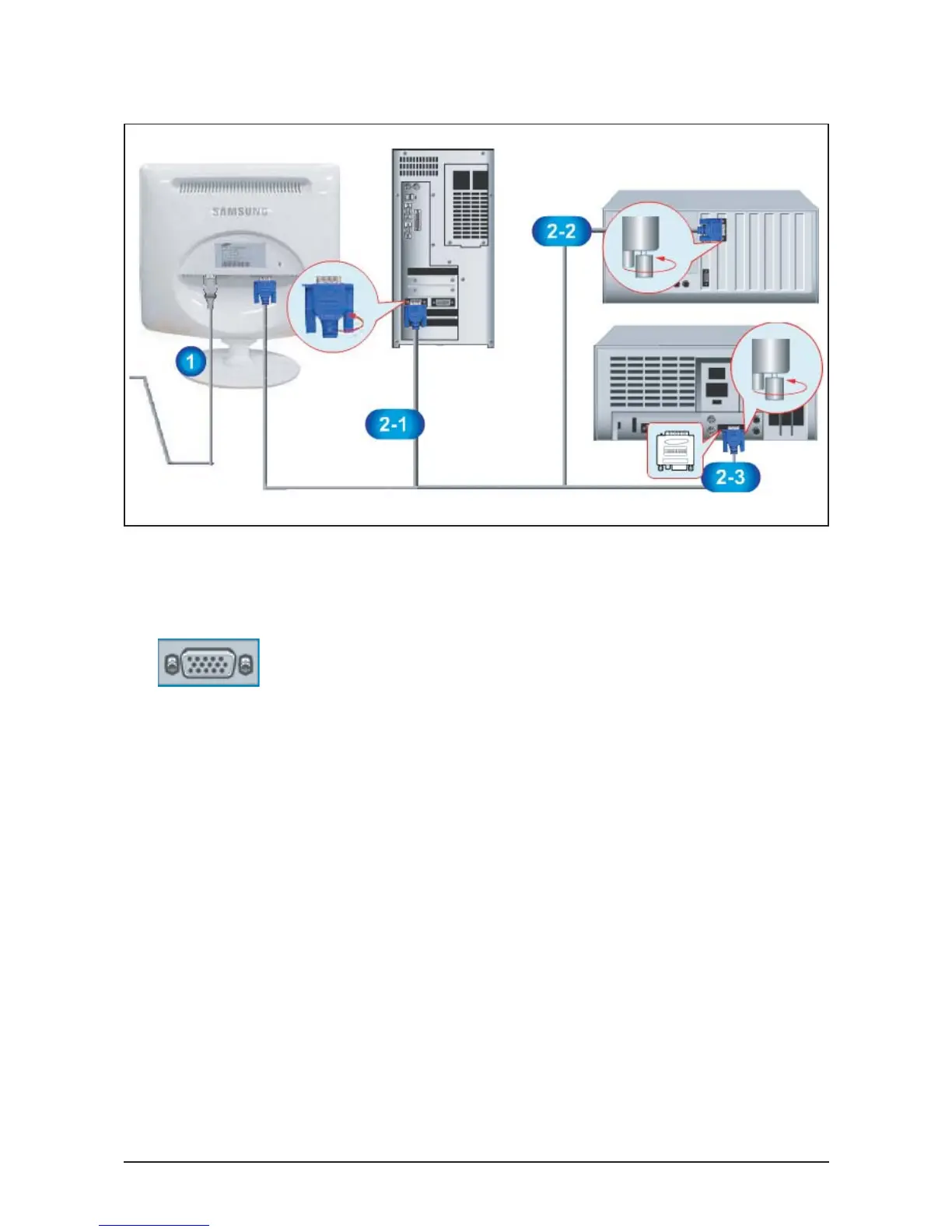
1. Connect the power cord for your monitor to the power port on the back of the monitor.
Plug the power cord for the monitor into a nearby outlet.
2-1. Using the D-sub (Analog) connector on the video card.
Connect the signal cable to the 15-pin, D-sub connector on the back of your monitor.
2-2. Connected to a Macintosh.
Connect the monitor to the Macintosh computer using the D-SUB connection cable.
2-3. In the case of an old model Macintosh, you need to connect the monitor using a special Mac
adapter.
3. Turn on your computer and monitor. If your monitor displays an image, installation is complete.
10 Operating Instructions and Installation
10-3
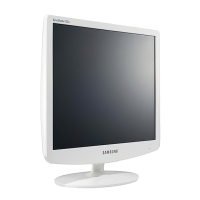
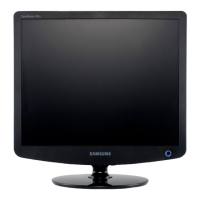
10-3 Connecting the monitor (LS17PEA, LS19PEA)
● Rear of Monitor
● Rear of Computer
● Old Model Macintosh
● New Model Macintosh






 To Next Page