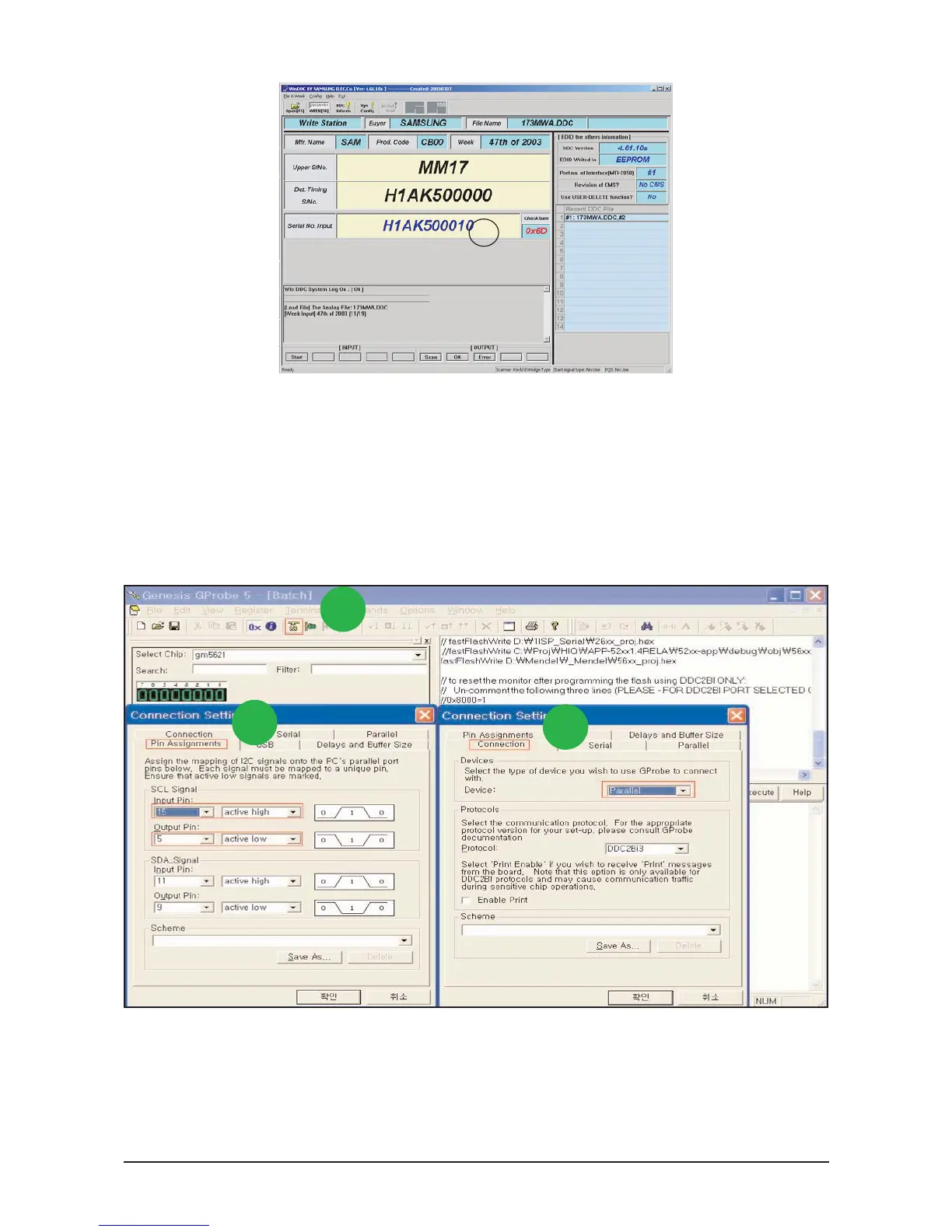
5. Type in the monitor serial number and press Enter.
*Repeat this step 2 to 5 times in digital inputs after the analog input.
3-8 How to execute MCU Code
1. Click Config Setting
2. Change SCL Signal at Pin Assignments
3. Set Device to Parallel
3-8-1 Program Setting - Config Setting
1
2
3






 To Next Page