3. Installing the Product
English 8/2020. Rev 0.3 79
3.10.6 Module and SMU Signal Cable Connection
Connect the signal cables for SMU and Module BMS’s for each module.
Use the proper signal cables as specified by the part numbers below.
Rack BMS / Module BMS Damage
Do not insert both ends of the signal cable WIRE ASSY MODULE TO MODULE #1 or WIRE ASSY
MODULE TO MODULE #2 into the same Battery Module.
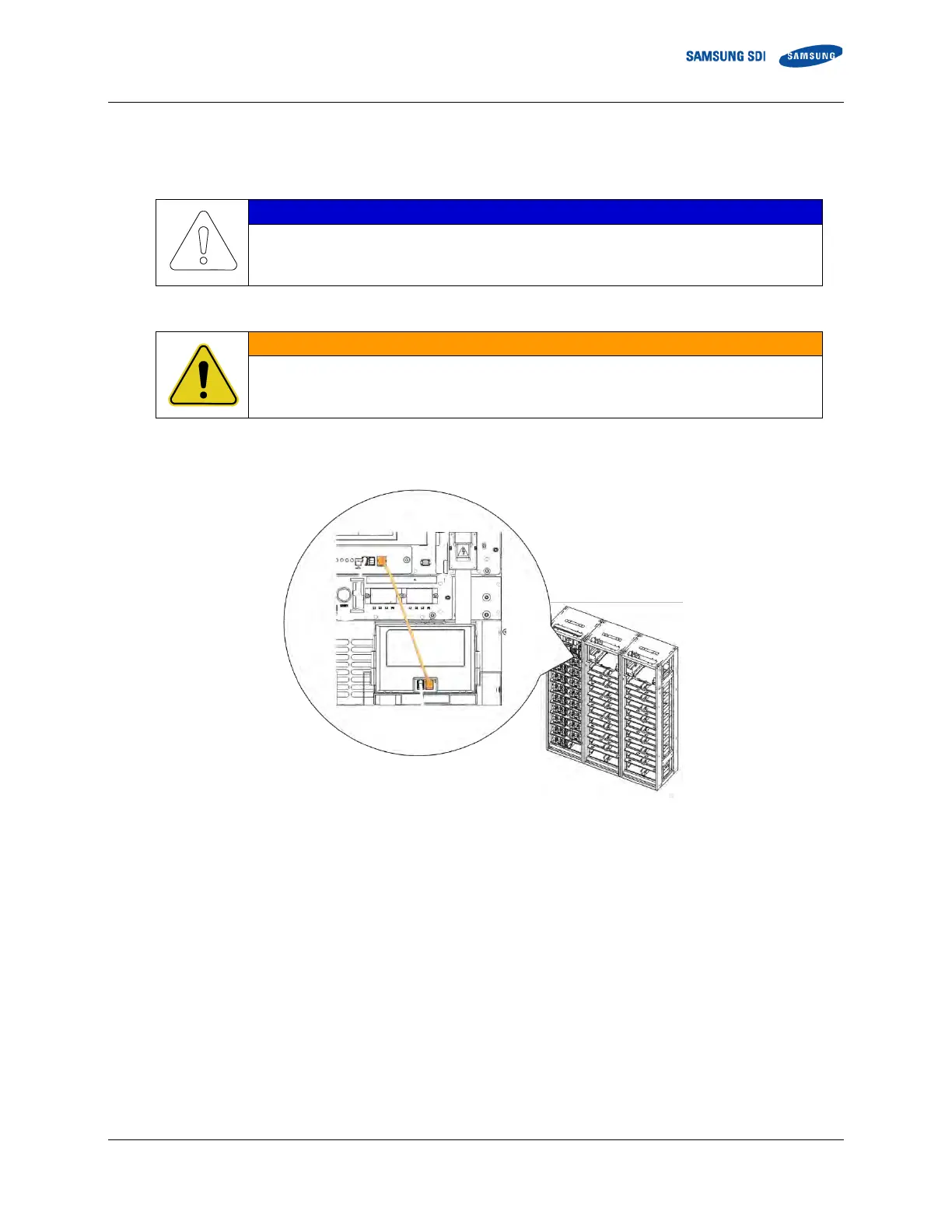
1. Connect the signal cable “WIRE ASSY RACK TO MODULE” between the SMU “MODULE” connector and
Module #1 “Right Connector”.
Figure 3-93: SMU to Module #1 Signal Cable



 To Next Page