Disassembly and Reassembly
3-16 Samsung Electronics
No. Parts Procedure Remark
6
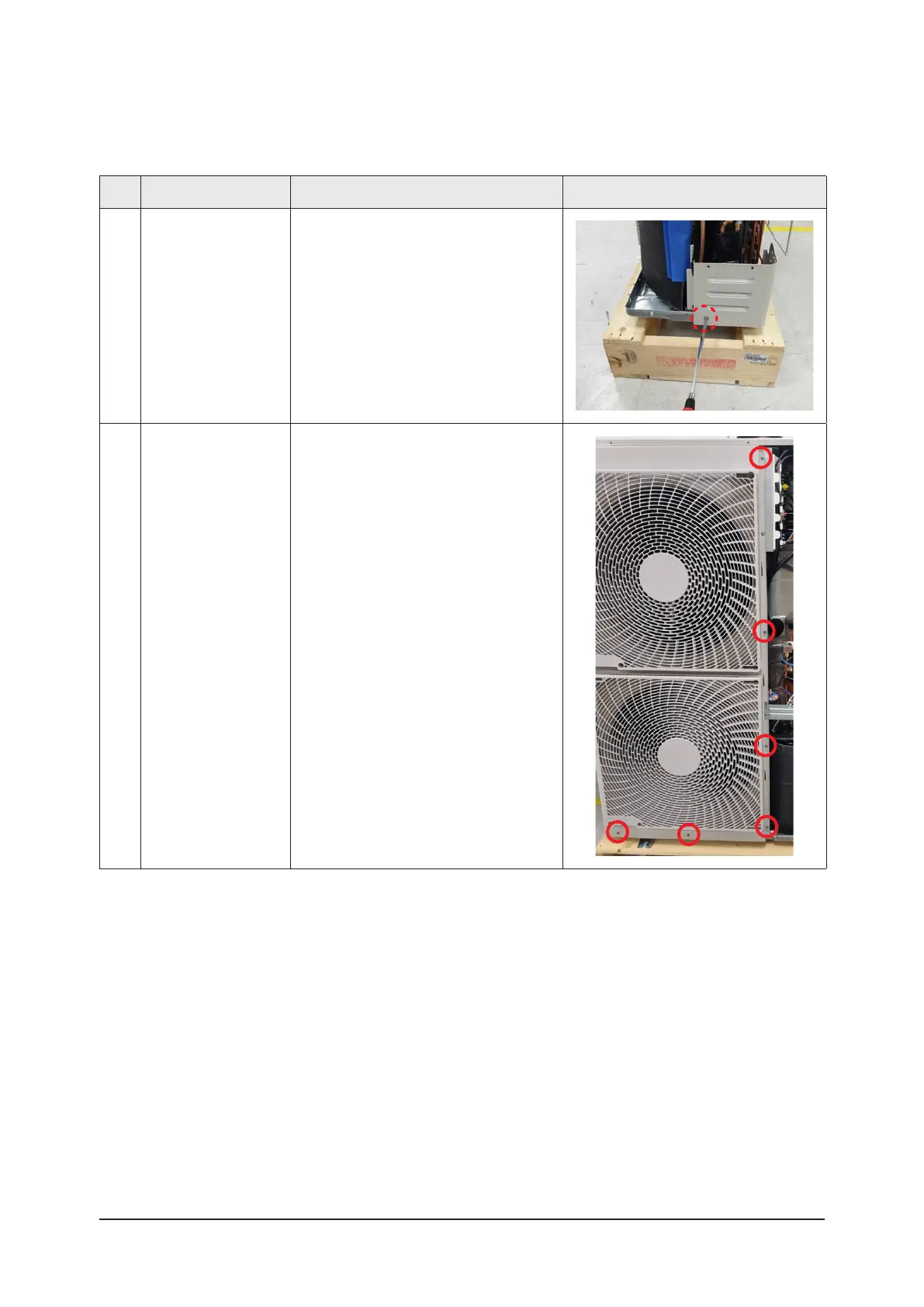
Cabinet-Installation
Rear Part
1) Remove the 1 screw from the
Cabinet-Installation Rear Part and
separate it.
(Use +Screw Driver)
7
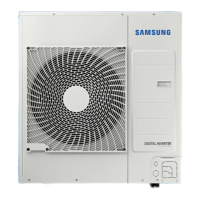
Cabinet Front LF
1) Remove the screws from the Cabinet
Front LF and separate it.
(Use +Screw Driver)
* AC036/048BXUPCH : 9 screws
AC060BXUPCH : 10 screws



 To Next Page