Troubleshooting
4-2 Samsung Electronics
Test operation mode and check mode (Cont.)
K4 short
push
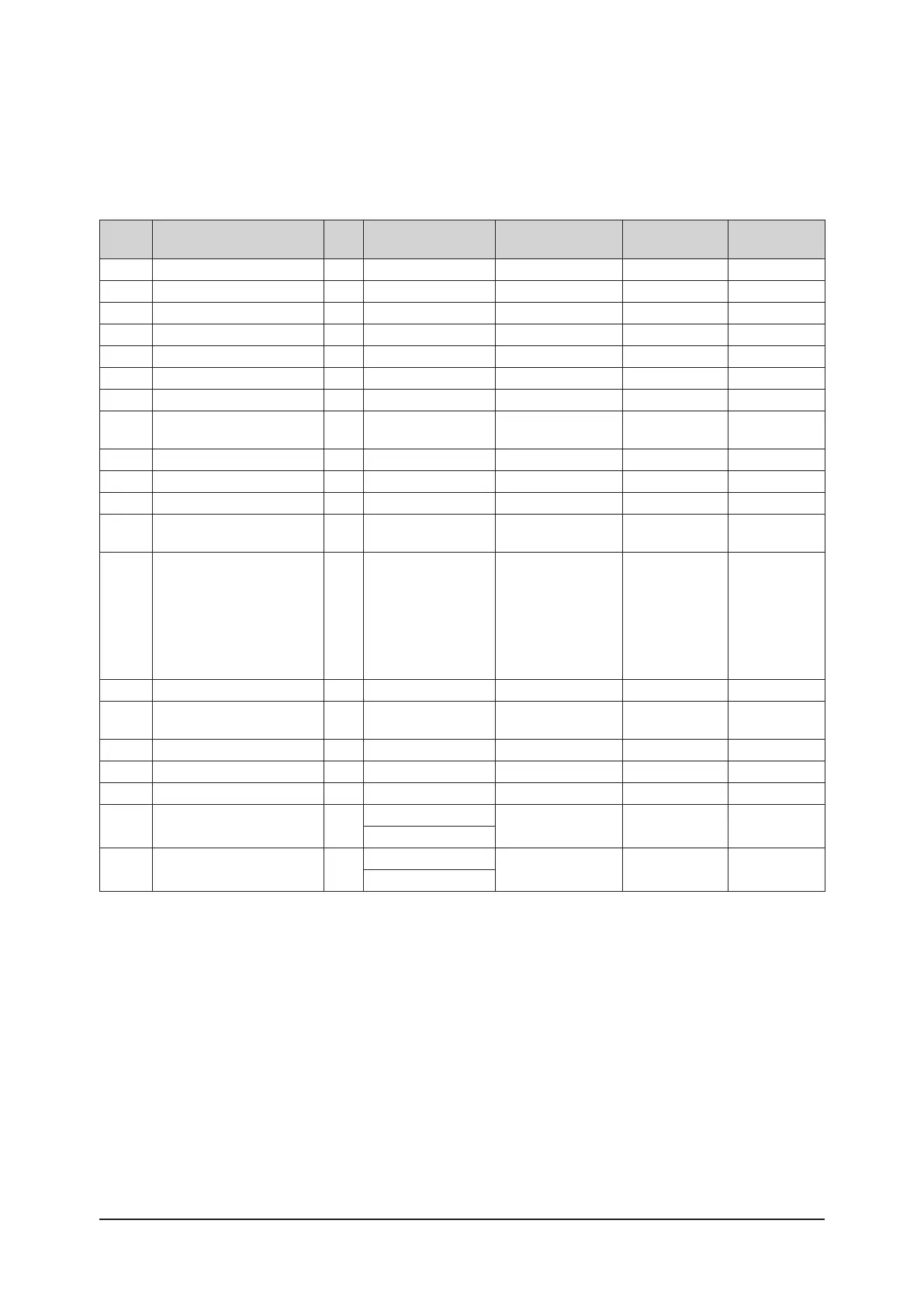
Display contents SEG1 SEG2 SEG3 SEG4 Unit
1 Order frequency 1
Hundreds digit
Tens digit Units digit Hz
2 Current frequency 2
Hundreds digit
Tens digit Units digit Hz
3 The number of preset indoor units 3
Hundreds digit
Tens digit Units digit EA
4 Ambient temperature sensor 4
Hundreds digit or - ¹⁾
Tens digit Units digit ℉ or ℃ ²⁾
5 Compressor discharge sensor 5
Hundreds digit
Tens digit Units digit ℉ or ℃ ²⁾
6 Eva-Mid sensor 6
Hundreds digit or - ¹⁾
Tens digit Units digit ℉ or ℃ ²⁾
7 Condenser sensor 7
Hundreds digit or - ¹⁾
Tens digit Units digit ℉ or ℃ ²⁾
8 Current 8
Tens digit
Units digit
The first place of
decimals
A
9 Outdoor fan RPM 9
Thousands digit
Hundreds digit Tens digit rpm
10 Target discharge temperature A
Hundreds digit or - ¹⁾
Tens digit Units digit ℉ or ℃ ²⁾
11 EEV B
Hundreds digit
Tens digit Units digit step
12 The capacity sum of indoor units C
Tens digit
Unit digit
The first place of
decimals
kBtu/h or kW ³⁾
13 Protective control D
0: Cooling
1: Heating
<Protective control>
0: No Protective control
1: Freezing
2: Non-stop defrosting
3: Over-load
4: Discharge
5: Total electric current
<Frequency status>
0: Normal
1: Hold
2: Down
3: Up_limit
4: Down_limit
-
14 IPM temperature E
Hundreds digit or - ¹⁾
Tens digit Units digit ℉ or ℃ ²⁾
15
The number of connected indoor
units
F
0
Tens digit Units digit EA
16 ESC EEV(CAM) G
Hundreds digit
Tens digit Units digit step
17 ESC IN sensor H
Hundreds digit or - ¹⁾
Tens digit Units digit ℉ or ℃ ²⁾
18 ESC OUT sensor I
Hundreds digit or - ¹⁾
Tens digit Units digit ℉ or ℃ ²⁾
19 Suction sensor J
+ / -
Tens digit Units digit ℉ or ℃ ²⁾
Hundreds for Fahrenheit
20 Pressure sensor K
+ / -
Tens digit Units digit
psi or kg/cm² ⁴⁾
Hundreds for Fahrenheit
¹⁾ Sub-zero temperatures are expressed as a minus, instead of hundreds digit.
²⁾ The temperature unit can be switched between Fahrenheit and Celsius through Setting outdoor unit option switches.
³⁾ When the temperature unit is set to Celsius by using the option switch on the outdoor unit, the value is shown in kW.
⁴⁾ When the temperature unit is set to Celsius by using the option switch on the outdoor unit, the value is shown in kg/cm².



 To Next Page