EasyManua.ls Logo

Samsung Android phone - To Make and International Call; Using Call Forwarding; Set Call Waiting;View the Call Records; Sending SMS

Samsung Android phone
17 pages
Print Icon
To Next Page IconTo Next Page
To Previous Page IconTo Previous Page
Loading...
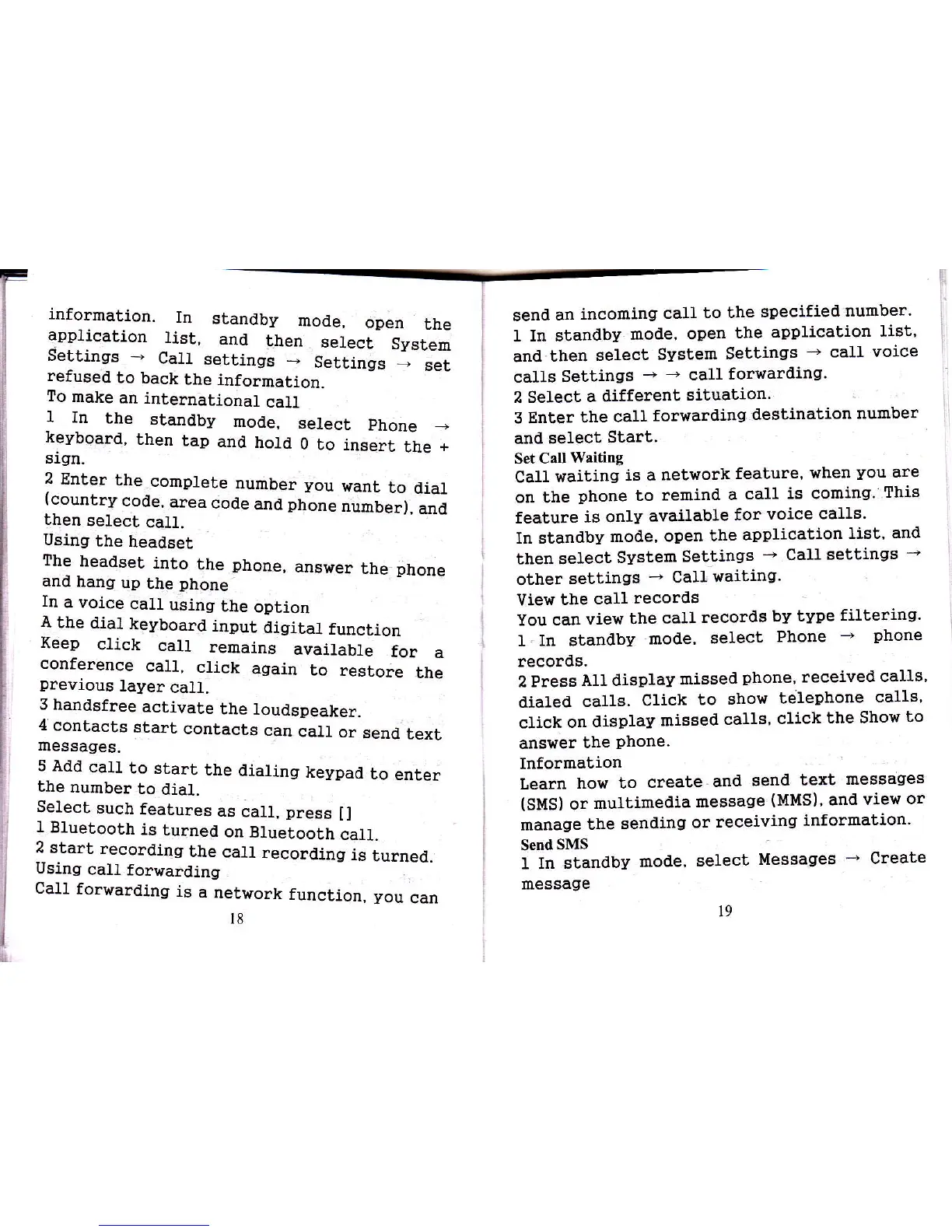
information.
In
stanalby
mode,
open
lhe
application
list,
and
then
6e1ect
System
uetttngs
-
CalI
settings
_
Settings
.-
set
refused
to
back
Lhe
information.
To
make
an
international
call
1
In
the
standby
mode,
select
phone
_
keyboard,
then
tap
anat
hold
0
to insert
the
+
sign.
2
Enter
the
complete
number you
want
to
dial
(country
code,
area
code
and
phone
ril;,;;;
then
select.
ca]l.
Using
the
headset
The
headset
into
the
phone,
answer
the
phone
and
hang
up
Uhe
phone
In
a voice
call
using
the
option
A
the
dial
keyboard
input
diSital
function
Xeep
click
call
remains
availabte
for
a
conference
cal1,
click
again
to
restore
the
previous
layer
call.
3
handsfree
activate
the
Ioudspeaker.
4'contacts
start
contacts
can
catl
or
send
text
messages.
5
Add
cau
to
start
the
dialing
keypaal
to
enter
the
number
to
dia1.
Select
such
features
as
caI1,
press
il
1
Bluetooth
is
turned
on
Bluetooth
call.
2
start
recording
the
call
recoraling
is
turned.
Using
calt
forwaraling
Call
forrrarding
is
a
network
function, you
can
senal
an
incominqr
call
to the
Epecified
number.
I In suandby
moale,
open
lhe
application
list'
anal
then
select
Svstem
Settings
+
call
voice
calls
Settinqs
+ +
call
forwarding.
2
Select
a different
situation'
3 Enter
the
call
forwarding
destination
number
and select
Start.
Set Ca[
Waiting
Call
waiting
is a
network
feature,
when
you
are
on bhe
phone
to
remind
a
call
is coming.
ThiE
feature
is only
available
for
voice
ca118.
In stanalby
mode,
open
the
application
list.
and
then select
System
Settings
-
Callsettillgs
-
other
settings
-
Ca}}
waiting.
View
the
eall
records
You can
view
the call
records
by
type
filtering'
1. In standbv
mode,
select
Phone
+
phone
records.
2 Press
All display
rnissed
phone'
received
calls'
dialeal
calls.
Click
to
show
teiepholre
calls'
click
on
alisplay
missed
calls'
click
the Show
to
answer
the
phone.
Information
Learn
how to
create
and
send
text
messages
(SMS)
or
multimedia
message
(MMS)'
and
view
or
manage
the
senaling
or
receiving
information'
Send
SMS
I In
standby
mode,
select
Messages
-
Create
message
18
l9