EasyManua.ls Logo

Samsung Android phone - Sending MMS; View SMS or MMS; Camera

Samsung Android phone
17 pages
Print Icon
To Next Page IconTo Next Page
To Previous Page IconTo Previous Page
Loading...
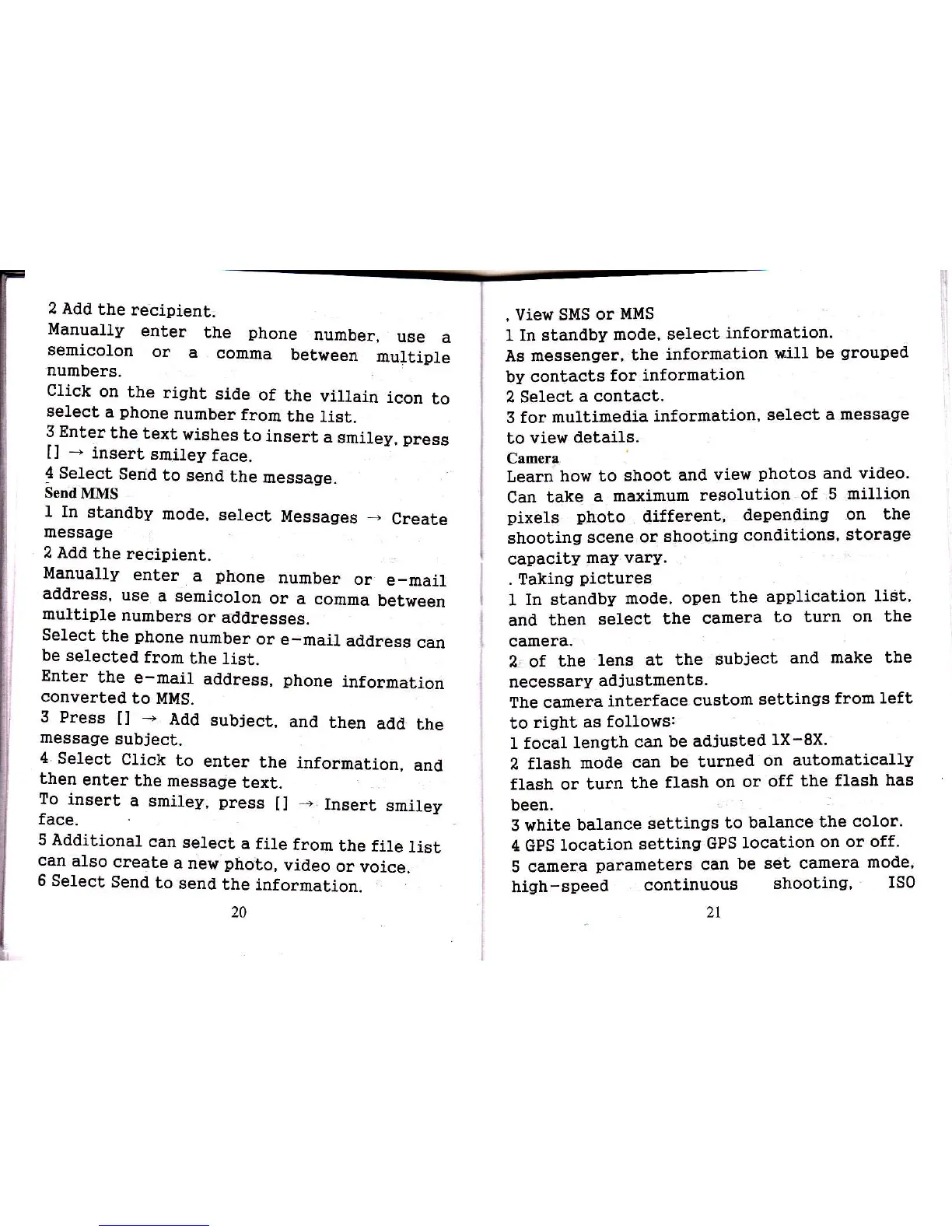
2 Add
the
recipient.
Manually
enter
the
phone
number,
use
a
semicolon
or
a
comma
betlreen
multiple
numbers-
Click
on
the
right
side
of
the
viltain
icon
to
select
a
phone
number
from
the
1ist.
3 Enter
the
text
wishes
to
insert
a
smiley,
press
[]
-
inser!
smi]ey
face.
4
Select
Send
to
send
the
message.
Send
MMS
I In
standby
mode,
select
Messages
+
Create
message
2 Add
the
recipient.
Manually
enter
a
phone
number
or
e_mail
address,
use
a semicolon
or
a comma
between
multiple
numbers
or addresses.
Se1ect
the
phone
number
or
e-mail
address
can
be selected
from
the list.
Enter
the
e-mail
address,
phone
information
converled
lo MII{S.
3 Press
tl
-
Add
subiect,
and
then
add
the
message
subject.
4
Select
Click
to
enter
the
then
enter
the
message
text.
To
insert
a
smiley,
press
[]
face-
information,
and
-
Insert
smiley
5
Additional
can
select
a file
from
the
file
list
can
also
create
a new
photo,
video
or
voice.
6
Select
Send
to
send
the
information.
20
,
View SMS
or
!,IMS
1 In standby
mode,
select
information.
As messenger,
the
information
will
be
grouped
by contacts
for
infornation
2 Select
a
contact.
3 for multimedia
informalion,
select
a
message
to
view details.
Camera
Learn
how to
shoot
and
view
photos
and
video.
Can
take
a
rraximum
resolution
of 5
million
pixels
photo
different,
depending
on
the
shooting
scene.or
shootjng
conditions'
storage
capacity
may vary.
. Taking
pictures
1
In standby
mode,
open
the
application
ligt'
and
then
select
the
camera
to turn
on the
camera.
2 of the
lens
at the
subject
and
make the
necessary
adjuslments.
The camera
interface
custom
settings
frorn
left
to
right as
followsr
1 focal
length
can
be adjusted
1X-8X.
2 flash
moile
can
be turned
on automatically
flash or
turn
the
flash
or
or off
the
flash hag
been.
5 white
balance
settings
to balance
the
color.
4 GPS
location
setting
GPS
Iocation
on
or off.
5 camera
parameterg
can
be
set camera
mode,
high-speed
continuous
shooting,
ISO
2t