EasyManua.ls Logo

Samsung Android phone - Wifi; Troubleshooting

Samsung Android phone
17 pages
Print Icon
To Next Page IconTo Next Page
To Previous Page IconTo Previous Page
Loading...
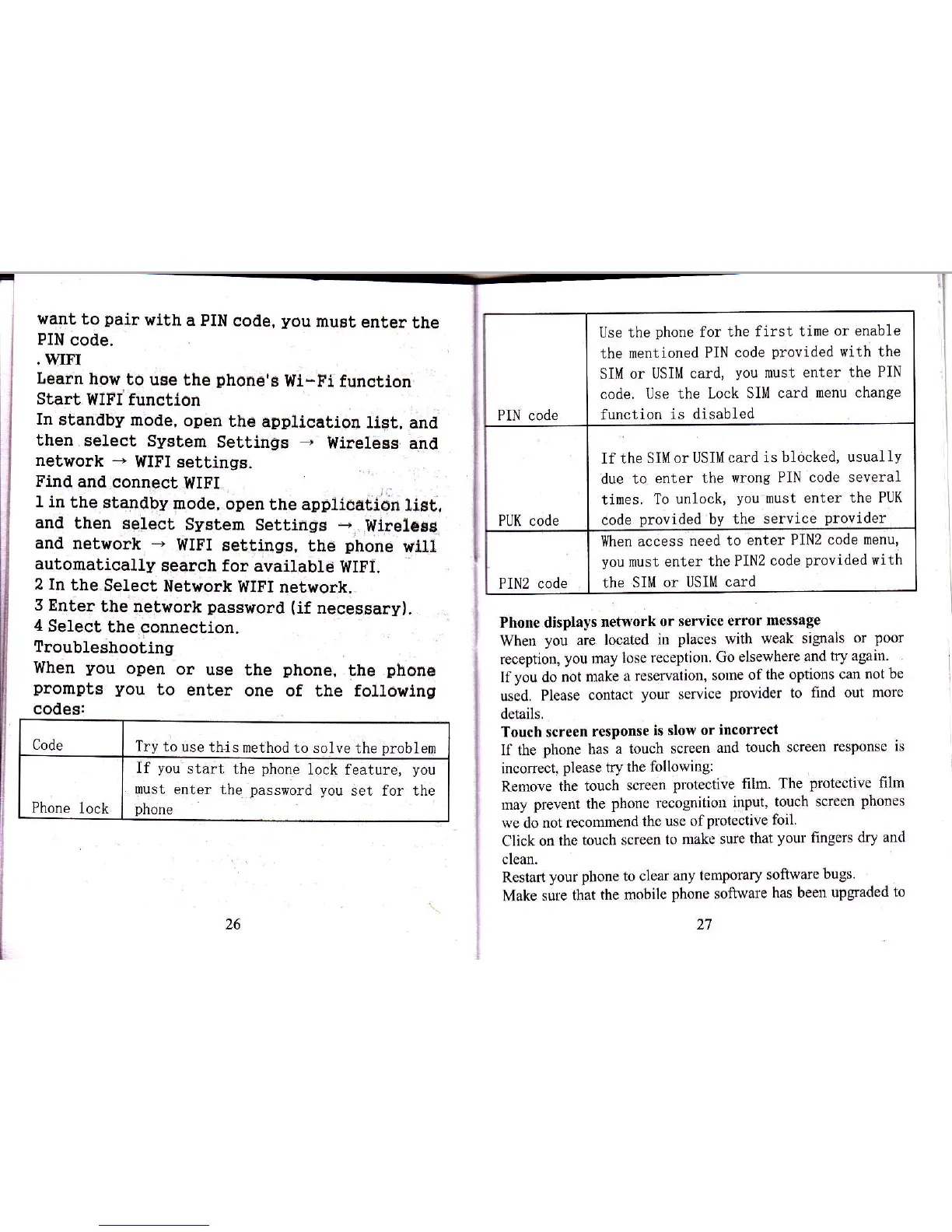
}/ant
to
pair
with
a PIN code,
you
musi
enter
the
PIN
code.
.WIr'I
Ilearn
holr.to
uEe
the
Dhone's
Wl-Fi functton
Start
WIFI function
In
stanalby
mode,
open
the
application
List,
anil
then.select
System
Settlflgs
-
Wirelegg
alrd
network
*
WIFI
settings.
Find
anal
connect
WIEI.
I
1 in
the standby
mode,
open
the applioation
1iat,
and
then
select
System
SettilrgE
-
Wirelcgg
and
network
*
WIFI
settingE,
the
phone
wlll
automatically
search for
available
WIFI.
2
In
the Select
Network
WIFI network.,
3
Enter
the network
password (if
necessary).
4
Select
the connection.
Troubleshooting
Vilhen
you
open
or
use
the
phone,
the
phon€
promptE
you
to
enter
one of
the
fouowing
codes:
Code
I
Try to use
thi s
method I o
solve the
Droblem
If
you
start
the
phone
lock feature,
you
must
enter the
password you
set for the
Phone
lock
I
phone
Phone displays
network
or seroice
error
message
When
you
are
located
in
places with
weak signals or
poor
reception,
you my lose
reception.
Go
elsewhere
and try again.
Ifyou do
not make
a reseryation,
some
of
the options
cm not be
used,
Please contact
you
senice
provider
to
find out more
details,
Touch screen
response
is slow
or
incorrect
lf the
phone
has
a touch
screen
md
touch screen
response
is
incomect.
please rry
the following:
Remove the
touch
screen
protective
film. The
plotective film
my
preverl the
phone
rccognition
input,
touch screen
phones
we do not
recomend
the use of
protective foil.
Click
on thc
touch scrccn
to
make stre
that
your
flngers
dry and
clcm.
Rcst8rt
your phone to clear
any
temporary
software
bugs.
Make sure
that
the mobile
phone
software
has been
upgraded
to
PIN code
Use the
phone
for
the first time
or enable
the mentioned
PIN
code
provided
with the
SIM or
USIM card,
you
nust enter
the PIN
code. Use
the Lock
SIM card
menu change
function
is
disabled
PUK code
If the
SIM or USIM
card is
blocked, usuallv
due to
enter the wrons
PIN code several
times. To
unlock,
you
must
enter the PUK
code
provided
by
the service
provider
PIN2 code
llhen access
need to
enter PIN2 code
menu,
you
nust enter
the PIN2
code
provi.ded
with
the
SIM or
USIM card