EasyManua.ls Logo

Samsung Android phone - Accessories List; To Install the SIM Card or USIM Card and Battery

Samsung Android phone
17 pages
Print Icon
To Next Page IconTo Next Page
To Previous Page IconTo Previous Page
Loading...
country,
region,
or hardware
specifications.
Performance
issues
caused
by
thj.rd-party
applications.
Takes
no responsibility.
Performance
problems
caused
by the
user
to
edit
the
registry
settings
or
takes
no
responsibility
for incompatibility
issues.
Send
and'receive
i.nformation,
upload
anal
download,
automatic
synchronization
or the
use
of location-based
services
may
have
other
costs-
lf
you
uant
to avoid
aalditional
costs,
selecL
appropriate
data
charging
scheme.
For
Eor€ idormation, please
contact
your
service
I,rovialer-
Ptrease keep
thi.
hanrral
for
future
reference-
Ir.Hnr
Plcase
fehiriar.rith
the
icons
uaed
in
this
Danual
before
you
start
using:
A. *u.Orn,
-
ma9
hur.- themsel
ves
or
othcrs
"'
/n
\:/
CaU-ftoX - phone
or orJter
equiprnenr
rnar
be darnaged
rm
l(J
\ote
-
notc\.
usar. tipr..,,n,1..,
rnlb,r,x,i(,r
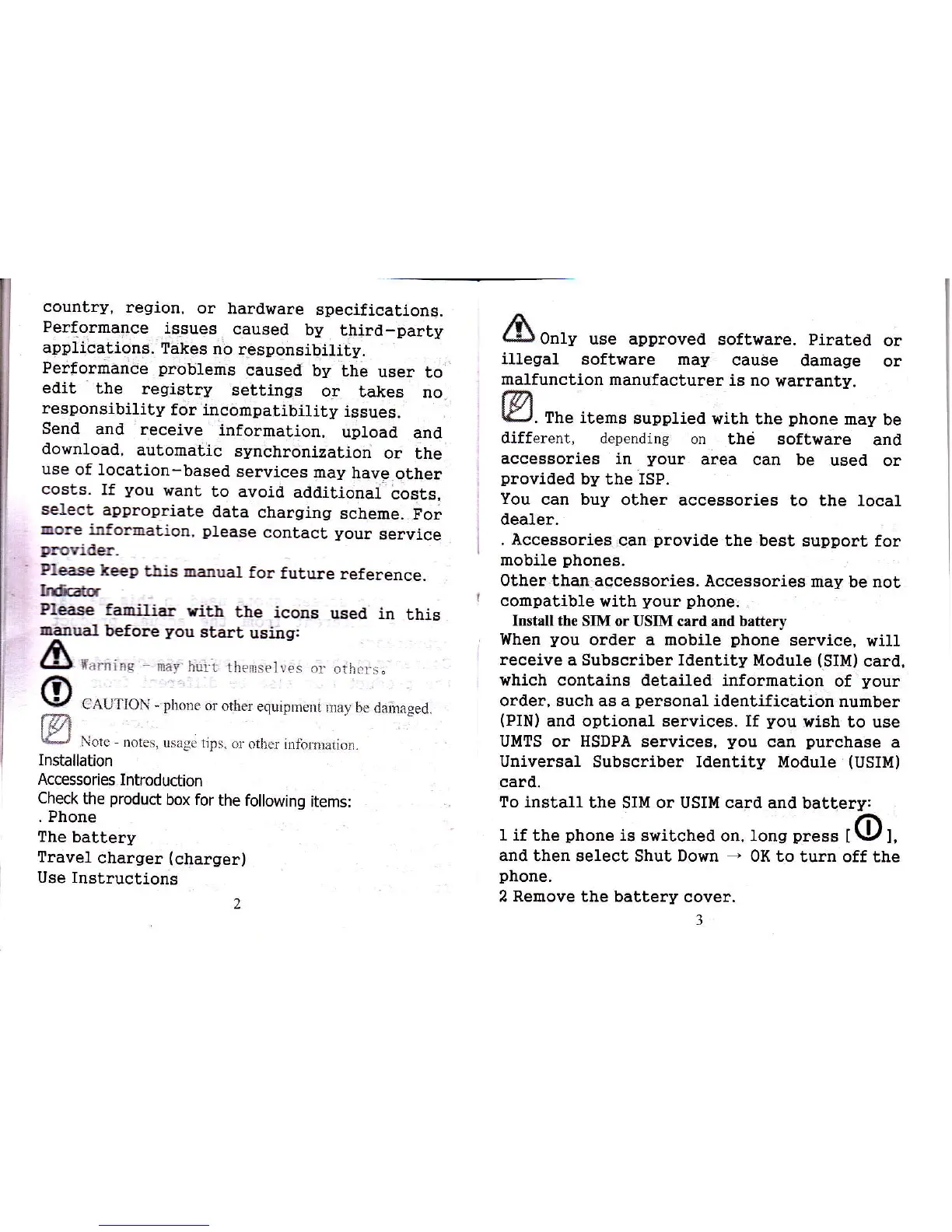
Installation
Accessories
Introduction
Check
the
product
box for
the following
items:
. Phone
The
battery
Travel
charger
(charger)
Use Instructions
2
/ft
L!)
0n1y use approved
softvirare.
Pirated
or
iUegal
software may
cause
damage
or
malfunction
manufacturer
ia no
warranty.
tm
K-.r.
The items
supplied
with the
phone
may
be
different, depending
on
the software
anal
accesgories in
your
area can be
used
or
provided
by the ISP.
You
can buy
other accessories
to the local
dealer.
. Accessories
can
provide
lhe best support
for
mobile
phones.
other thar
aacessories. Accessories
may
be
not
compatible
with
your phone.
INtall the
SIM or USIM card and battery
When
you
order a mobile
phone
service,
will
receive a Subscriber Identity
Module
(SIM)
card,
which
contains detailed information
of
your
order, such as a
personal
identification
number
(PIN)
and optional services. If
you
wish
to use
UMTS
or
HSDPA
services,
you
can
purchase
a
Universal
Subscriber Identity Module
(USIIT{)
card.
To install
the SIl.{ or USIU card
and battery:
I if the
phone
i.s
switched on, lons
press
tOl,
and then
select Shut Down
-
OK
to turn off
the
phone.
2 Remove the battery
cover.
3

Related product manuals