Media Play
Insert a Disc to the Disc tray
1. Place a disc gently into the disc slot with the
disc’s label facing up.
Playback starts automatically.
2. If playback does not start automatically,
please refer to "Accessing the AllShare Play
Screen" on pages 40~41.
| NOTE |
\
In TV view mode, the
6
button will function as Timeshift
rather than its original function, playback even if there is
a disc inserted.
\
In Home screen, the
6
button will function as playback
of multimedia content in the disc.
Insert a USB or Mobile Phone to
the USB port
You can play multimedia files located on a USB or
mobile phone.
To play contents located on your mobile phone,
the product and mobile phone should be
connected with USB cable. If your mobile phone is
DLNA compatible, you can play contents without
connecting USB cable. (See pages 41~43)
1. Connect the USB or mobile phone to the
USB port on the front panel of the product.
2. Select Videos, Photos, or Music, and then
press the
v
button.
Depending how the contents are arranged,
you will see either folders, individual files, or
both.
3. Select the desired files.
4. Press the RETURN button to exit a folder or
to return to Home screen screen.
| NOTE |
\
You must remove the USB storage device safely (by
Performing the "Safely Remove USB" function) in order to
prevent possible damage to the USB memory.
\
If you insert a disc when playing a USB storage device,
the device mode changes to "DVD or CD" automatically.
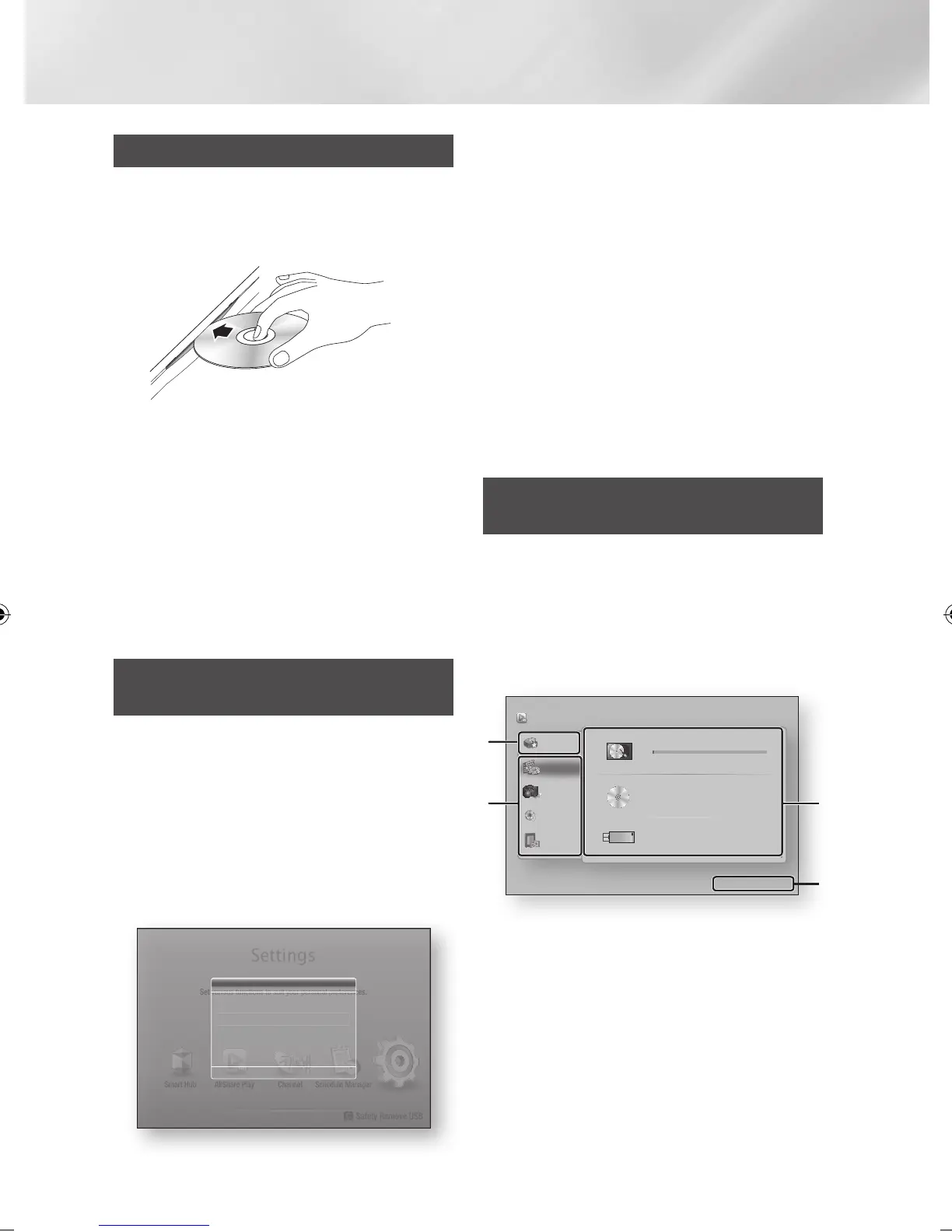
Accessing the AllShare Play
Screen
You can play content located on a disc or USB
device through the AllShare screen
1. Select AllShare Play on the Home screen,
and then press the
v
button.
2. Select the desired contents, and then select
the desired device.
My List
Videos
Photos
Music
Recorded TV
685.85MB/926.06GB
No Disc inserted.
There is no device connected.
HDD
Disc
USB
AllShare Play
/ Videos /
a
Login
'
Return
1
2 3
4
Smart Hub ChannelAllShare Play
Set various functions to suit your personal preferences.
c
Safety Remove USB
Schedule Manager
Settings
"
Enter
'
Return
New device connected.
m80
Videos
Photos
Music
|
40 English
02230J-BD-E8900-EN-ENG.indd 40 2012-04-13 오후 2:53:23



 To Next Page