English _9
● GETTING STARTED
getting started
BEFORE READING THE USER’S MANUAL
Make sure to check the following terms before reading the user manual.
Icons that will be used in manual
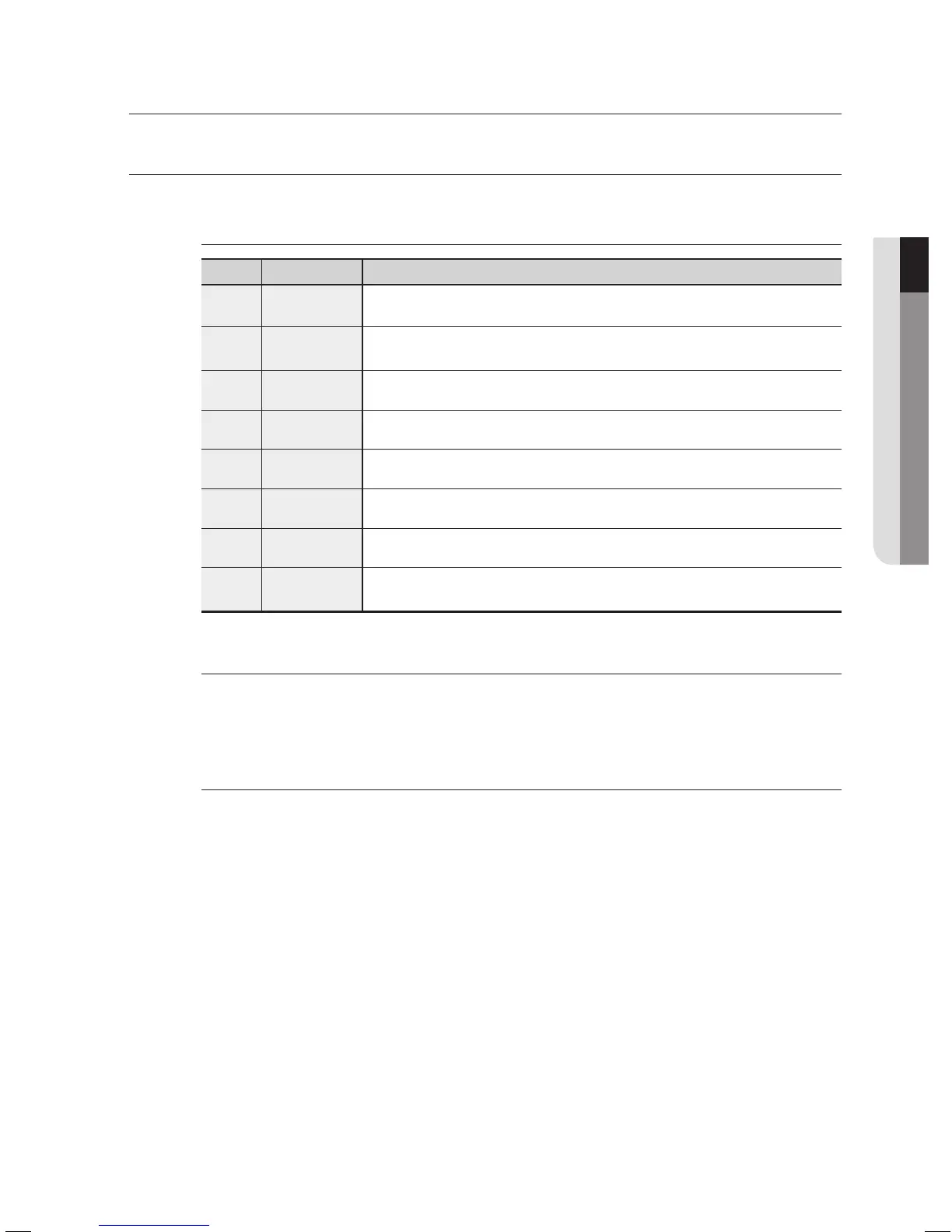
Icon Term Defi nition
h
BD-ROM This involves a function available on a BD-ROM.
Z
DVD-VIDEO
This involves a function available on DVD-Video or DVD-R/DVD-RW discs
that have been recorded and fi nalized in Video Mode.
C
DVD-RW This involves a function available on DVD-RW. (V mode and fi nalized only)
V
DVD-R This involves a function available on DVD-R. (V mode and fi nalized only)
B
Audio CD This involves a function available on a data CD (CD-R or CD-RW).
G
JPEG This involves a function available on CD-R/-RW, DVD-R/-RW discs.
A
MP3 This involves a function available on CD-R/-RW, DVD-R/-RW discs.
M
Note
This involves tips or instructions on the page that help each function
operate.
About the use of this user’s manual
Be sure to be familiar with Safety Instructions before using this product. (See pages 4~6)
If a problem occurs, check the Troubleshooting. (See pages 60~61)
Copyright
©2007 Samsung Electronics Co.,Ltd.
All rights reserved; No part or whole of this user’s manual may be reproduced or copied without the
prior written permission of Samsung Electronics Co.,Ltd.
1)
2)





 To Next Page