English _59
● VIEWING A PICTURE
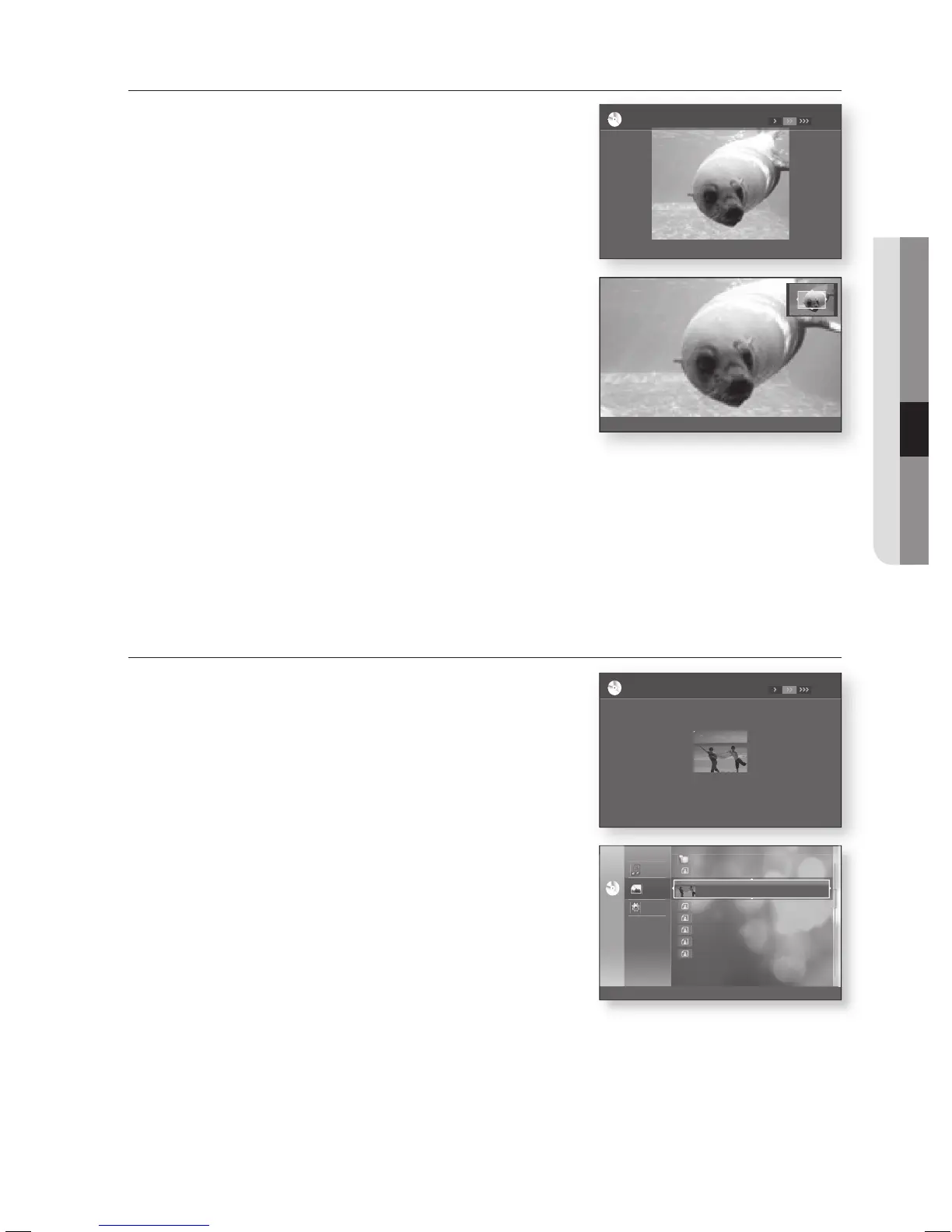
ZOOM
To setup, follow steps 1 to 3 in "Viewing a Picture" on page 58.
Press the ENTER button.
Press the YELLOW(C) button.
Use the RED(A) and GREEN(B) buttons to zoom in/out the
image.
- To stop the Zoom -
Press the YELLOW(C) button.
GO TO PHOTO LIST
To setup, follow steps 1 to 3 in "Viewing a Picture" on page
58.
Press the ENTER button.
To go Photo List, press the RETURN or STOP button.
4.
5.
6.
4.
5.
CDCD
..
KE.JPG
KE2.JPG
MBHONG.JPG
NEW_BEE.JPT
_____1_.JPG
194 KB
191 KB
30 KB
76 KB
17 KB
BEACH.JPG 27 KB
Music
Photo
Setup
d
Slide Show
10 Apr 2003
10 Apr 2003
20 Apr 2002
08 Jul 2004
18 Feb 2004
17 Feb 2004
127 KB08 Feb 2003
176.JPG
ar
90
b u
90
Zoom
d
Speed
©
Slide Show
03/07
BEACH.JPG
CDCD
ar
90
b u
90
Zoom
d
Speed
©
Slide Show
04/07
KE.JPG
CDCD
a
Zoom In
b
Zoom Out
Zoom Off
m
MOVE
x2








 To Next Page