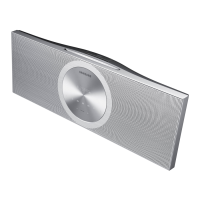
3.DisassemblyandReassembly
3.DisassemblyandReassembly
3.1.OverallDisassemblyandReassembly
CAUTION
•Becarefultofollowthedisassemblysequencedescribedinthemanual.Otherwise,theproductmaybedamaged.
•BesuretocarefullyreadandunderstandthesafetyinstructionsbeforeperforminganyworkastheICchipson
thePCBarevulnerabletostaticelectricity.
•Inordertoassemblereversetheorderofdisassembly.
DescriptionDescriptionPhoto
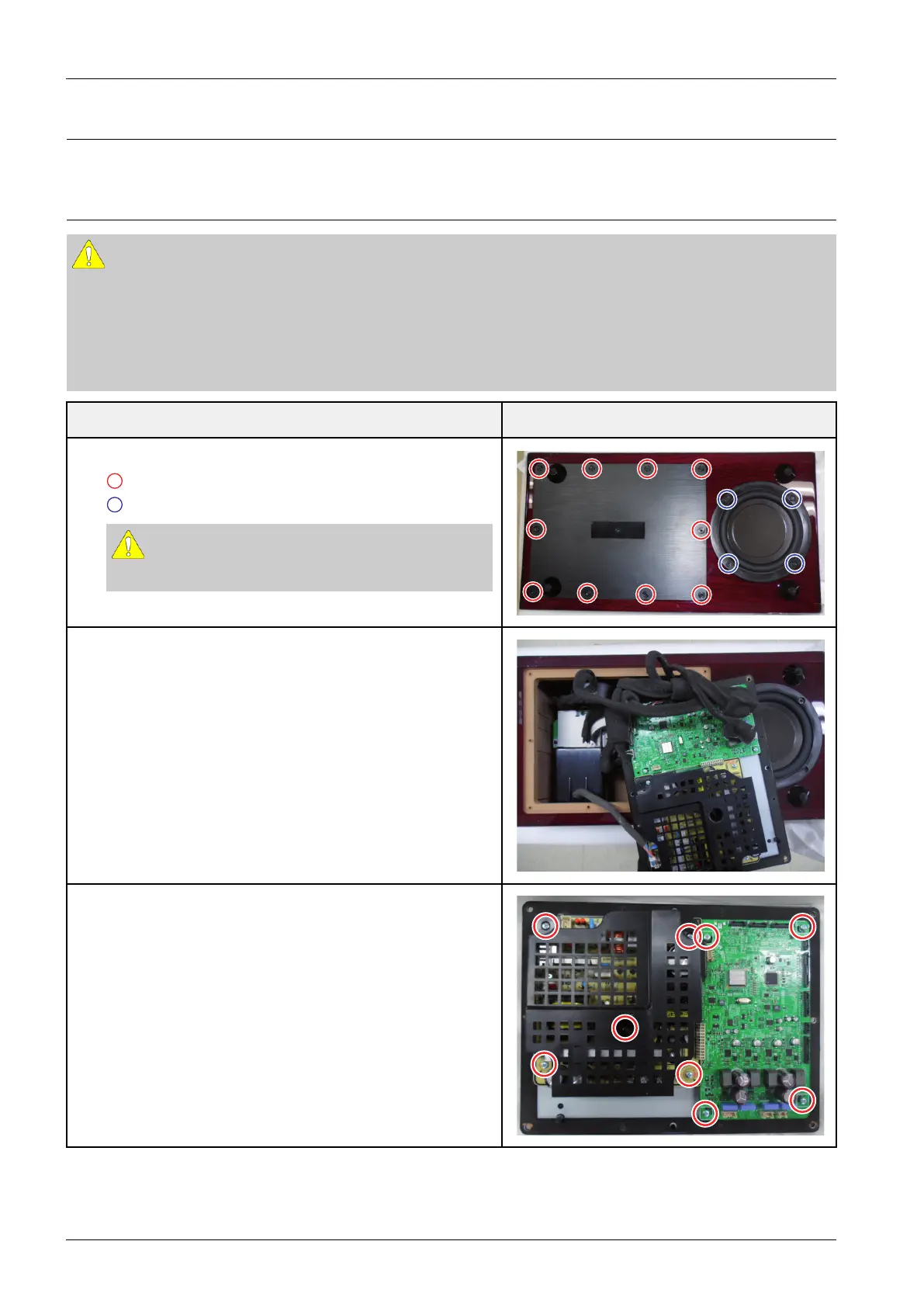
1.UnfastenTotal14screwsontheAssyCover-BottomandWoofer.
:Cover-BottomM4X16BLKHEX
:WooferM4X20BLKHEX
CAUTION
Becarefulnottomakeanyscratchesasyouremovethem.
2.ConnectedwireseparatewithAssyCover-Bottom.
3.Afterunfasten9screwsontheBracket-Bottom.
RemoveHolder-SMPS.
:M3X6SLK
3-1Copyright©1995-2012SAMSUNG.Allrightsreserved.



 To Next Page