ENG
ADVANCED
FUNCTIONS
ENG
Selecting the Audio Language
You can select a desired language quickly and easily with the AUDIO button.
Using the AUDIO button
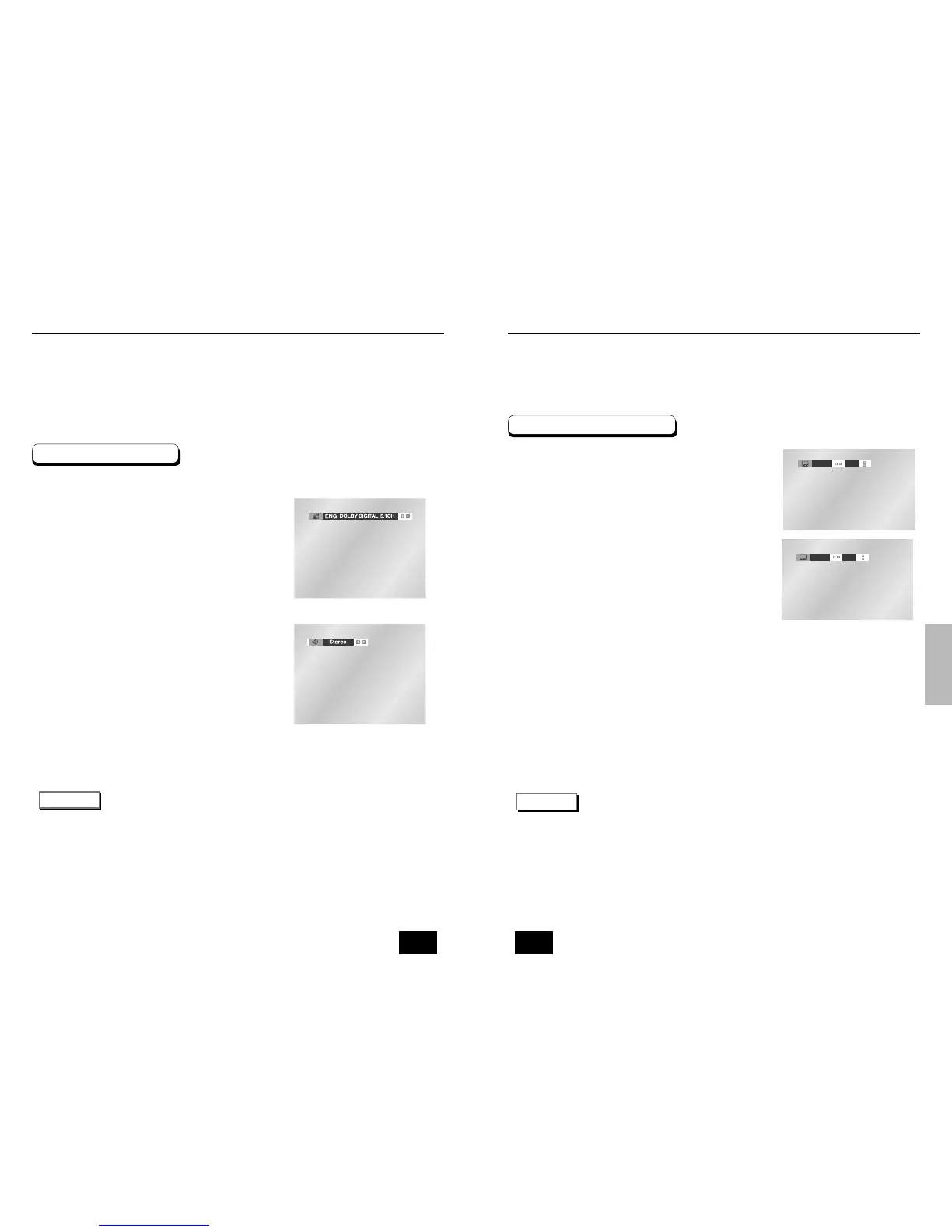
Press the AUDIO button.
Use the LEFT/RIGHT buttons to select the
desired language on a DVD.
- The audio languages are represented by abbreviations.
Use the LEFT/RIGHT buttons to select Stereo,
LEFT or RIGHT. (On VCD/CD)
NOTE
• This function depends on what languages are encoded on the disc and may not work with all DVDs.
• A DVD disc can contain up to 8 audio languages.
•
How to have the same audio language come up whenever you play a DVD;
Refer to “Setting Up the Language Features” on page 43.
DVD
VCD/CD
1
2
3
30 31
Selecting the Subtitle Language
You can select a desired subtitle quickly and easily with the SUBTITLE button.
Using the SUBTITLE button
Press the SUBTITLE button.
Use the LEFT/RIGHT buttons to select the
desired subtitle language.
Use the UP/DOWN buttons to determine
whether or not the subtitle will be displayed.
- Initially, the subtitling will not appear on screen.
- The subtitle languages are represented by abbreviations.
NOTE
• This function depends on what languages are encoded on the disc and may not work with all DVDs.
• A DVD disc can contain up to 32 subtitle languages.
•
How to have the same subtitle language come up whenever you play a DVD;
Refer to “Setting Up the Language Features” on page 43.
1
2
3



 To Next Page