KARAOKE
FUNCTIONS
42 43
Beginning Karaoke Functions
(DVD-E337K/DVD-E437K/DVD-E537K only)
Picture CD Playback
• Only files with the ".jpg" and ".JPG" extensions can be played.
• If the disc is not closed, it will take longer to start playing and not all of the recorded files may be
played.
• Only CD-R discs with JPEG files in ISO 9660 or Joliet format can be played.
• The name of the JPEG file may not be longer than 8 characters and should contain no blank spaces
or special characters (. / = +).
• Only a consecutively written multisession disc can be played. If there is a blank segment in the
multisession disc, the disc can be played only up to the blank segment.
• A maximum of 500 images can be stored on a single CD.
• Only Kodak Picture CDs can be played.
• When playing a Kodak Picture CD, only the JPEG files in the pictures folder can be played.
• Picture discs other than Kodak Picture CD may take longer to start playing or may not play at all.
• If a number of files in 1 Disc is over 500, only 500 JPEG file can be played.
• If a number of folders in 1 Disc is over 300, only JPEG files in 300 folders can be played.
CD-R JPEG Discs
Connect the Mixed Audio Out terminals with
the TV or AMP.
Connect Mic into Mic 1 or Mic 2 jack.
- When the MIC should be connected, karaoke function
can operate.
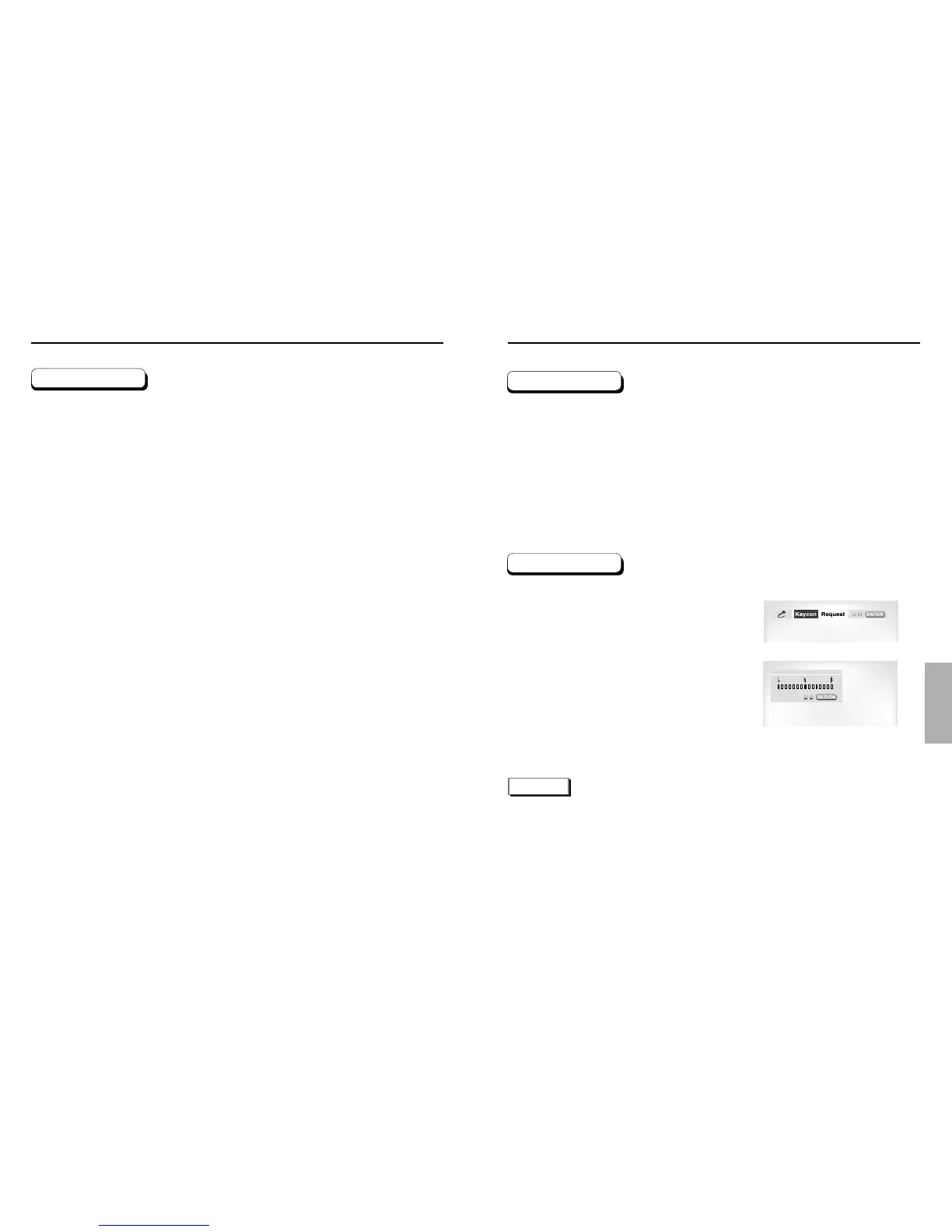
Press the KARAOKE button.
Select the "Keycon" using the LEFT/RIGHT
buttons.
By use of the LEFT/RIGHT buttons, change
to the desired tone.
: To let 7 scales down by half scale.
: Original scale.
: To let 7 scales up by half scale.
NOTE
• If you hear strange noises(squealing or howling) while using the karaoke feature, move the microphone
away from the speakers. Turning down the microphone volume or the speaker volume is also effective.
• The next music plays if performing SEARCH with SCORE displayed in the Score On MODE for CD or
VCD.
• When playing MP3 disc, MIC & Karaoke functions are not operate.
• When playing LPCM disc, karaoke functions are not operate.
• When the MIC is connected, Digital Out does not work.
Operation Sequence
Key Control
1
2
1
2
3



 To Next Page