SETUP
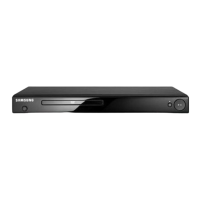
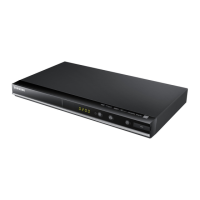
Description-Front Panel
8 9
Description-Front Panel
1
6
789101112
DVD-E137B
DVD-E437K/DVD-E537K
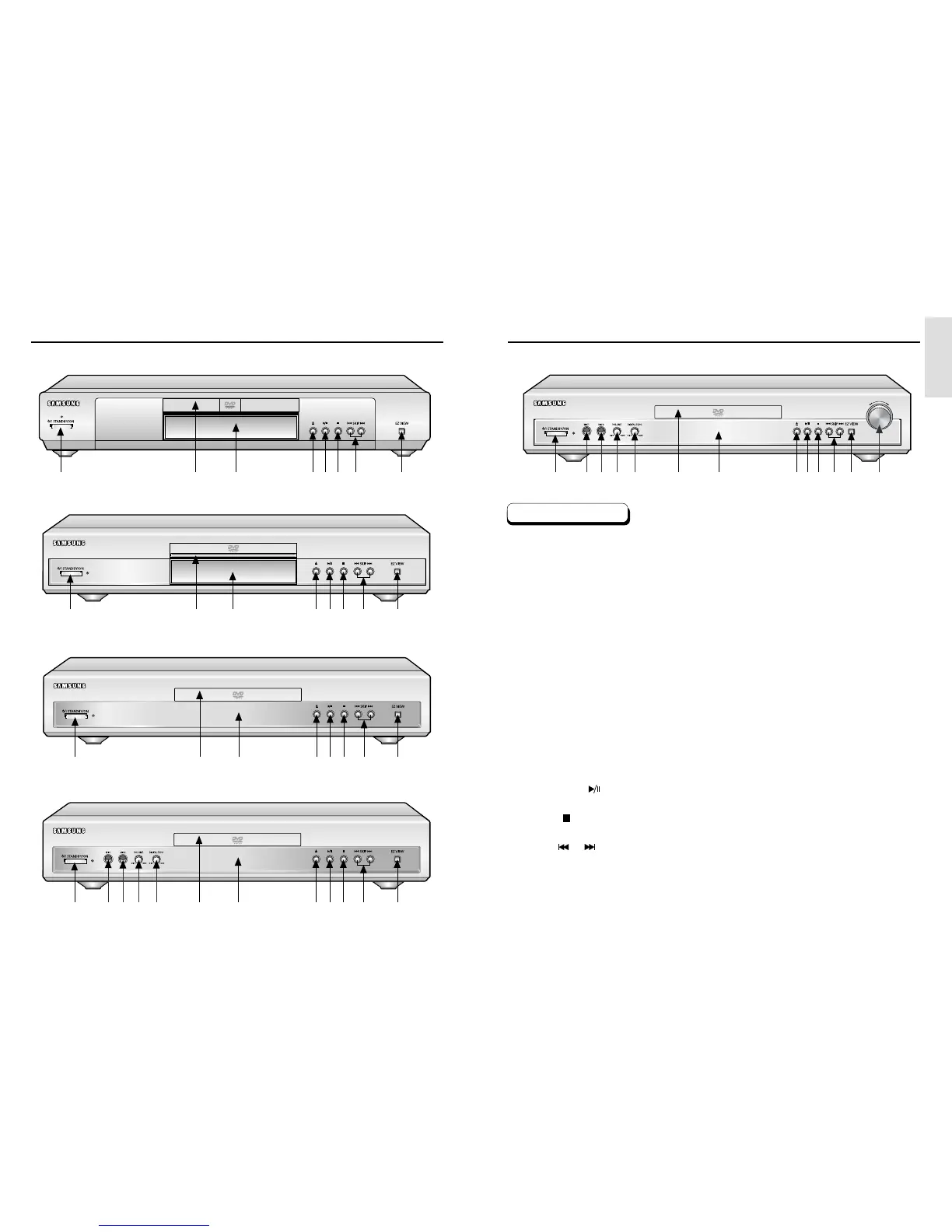
Front Panel Controls
1. STANDBY/ON
• When the unit is first plugged in, the indicator lights. When STANDBY/ON is pressed on again,
the light goes out and the player is turned on.
2. MIC 1
• Connect microphone 1 for Karaoke functions.
3. MIC 2
• Connect microphone 2 for Karaoke functions.
4. VOLUME
• Use to adjust microphone volume level.
5. DIGITAL ECHO
• Use to adjust echo delay.
6. DISC TRAY
• Load the disc here.
7. DISPLAY
• Operation indicators are displayed here.
8. OPEN/CLOSE
• Press to open and close the disc tray.
9. PLAY/PAUSE ( )
• Begin or pause disc play.
10. STOP ( )
• Stops disc play.
11. SKIP ( / )
• Use to skip a scene or music.
12. EZ VIEW
• Easy View can convert Letter Box images to full screen viewing on your conventional TV.
13. SHUTTLE
• Use during DVD and CD play to fast forward or reverse.
1
6
7
8
9
10 11 12
DVD-E337K
1
6
2
3
45
2
3
4
5
1
6
7
8
9
10 11 12
DVD-E237
78910111213
DVD-E137A/DVD-1010
1
6
789101112



 To Next Page