SETUP
CONNECTIONS
BASIC
FUNCTIONS
ADVANCED
FUNCTIONS
KARAOKE
FUNCTIONS
CHANGING
SETUP MENU
REFERENCE
4 5
Before you start
Table of contents
If remote doesn’t operate
properly:
Open the battery cover on the back
of the remote.
Insert two AA batteries. Make sure
that the polarities (+ and -) are
aligned correctly.
Replace the battery cover.
• Check the polarity + - of the
batteries (Dry-Cell)
• Check if the batteries are drained.
• Check if remote sensor is blocked
by obstacles.
• Check if there is any fluorescent
lighting nearby.
Install Batteries in the
Remote
1
2
3
Setup
General Features ........................................................................................................6
Disc Type and Characteristics
......................................................................................
7
Description-Front Panel
................................................................................................
8
Display Indicators ....................................................................................................10
Description-Rear Panel
..............................................................................................
11
Tour of the Remote Control
........................................................................................
14
Connections
Choosing a Connection
..............................................................................................
20
Basic Functions
Playing a Disc
............................................................................................................
22
Using the Search & Skip Functions
..........................................................................
24
Using the Display Function
........................................................................................
25
Using the Disc and Title Menu ..................................................................................26
Using the Function Menu ..........................................................................................27
Repeat Play
................................................................................................................
28
Advanced Functions
Adjusting the Aspect Ratio (EZ View)
........................................................................
29
Slow Repeat play
........................................................................................................
31
Selecting the Audio Language
....................................................................................
32
Selecting the Subtitle Language
................................................................................
33
Changing the Camera Angle
......................................................................................
34
Using the Instant Replay/Skip Function
....................................................................
35
Using the Bookmark Function
....................................................................................
36
Using the Zoom & 3D Sound Functions
..........................................................................
37
MP3/WMA Play
..........................................................................................................
38
Program Play & Random Play
....................................................................................
40
Picture CD Playback
..................................................................................................
41
Karaoke Functions
Beginning Karaoke Functions ..................................................................................43
Reserving a Song ......................................................................................................44
Vocal Function ..........................................................................................................45
Changing Setup menu
Using the Setup Menu
................................................................................................
46
Setting Up the Language Features
............................................................................
47
Setting Up the Audio Options
....................................................................................
49
Surround Sound Speaker Setup
..............................................................................
50
Setting Up the Display Options
..................................................................................
51
Setting Up the Parental Control
..................................................................................
53
Controlling a TV with the remote
..............................................................................
54
Reference
Troubleshooting
..........................................................................................................
55
Specifications
..............................................................................................................
56
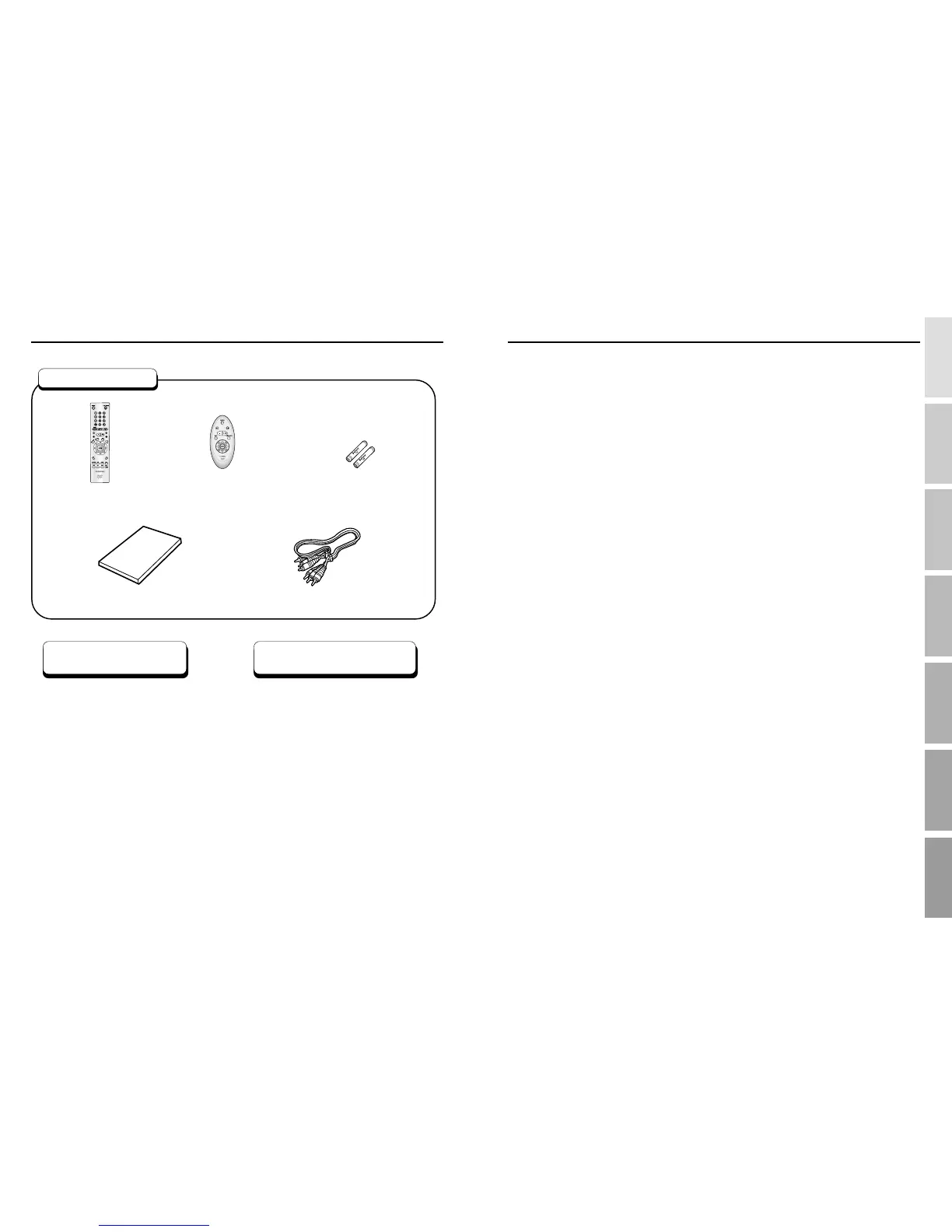
Remote Control
Batteries for
Remote Control (AA Size)
User’s Manual
Video/Audio Cable
Easy Remote Control
(DVD-E237/DVD-E337K/
DVD-E437K/DVD-E537K only)
Accessories



 To Next Page