6
Indicators used in this manual
Shooting mode Indicator
Smart Auto
T
Program
p
Aperture Priority
A
Shutter Priority
h
Manual
M
Magic Plus
g
Movie
v
Wi-Fi
w
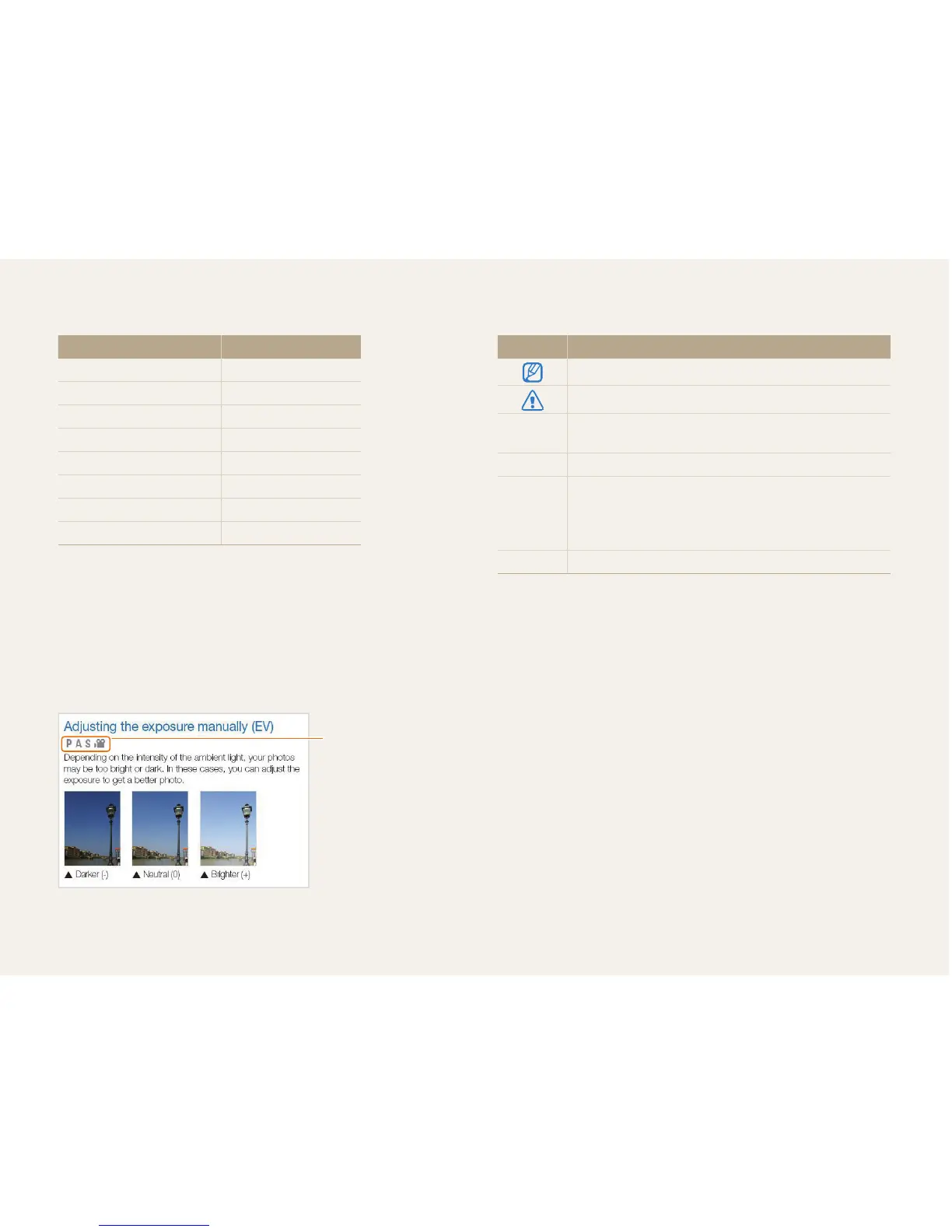
Shooting mode icons
These icons appear in the text when a function is available in a
mode. See the example below.
Note: The g mode may not support functions for all scenes or
modes.
For example:
Available in Program,
Aperture Priority,
Shutter Priority, and
Movie modes
Icons used in this manual
Icon Function
Additional information
Safety warnings and precautions
[]
Camera buttons. For example, [Shutter] represents the
shutter button.
() Page number of related information
The order of options or menus you must select to
perform a step; for example: Select Face Detection
Normal (represents Select Face Detection, and then
select Normal).
* Annotation


 To Next Page