Using the Ring
25
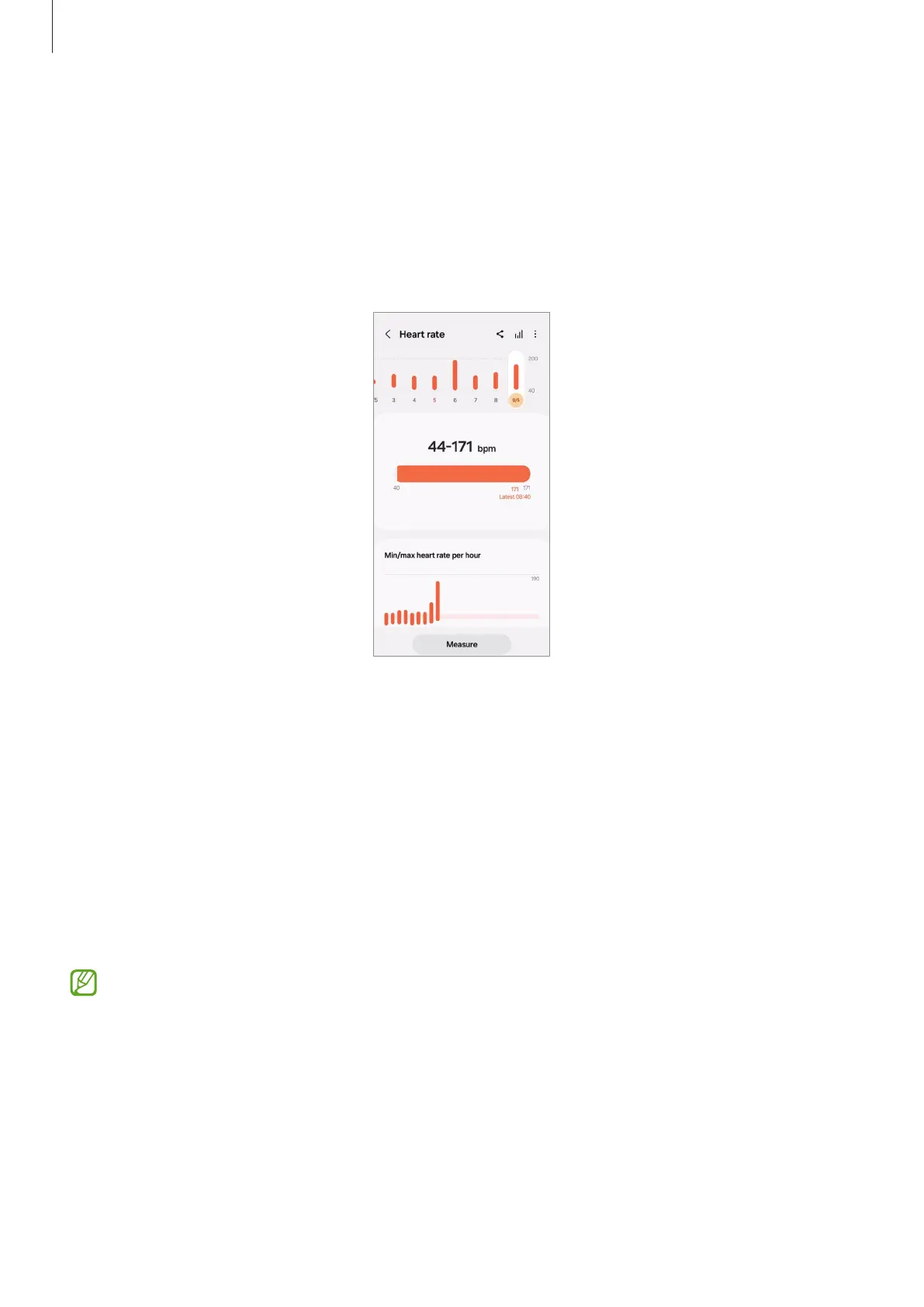
Checking your heart rate
1 On the connected phone, open the
Galaxy Wearable
app.
2 Tap
Heart rate
. The relevant screen of the Samsung Health app will appear.
Check the measured heart rate on the screen. To check all heart rate records for
today, tap
View all
.
Measuring your heart rate in the Samsung Health app
1 On the connected phone, open the
Galaxy Wearable
app.
2 Tap
Heart rate
. The relevant screen of the Samsung Health app will appear.
3 Tap
Measure
to begin measuring your heart rate.
Check the measured heart rate on the screen. You can also add a status tag to the
measured heart rate.
4 Tap
Save
to store the record.
When you wear your Ring and Galaxy Watch together and the Watch’s heart rate
feature is set to automatic measurement, you are unable to measure your heart
rate manually with the Ring.


 To Next Page