41 2C. Settings
⽧ Accessing Settings (page 41)
⽧ Wireless and Network (page 41)
⽧ Device (page 45)
⽧ Personal (page 53)
⽧ Accounts (page 66)
⽧ System (page 67)
Accessing Settings
To access Settings:
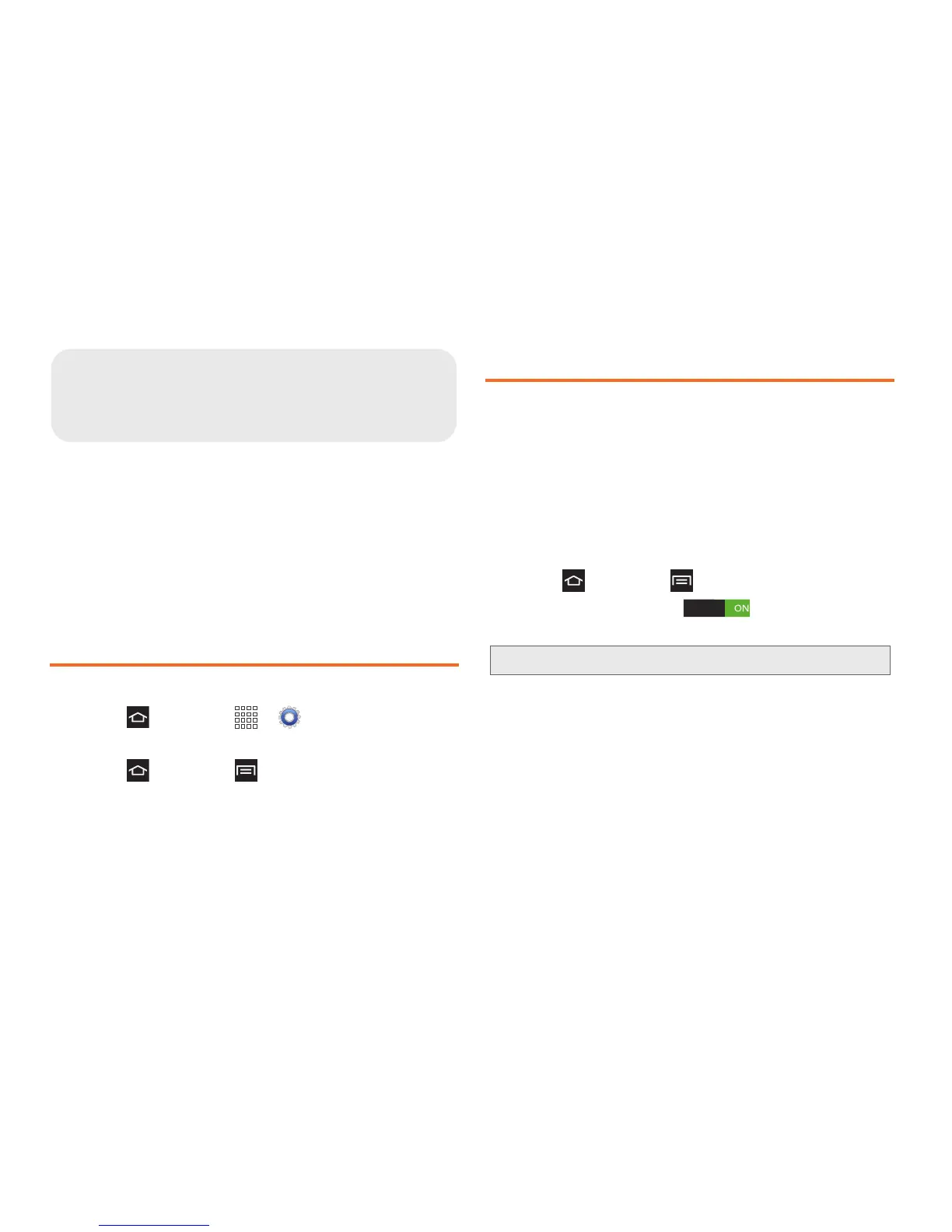
䊳 Press and touch > Settings.
– or –
Press and touch
> Settings.
Wireless and Network
Wi-Fi
Set up and manage your phone’s connections to Wi-Fi
networks.
For more information about using Wi-Fi, see “Wi-Fi” on
page 129.
Turning Wi-Fi On or Off
1. Press and touch > Settings.
2. Touch the Wi-Fi slider to turn Wi-Fi On
or Off.
Wi-Fi Direct
Wi-Fi Direct allows device-to-device connections so
you can transfer large amounts of data over a Wi-Fi
connection.
For more information about using Wi-Fi Direct,
see “Wi-Fi Direct” on page 132.




 To Next Page