2
3
Text Messaging
Your phone supports four text modes:
n
ABC mode: This mode allows you to type letters by pressing the
keys until the correct letter displays. For example, to type RUN, you
press the 7 key three times, the 8 key twice, and the 6 key twice.
n
T9
®
mode: This mode allows you
to type words with only one press
per letter. The phone predicts the
word you want. For example, to
type RUN, you press 7, 8, 6.
n
Number mode: This mode allows
you to type numbers.
n
Symbol mode: This mode allows
you to type symbols, such as
punctuation marks.
Send text messages
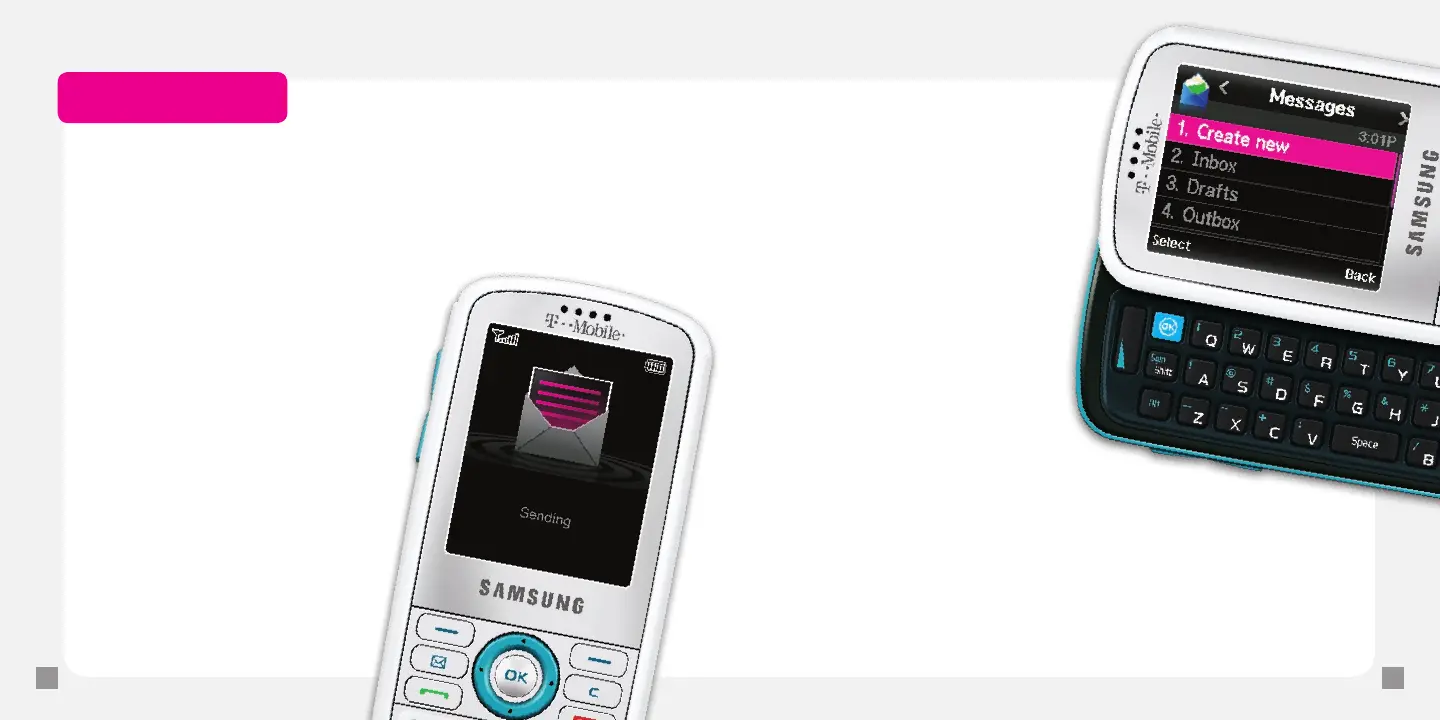
1. From the main screen, select Menu.
2. Select Messages.
3. Select Create new.
4. Select Text message.
5. Type your message.
6. Select Send to.
7. Select one of the following:
n
Recent recipients: Select the
contact (s) and select Add.
n
Phonebook: Select the
contact (s) and select Add.
n
New number: Type the
phone number and
select Add.
8. Select Send.
Read text messages
Your phone noties you when you
have a new text message. To read,
touch View. To read by going to the Menu:
1. From the main screen, select Menu.
2. Select Messages.
3. Scroll to and select Inbox.
Separate charges may apply to send/receive domestic/international text messages.







 To Next Page