Picture Messaging
Send Picture Messages
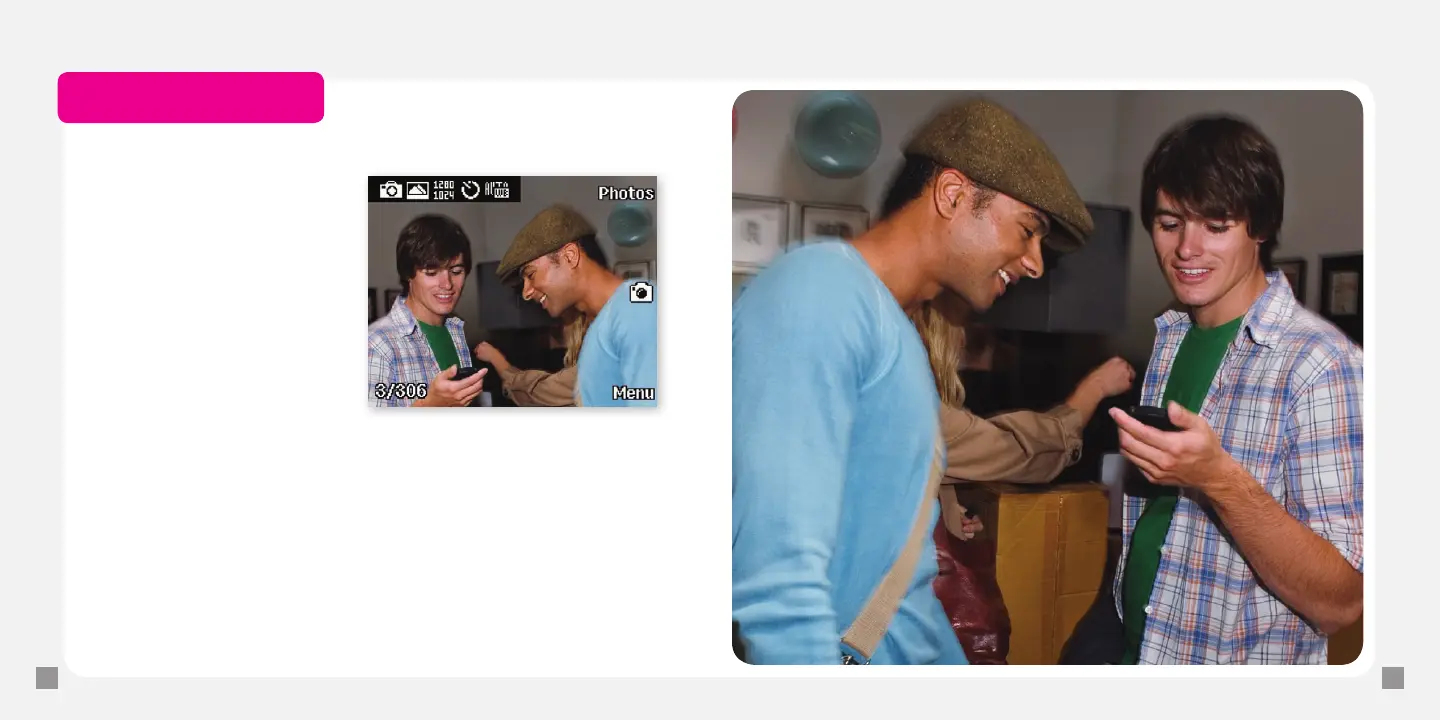
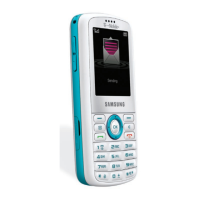
1. Press the Camera key on the
right side of the phone
to open the camera.
2. Frame the subject.
3. Press the OK key to take
the picture.
4. Select one of the following:
n
Yes to send your picture
to My Album where you
can access your pictures
online.
n
Options > Send to to send to another destination.
Select Recent recipients, Phonebook, New recipient.
Select the contact (s) or type the phone number and select Add.
5. Select Send.
Separate charges may apply to send/receive/read domestic/international picture messages.
Separate charges may apply to send/receive domestic/international picture messages.







 To Next Page