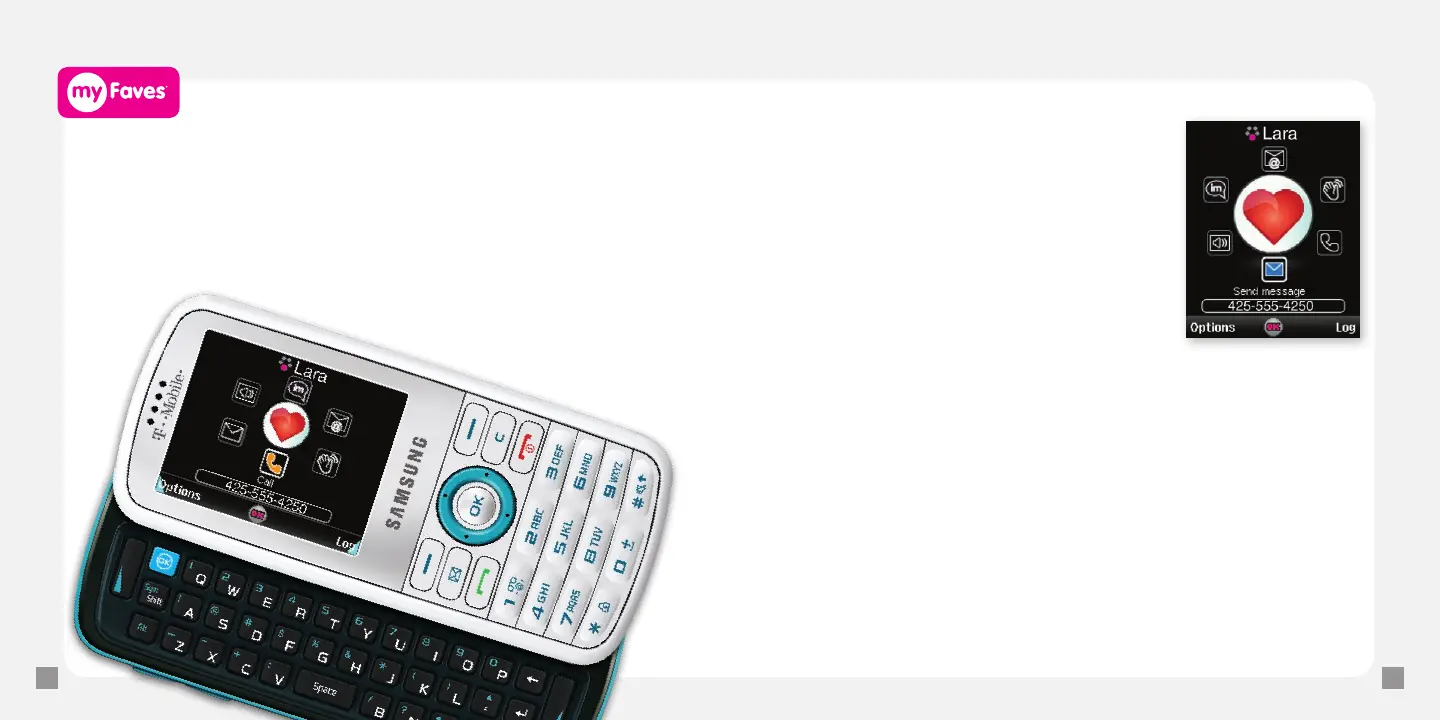
Call myFaves
®
contact
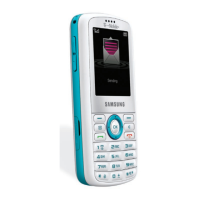
1. From the main screen, scroll to the myFaves contact.
2. Press the green Send key to call.
Send text messages
1. From the main screen, scroll to the
myFaves contact and press the OK key.
2. Scroll to and select Send message.
3. Select one of the following:
n
Tex t : Go to Step 4.
n
Picture: Select Take picture, Photos,
myFaves icons, or Downloaded images.
Take a new picture or select the picture
that you want to send.
n
Video: Select Record video, Videos, or
Downloaded videos. Record a new video
or select the video that you want to send.
4. Type your message.
5. Select Send.
Separate charges may apply to send/receive domestic/international text messages.







 To Next Page