EasyManua.ls Logo

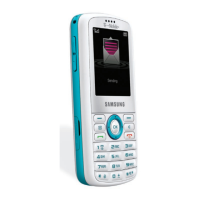
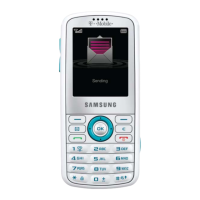
Samsung Gravity - INTRODUCING YOUR PHONE; Phone Controls and Ports; Keyboard Input Functions

Samsung Gravity
23 pages
Print Icon
To Next Page IconTo Next Page
To Previous Page IconTo Previous Page
Loading...
4
5
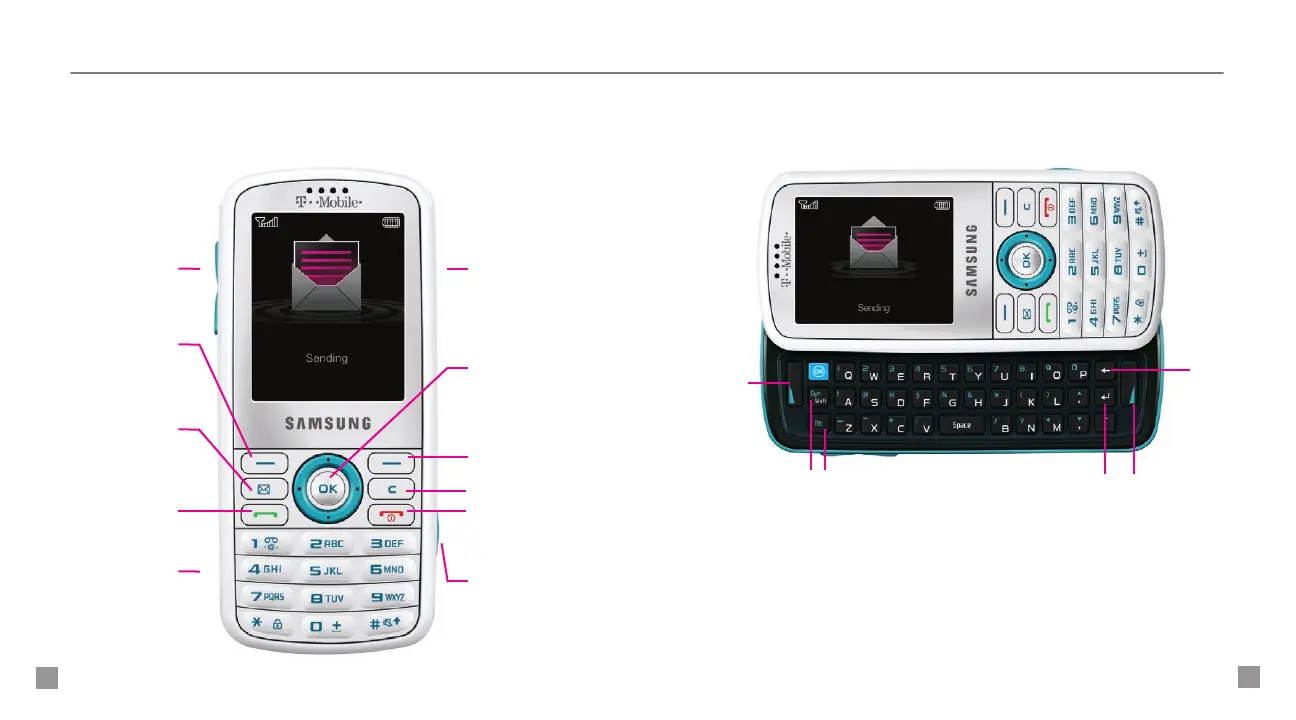
Left Soft key
Right Soft key
End key
Press to power on/off,
hang up, exit menus
Send key
Press to make
and answer calls
Clear / Back key
Messaging key
Press to assign to
a messaging tool
Volume keys Charger / headset
port
Camera key
Press to open camera
Navigation key
with Center Select
Memory
card slot
ALT key
Press to type alternate
characters for the key
Left Soft
key
Shift /
Symbol key
Press to type
capital letters.
Press ALT + this
key to access
the symbol list
Return key
Press to go to
the next line
in text entry
screen
Clear /
Back
key
Right Soft key
INTRODUCING YOUR PHONE
Samsung Gravity
TM

Related product manuals