E-mail
Your phone comes with e-mail functionality so you
can keep connected while you are on the go
with Yahoo!, AOL, and other popular e-mail
providers. Setting up e-mail on your phone
is easy—all you need to do is enter your
e-mail address and password and you will
automatically receive e-mails from your
e-mail account directly on your phone.
You can check e-mail, send, reply, and
even delete e-mails from your inbox
so you can keep in touch whenever
you want.
Sign in
1. From the main screen, select Menu.
2. Scroll to and select IM and E-mail.
3. Scroll to and select E-mail.
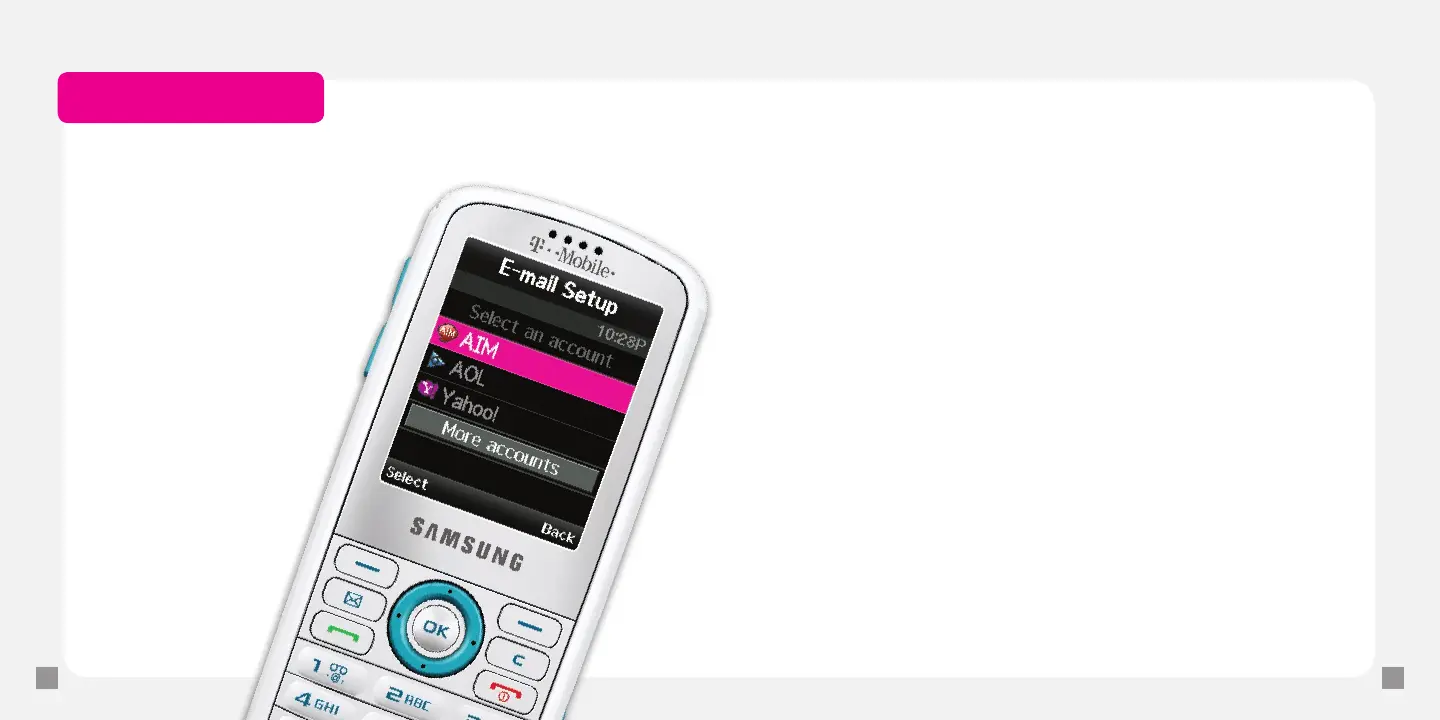
4. At the Welcome screen, select Next.
5. Select the e-mail provider.
6. If required, read the terms of use and select I Agree.
7. Type your username and password.
8. Select Sign In.
Read e-mail messages
1. From the main screen, select Menu.
2. Scroll to and select IM and E-mail.
3. Scroll to and select E-mail.
4. Select the e-mail account.
5. Sign in to your account.
6. Scroll to and select the message to read.
Separate charges may apply to send/receive/read domestic/international e-mails.







 To Next Page