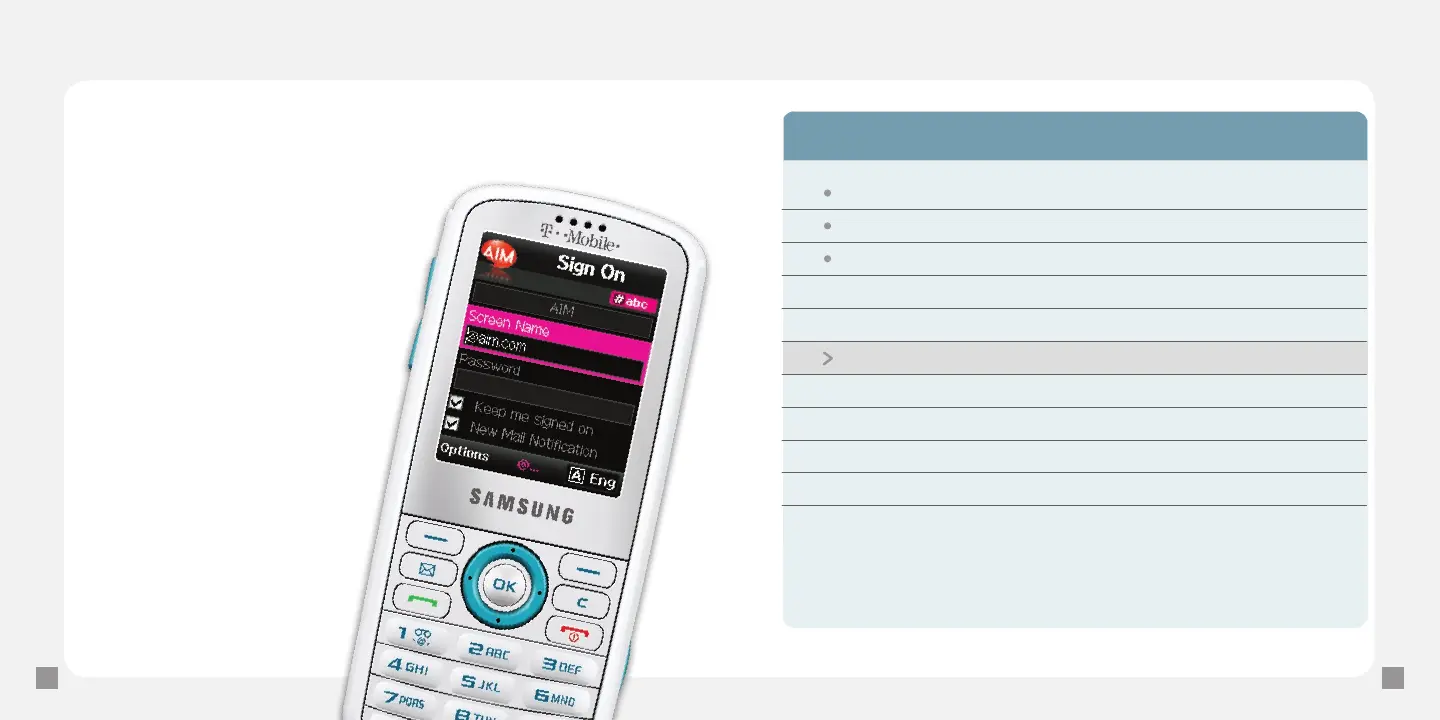
Send e-mail messages
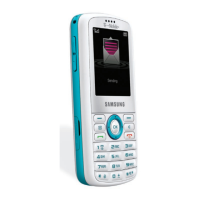
1. From the main screen, scroll to the myFaves contact
and press the OK key.
2. Scroll to and select Send e-mail.
3. Select the e-mail provider.
4. Sign in to your account to
communicate with your
myFaves contact.
Separate charges may apply to send/
receive/read domestic/international e-mails.
Wednesday, August 26
Christine Tonight? 3:22p
Jason RE: Sat May 5th 1:06p
Donna Shipping Confir... 12:28p
Erin cookie recipe 11:17a
Jay Birthday Surpris... 11:09a
William pics from this w... 10:50a
Amy Trip to PA? 10:36a
Scott book club on Fri... 10:17a
Philippe beach trip - Sat... 9:44a
Kelsey RE: copyright 8:38a
Tom State football ga... 8:02a







 To Next Page