7-43
Chapter 7 Diagnosis Modes
Quad Mode
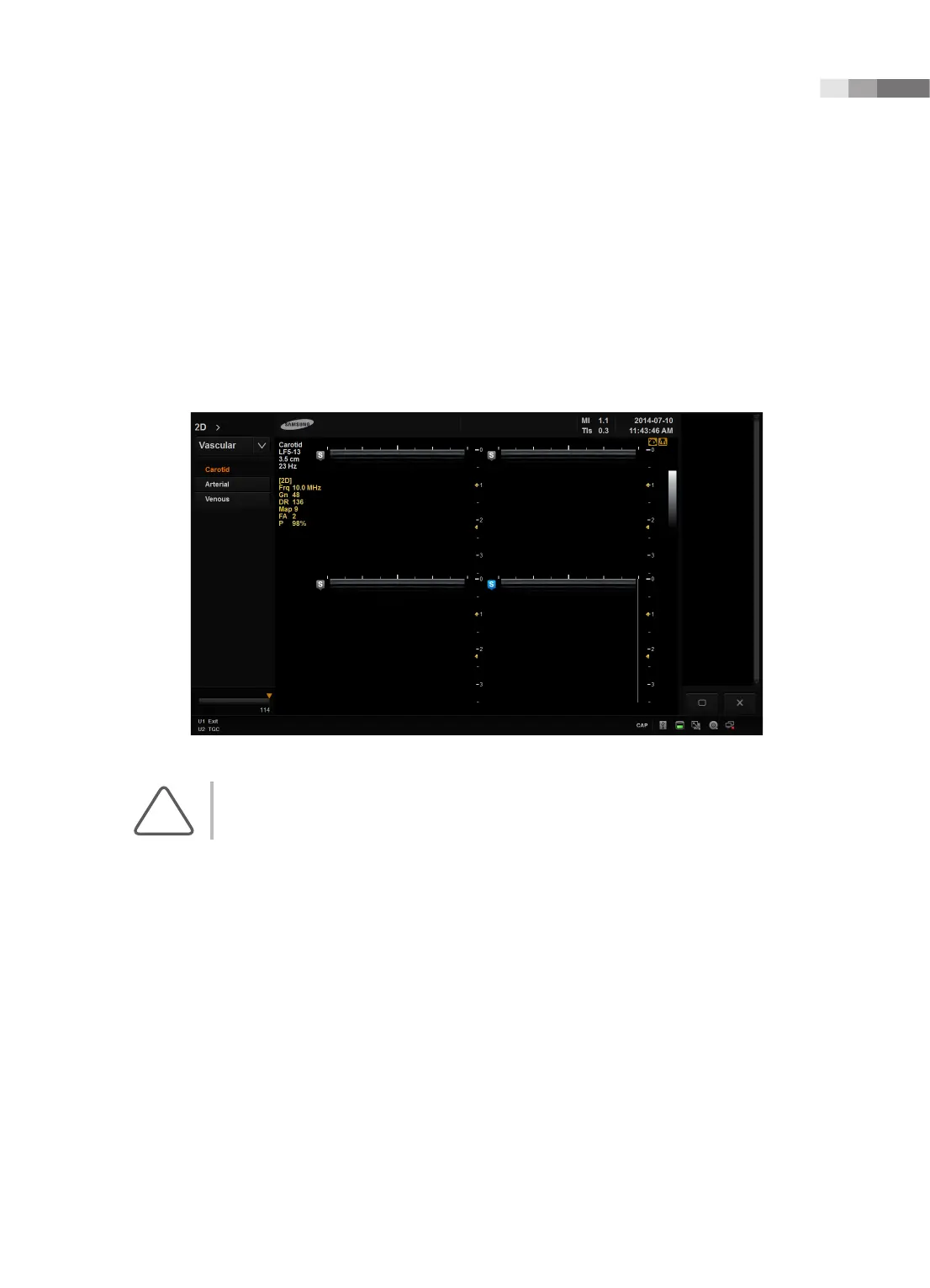
Press the Quad button on the control panel to enter Quad Mode.
You can compare four different images at the same time. Each time you tap the Quad or Set button, one
of the four images is selected. The currently active image mode is indicated by a blue marker at the top of
the image. The buttons and menu operate according to the image mode that is currently in use.
To exit Quad mode, press the Single button or the 2D dial-button on the control panel.
[Figure 7.20 Quad mode]
NOTE: For information on optimizing an image in Multi-image mode, please refer to ‘Basic Mode’.



 To Next Page