3-19
Chapter 3 Utilities
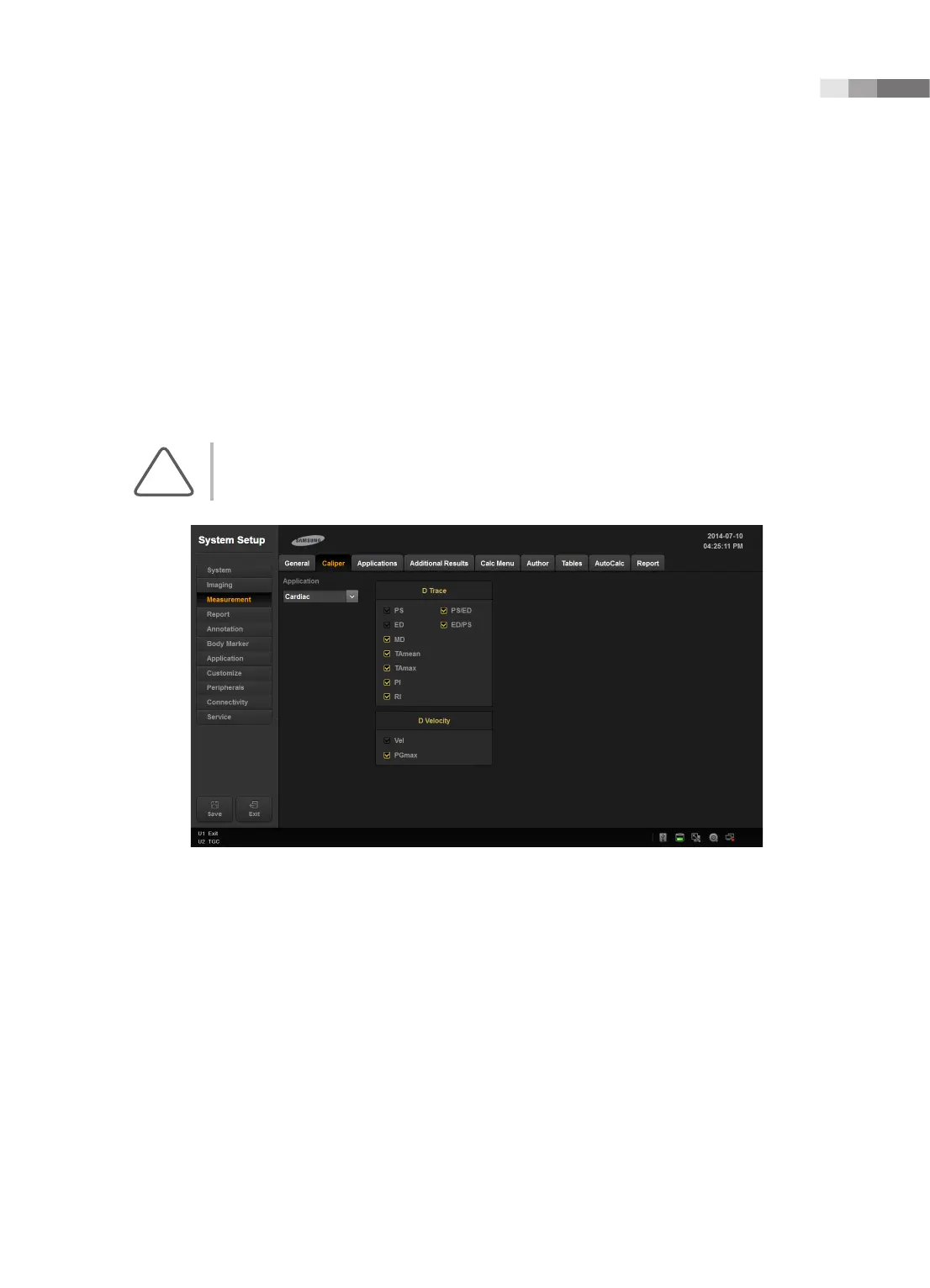
Caliper
On the Setup screen, select the Caliper tab in the Measurement category.
Specify whether additional information will be shown along with the basic measurement values, when
basic measurements are taken by pressing the control panel’s Caliper button. If this option is selected,
the additional information will also be saved and output along with the measurement results.
Setting ‘Application’ to General will change the items in ‘D Trace’. Setting ‘Application’ to Cardiac will
change the items in ‘D Trace’ and ‘D Velocity’
NOTE: ‘Cardiac’ setting can only be used when the probe preset is Cardiac.
[Figure 3.8 Setup - Measurement - Caliper]



 To Next Page