2-17
Chapter 2 Introduction
Power Connection Part
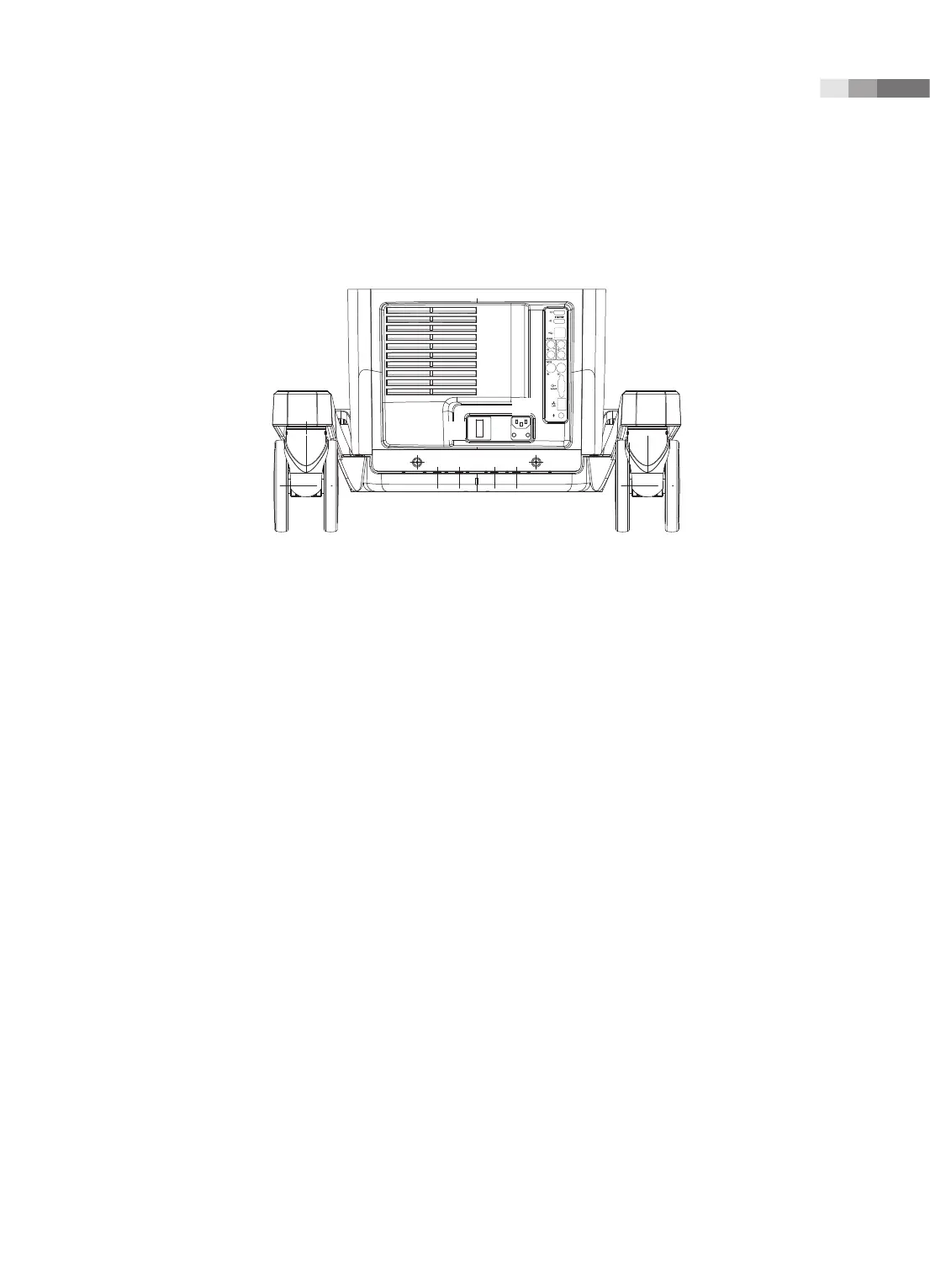
The power connection part is located at the bottom on the rear panel.
1
2
3
[Figure 2.8 Power Connection Part]
1 Power inlet: For the power cable to connect to external power
2 Power outlet: Supplies peripheral devices and external devices with power; maximum capacity is
150 VA. Open the rear cover for BW/Color Printer, and you will find the outlet terminal in the DC
power assy.
3 Power switch/breaker: Turns on the power of the product, and cuts off power if overcurrent or
overvoltage occurs.
Probe Holder
Probe holders are mounted at the left and right-hand sides of the control panel.



 To Next Page