3-11
Chapter 3 Utilities
Common
Common settings apply to all applications.
You can select multiple items. Use the trackball and the Set button to select and check or uncheck an
item.
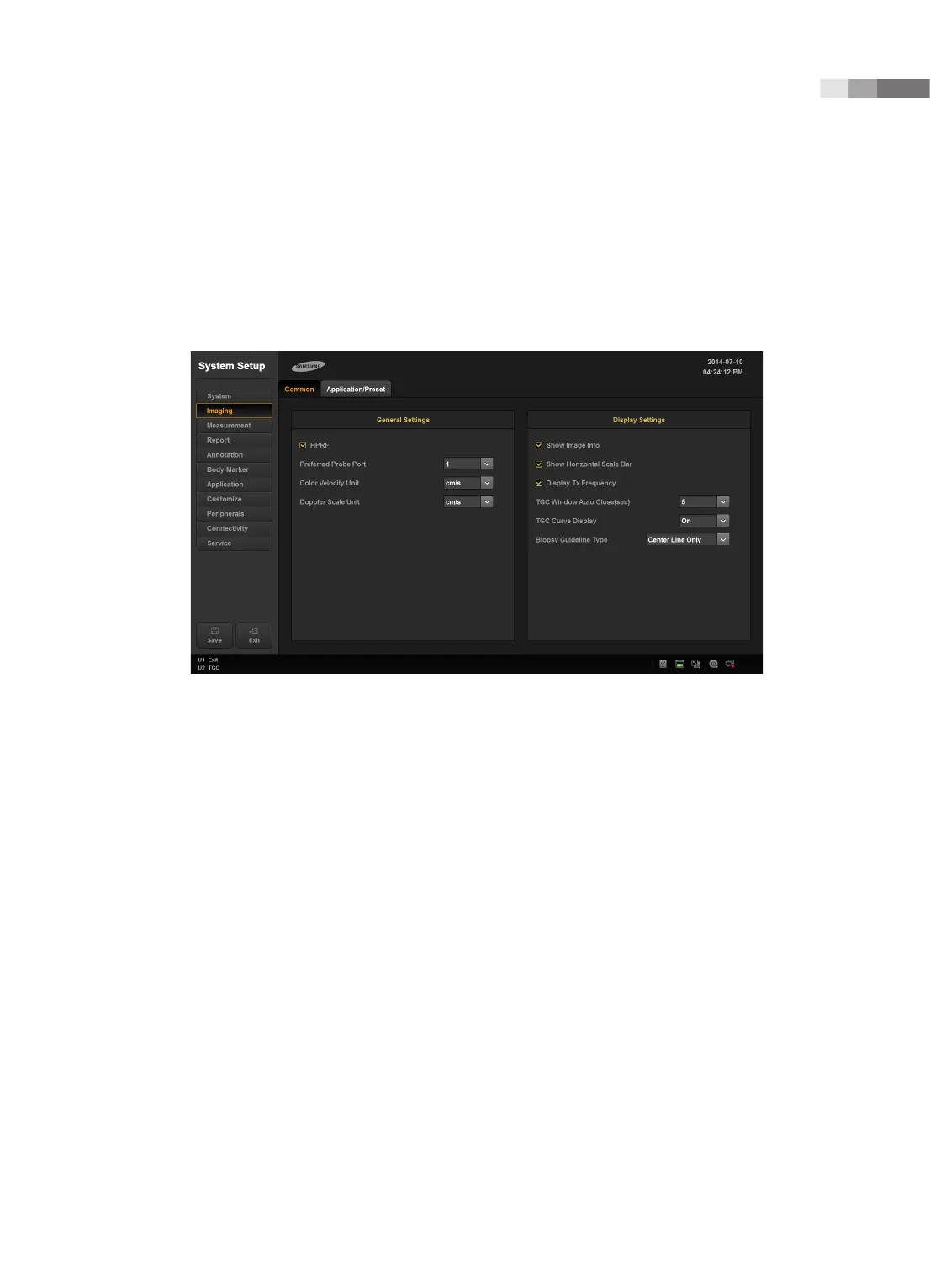
[Figure 3.5 Setup - Imaging - Common]
General Setting
HPRF
In PW Spectral Doppler mode, this detects blood flow with a velocity that exceeds the maximum
speed at the depth you want to obtain the Sample Volume from.
Preferred Probe Port
Select the Probe Port that takes the highest priority when the system starts or when you select a
probe.
Color Velocity Unit
Select the units of velocity in Color Mode.
Doppler Scale Unit
Select the units of measurement for the axis scale in Spectral Doppler Mode.



 To Next Page