3-13
Chapter 3 Utilities
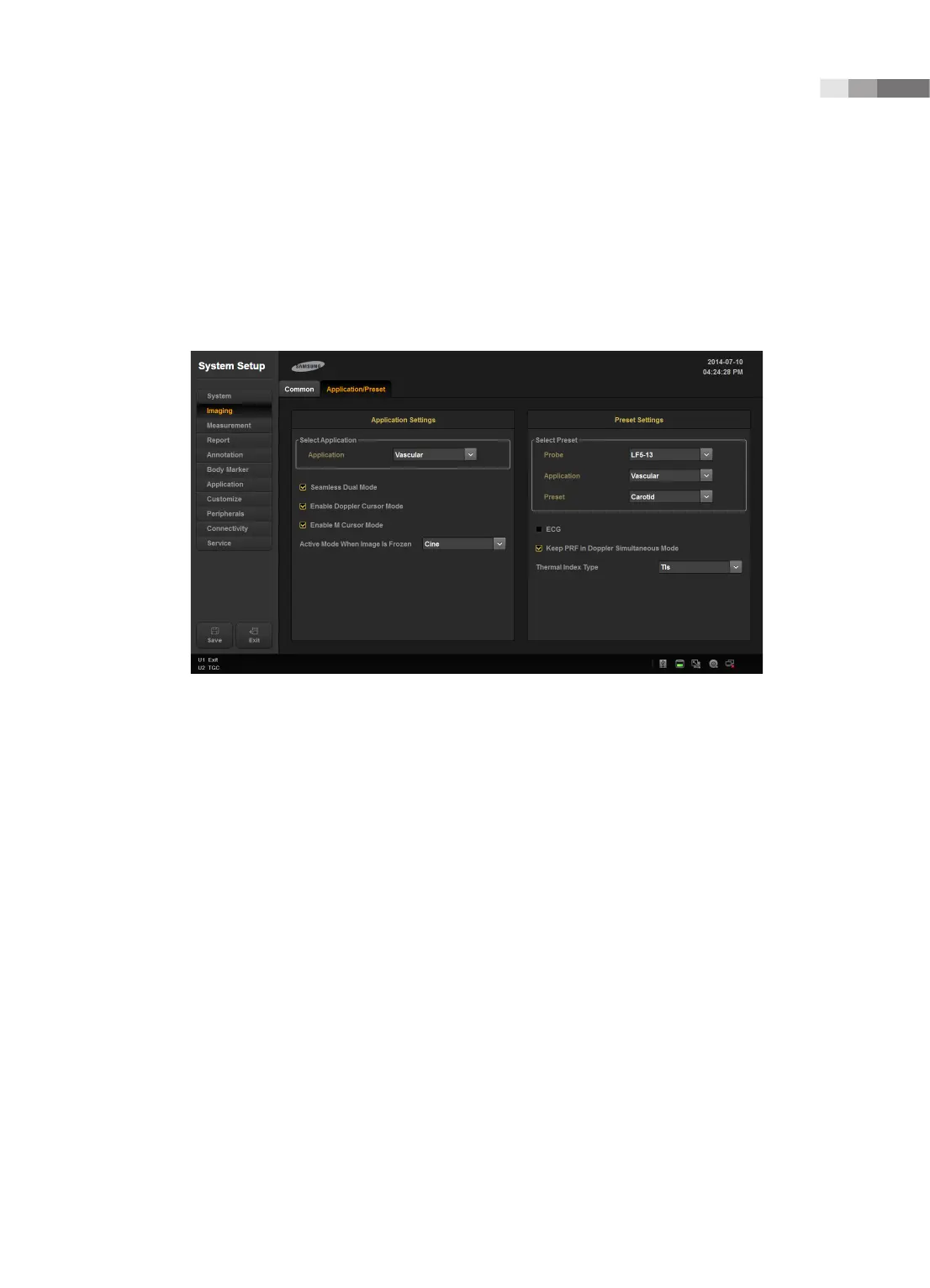
Application/Preset
These settings are applied specifically to the selected application.
You can select multiple items. Use the trackball and the Set button to select and check or uncheck an
item.
[Figure 3.6 Setup - Imaging - Application/Preset]
Application Setting
Select Application
Select the application.
Seamless Dual Mode
Select whether or not to use Seamless Dual Mode in Dual Mode.
Enable Doppler Cursor Mode
Select whether or not to enter Cursor mode before Doppler mode.
Enable M Cursor Mode
Select whether or not to enter Cursor mode before M mode.



 To Next Page