Submenu items
Normal: Standard brightness.
Bright: Brightens the LCD screen.
•
•
LCD Brightness
You can adjust the brightness of the LCD screen to compensate for ambient lighting conditions.
1. Press the MENU button.
2. Touch the "Settings
"
“LCD Brightness.”
Touch the desired submenu item.
3. To exit the menu, touch the Return (
) tab.
•
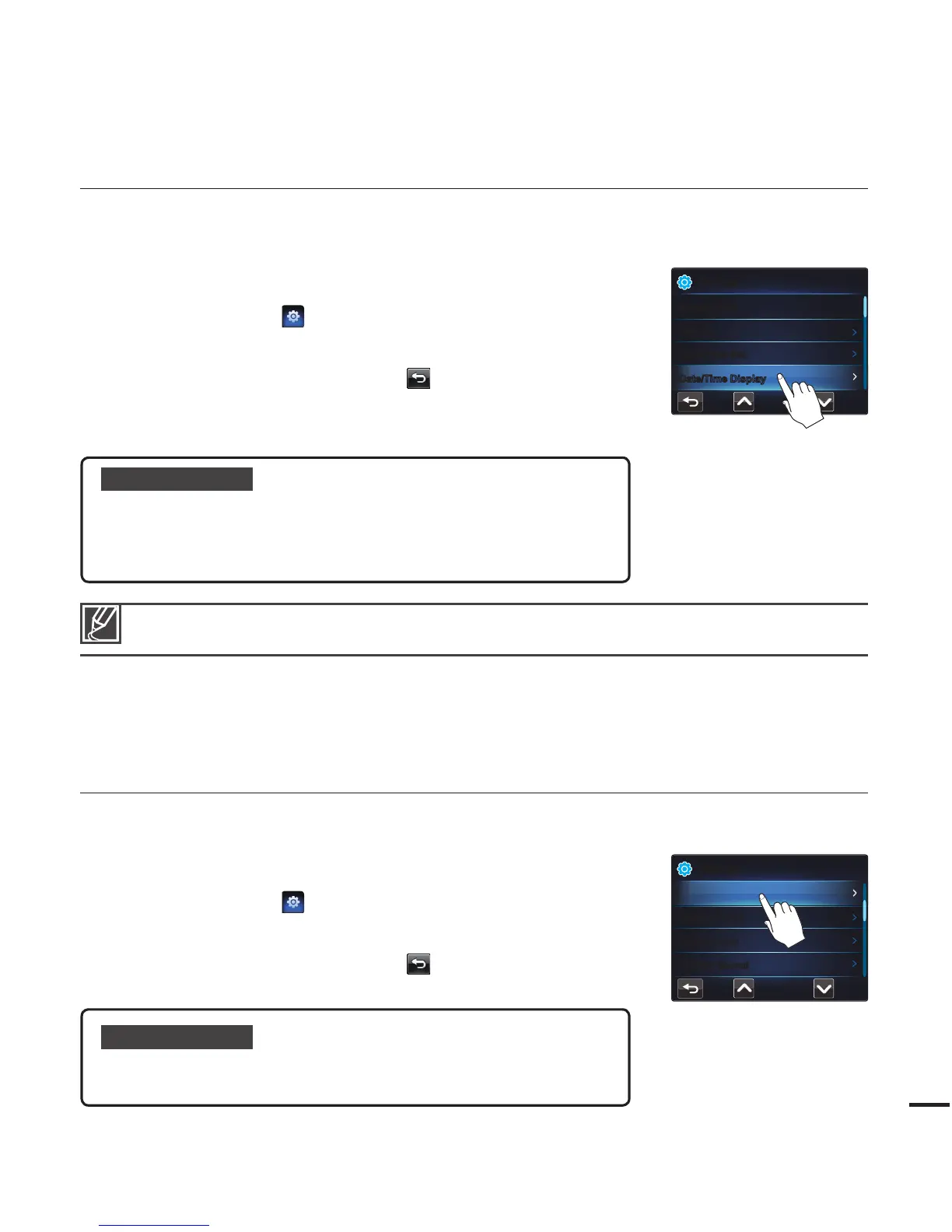
Date/Time Display
You can set the Date/Time Display function so that the date and time appear on the LCD screen. Before you
use the "Date/Time Display" function, you must set the date and time.
¬
page 25
1. Press the MENU button.
2. Touch the "Settings
"
“Date/Time Display.”
Touch the desired submenu item.
3. To exit the menu, touch the Return (
) tab.
The date/time is displayed on the LCD screen according
to the selected option.
•
•
Submenu items
Off : Current date/time information is not displayed.
Date : Displays the current date.
Time : Displays the current time.
Date & Time : Displays the current date and time.
•
•
•
•
The date/time will appear as “JAN/01/2010 12:00 AM” in the following case:
- When the built-in rechargeable battery is depleted.
Settings
Date/Time Set
Storage Info
File No.
Date/Time Display
Settings
Beep Sound
LCD Brightness
Auto LCD Off
Shutter Sound








 To Next Page