Getting Started 8
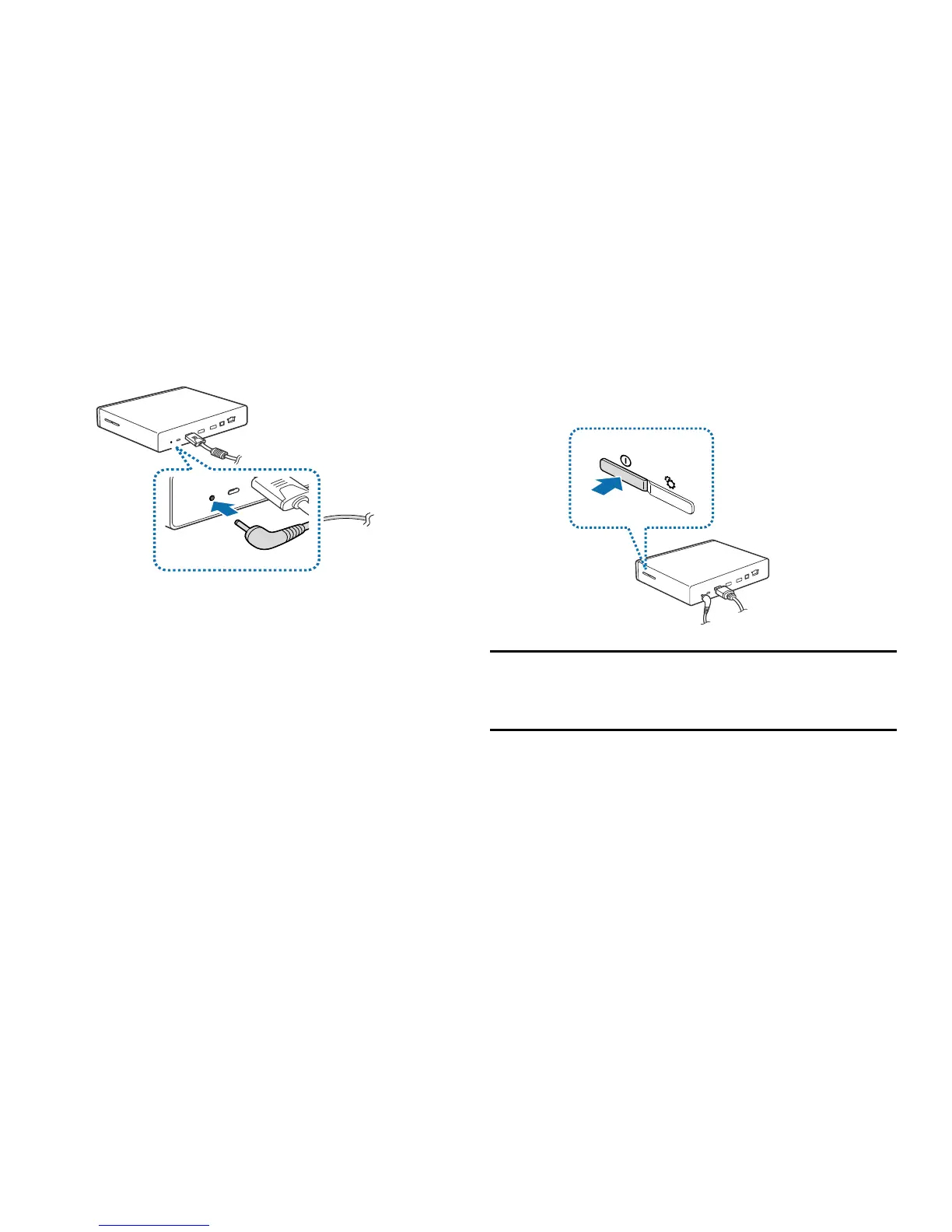
3. Connect the power adaptor to the device, and then
connect the power cord to the electrical socket.
Restarting the Device
If your device is frozen or unresponsive, press and hold the
Power button for more than 8 seconds.
Note:
Restarting may disconnect the device from your
smartphone. Connect the device to your smartphone
again with the NFC feature or the Bluetooth feature.



 To Next Page