11
Note:
The device name may be different for your device. For
more information, refer to “About Device” on page 56.
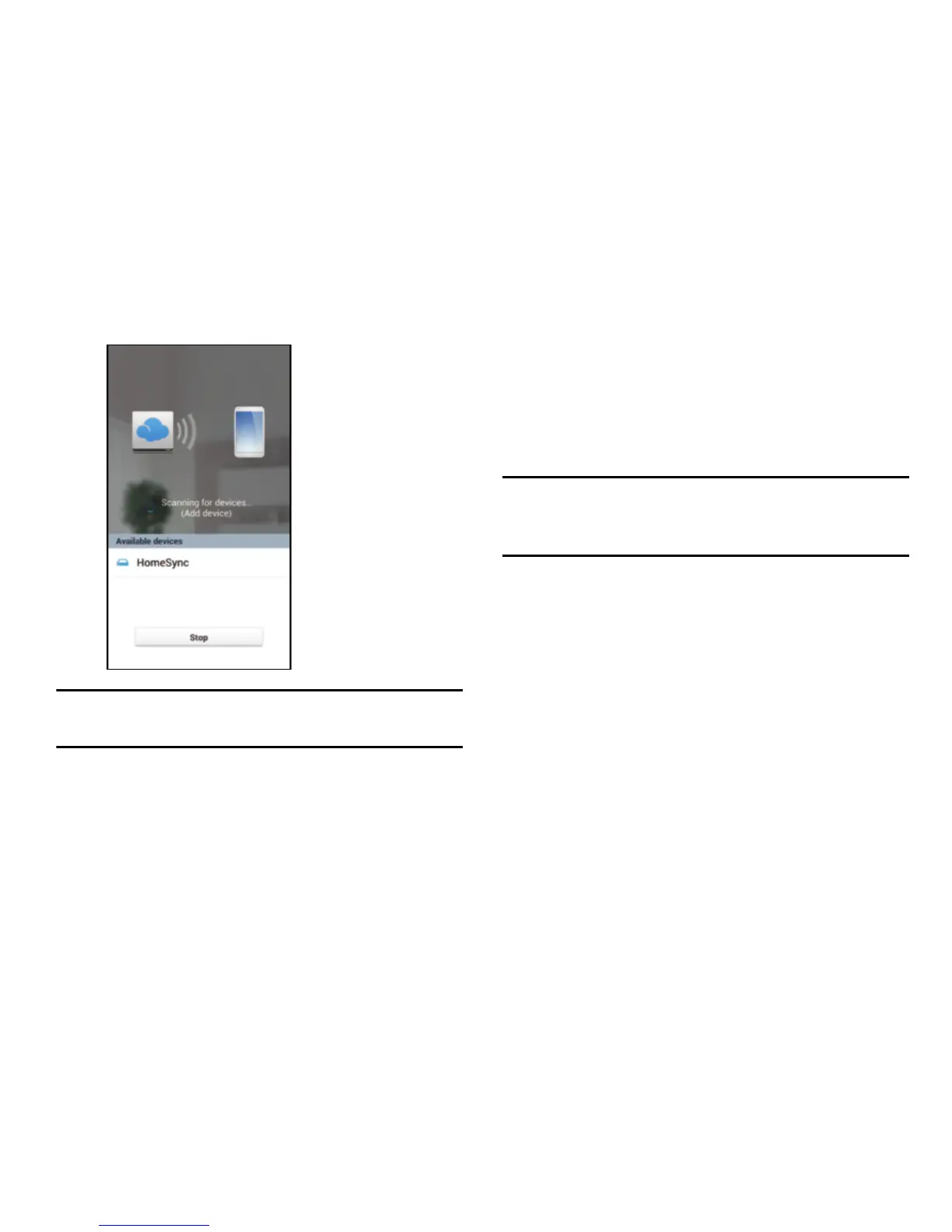
5. Follow the on-screen instructions.
Turning Off the Device
To turn off the device:
Press and hold the Power button, and then select
OK
.
For more information about how to control the screen, see
“Controlling a Screen” on page 18.
Caution!
Do not disconnect the power adaptor from the device
while applications are running. Doing so may cause
malfunctions or damage to the device.
Setting Up Your Device
When you first turn on your device, you are asked to set up a
few things. To do that, the following screens display. Some
screens can be skipped (select
Next
) or re-displayed (select
Previous
). Some screens display depending on the options
you choose.



 To Next Page