Getting Started 10
When Your Smartphone Supports the
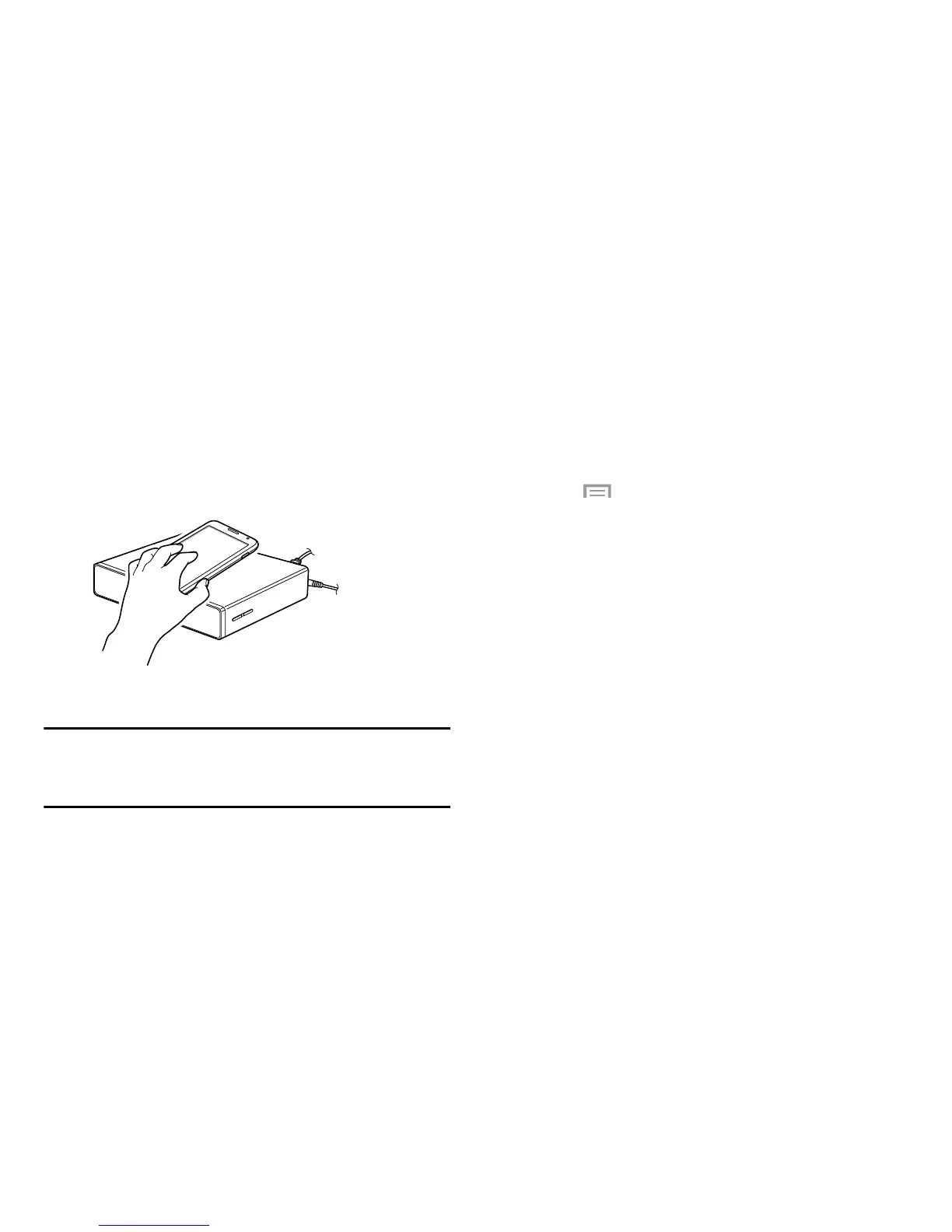
NFC Feature
You can connect the device to a smartphone when your
smartphone supports the NFC feature.
1. Activate the NFC feature on your smartphone.
2. To start
HomeSync
, touch the back of your smartphone
to the NFC antenna area of the device.
3. Follow the on-screen instructions.
Note:
The NFC antenna area of the smartphone may differ.
For more information, refer to the user manual for
the smartphone.
When Your Smartphone Does Not Support the
NFC Feature
You can use the Bluetooth feature to connect the device to
your smartphone, if your smartphone does not support the
NFC feature.
1. Start
HomeSync
.
2. Touch
Menu
➔
Add device
.
To use HomeSync, you must have a Samsung account.
If you have not set up your Samsung account, the
Samsung account screen displays. For more
information, refer to your smartphone user manual.
3. Touch
Scan for devices
.
4. Select the device name from the list of
detected devices.



 To Next Page