18
SPEED DIALLING
You can dial a preprogrammed telephone number stored in the
system-wide speed dial list of numbers (500-999 for the DCS or 500-
699 for the DCS Compact) or from your personal list of numbers 00-
1 9 :
• With handset on-hook, press S P D or dial 1 6.
• Dial the desired speed dial number location.
O R
• Press the relevant S P D k e y
• The telephone number is automatically dialled for you.
PROGRAMMING PERSONAL SPEED
DIAL NUMBERS
To store telephone numbers in your personal speed dial list.
• While on-hook, press T R S F and then dial 1 0 5 .
• Dial a speed dial number (0 0 - 4 9 ) .
• Dial a line or line group access code .
• Dial the telephone number to be stored (18 digits maximum).
It can include #, ✱, FLASH or PA U S E .
• Press T R S F to store number.
NOTE: A station may be assigned up to fifty numbers, 0 0 - 4 9 . See
your System Administrator to determine the number assigned
to your station.
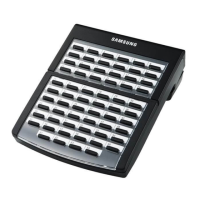
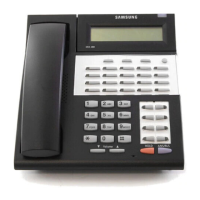
For the purposes of programming speed dial numbers, the last 6
programmable keys of the right hand row are known as A, B, C, D, E
and F and are defined below.
• The A key is not used.
• The B key inserts a flash.
• The C key inserts a pause.
• The D key is used change the dialling type from pulse to tone
dialling. Pressing D will cause all subsequent digits to be dialled
as DTMF tones.
DIALLING FEAT U R E S
»£¡÷«‚USER- ∫ª πÆ 98.7.16 12:52 PM ∆‰¿Ã¡ˆ18



 To Next Page