24
CANCELLING MESSAGES
To cancel a message indication that you left at another station:
• Dial 4 2 plus the extension number of the station at which you
left a message.
To cancel all message indications left at your keyset:
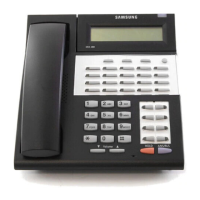
• Dial 4 2 plus your extension. Your M S G light will go out.
RETURNING MESSAGES
• Press the M S G key or dial 4 3. The first station that left you a
message will be called automatically.
• Repeat until all messages have been returned in the order
r e c e i v e d .
• Your M S G button light will turn off when all messages have
been returned.
NOTES: 1. Display keyset users can view message indications and
return them in any order. See Viewing Message
Indications under Display Features.
2. f a message has been left at your keyset by a keyset in
Auto Answer mode, you must manually cancel the
message light after the message has been returned.
»£¡÷«‚USER- ∫ª πÆ 98.7.16 12:52 PM ∆‰¿Ã¡ˆ24



 To Next Page