5
ANT IN
Connects to an antenna or cable TV system. –
6
COMMON INTERFACE Slot
The pairing information containing a telephone number, CI CARD ID, Host ID and other information will be displayed in
about 2~3 minutes. If an error message is displayed, please contact your service provider.
the channel list is now updated.
You must obtain a CI CARD from a local cable service provider. Remove the CI CARD by carefully pulling it out with your N
hands since dropping the CI CARD may cause damage to it.
N
The place of the N COMMON INTERFACE Slot may be different depending on its model.
N
7
KENSINGTON LOCK (depending on the model)
–
N
8
Headphones jack
–
9
COMPONENT IN
– RB, Y) on the rear of your set and the other ends
to corresponding component video out connectors on the DTV or DVD.
If you wish to connect both the Set-Top Box and DTV (or DVD), you should connect the Set-Top Box to the DTV (or DVD) –
RB, Y) on your set.
– RB and Y connectors on your component devices (DTV or DVD) are sometimes labelled Y, B-Y and R-Y or Y, Cb
and Cr.
Connect RCA audio cables (optional) to – [R-AUDIO-L] on the rear of your set and the other ends to corresponding audio
out connectors on the DTV or DVD.
0
EXT (RGB)
Connector
Input
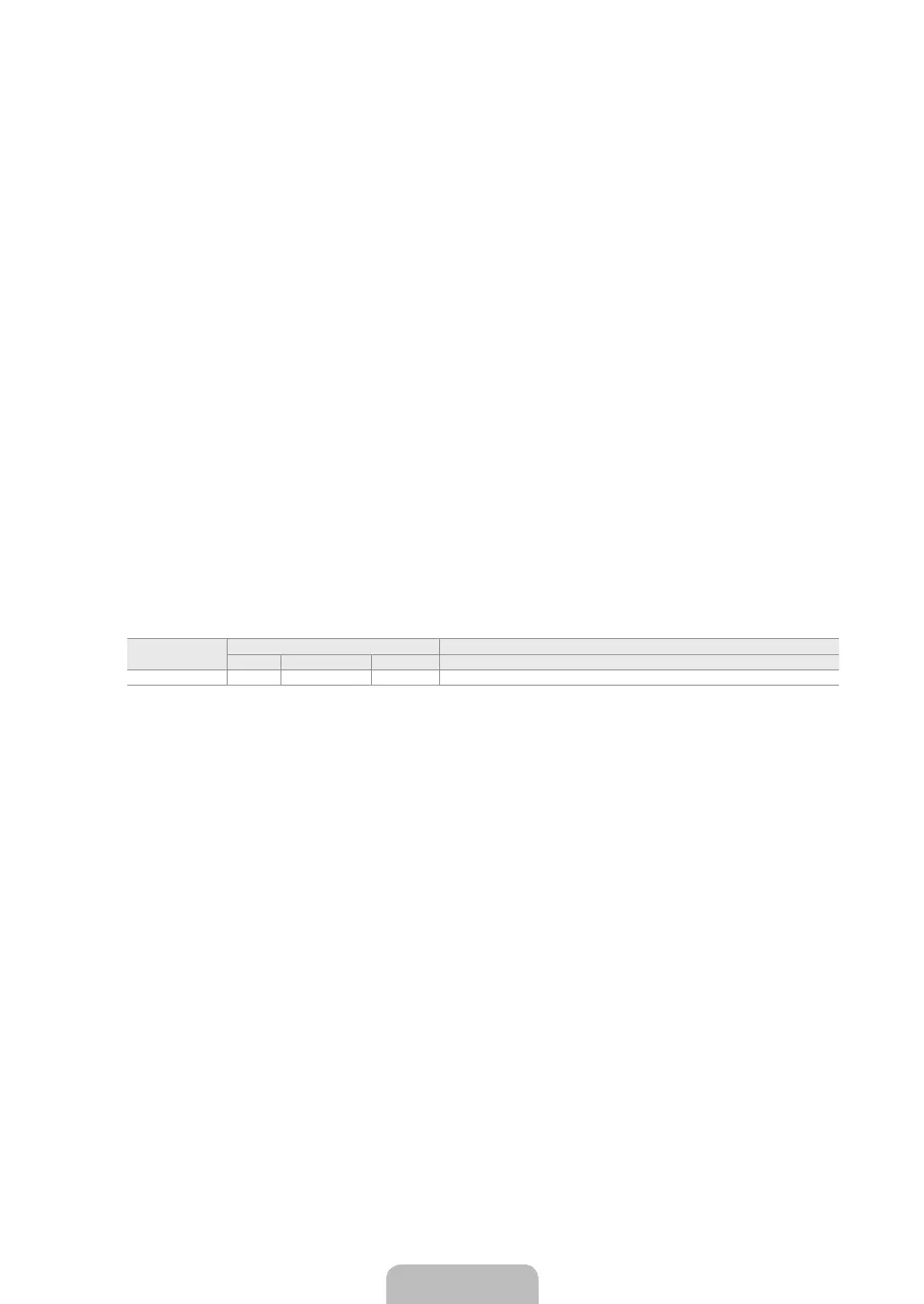
Video Audio (L / R) RGB Video + Audio (L / R)
EXT
Inputs or outputs for external devices, such as VCR, DVD, video game device or video disc players. –
BN68-03043A.indb 5 2010-04-14 �� 4:56:25





 To Next Page