190
MagicInfo Lite
11
11 MagicInfo Lite
11.3 Local Schedule
Run a schedule created by Local Schedule Manager.
Go to Local Schedule Manager Select the content you want to run
This menu is disabled if no schedule was created by Local Schedule Manager.
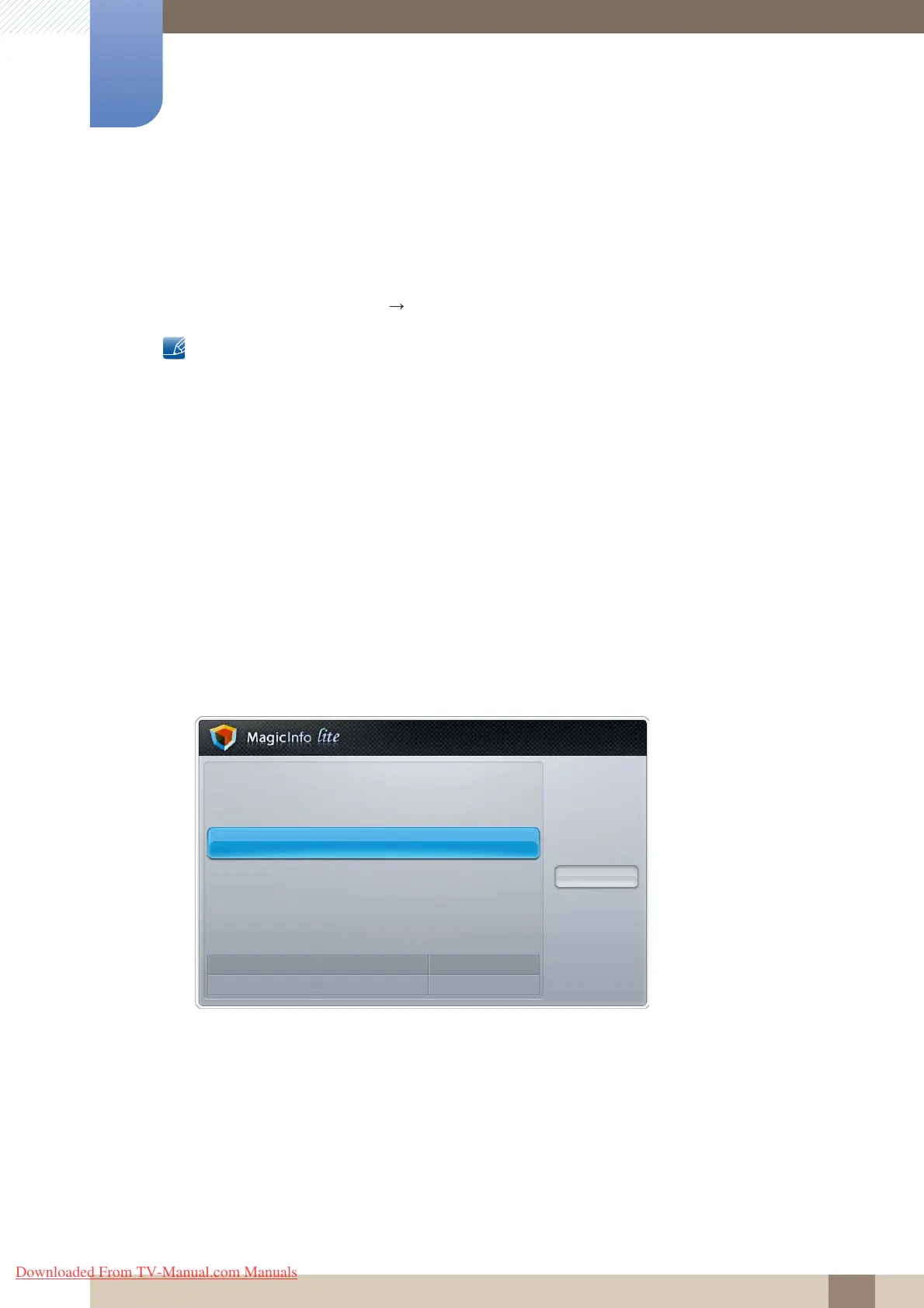
1 Select Local Schedule Manager in the MagicInfo Lite menu screen.
2 Run a schedule created by local schedule.
11.4 Local Schedule Manager
Configure the settings for playback from Local Schedule. Alternatively, select and play content from
internal or USB memory according to the customized playback sequence.
11.4.1 Registering a Local Schedule
1 Select Local Schedule Manager in the MagicInfo Lite menu screen.
Network Schedule
Local Schedule
· Local Schedule Manager
Contents Manager
Internal AutoPlay
USB AutoPlay
Close
Mode
Network Schedule
Server
Connected
USB
Disconnected
Downloaded From TV-Manual.com Manuals



 To Next Page