201
MagicInfo Lite
11
11 MagicInfo Lite
11.6 Internal AutoPlay
11.6.1 Running Internal AutoPlay
Ensure at least one content item exists under Internal Memory.
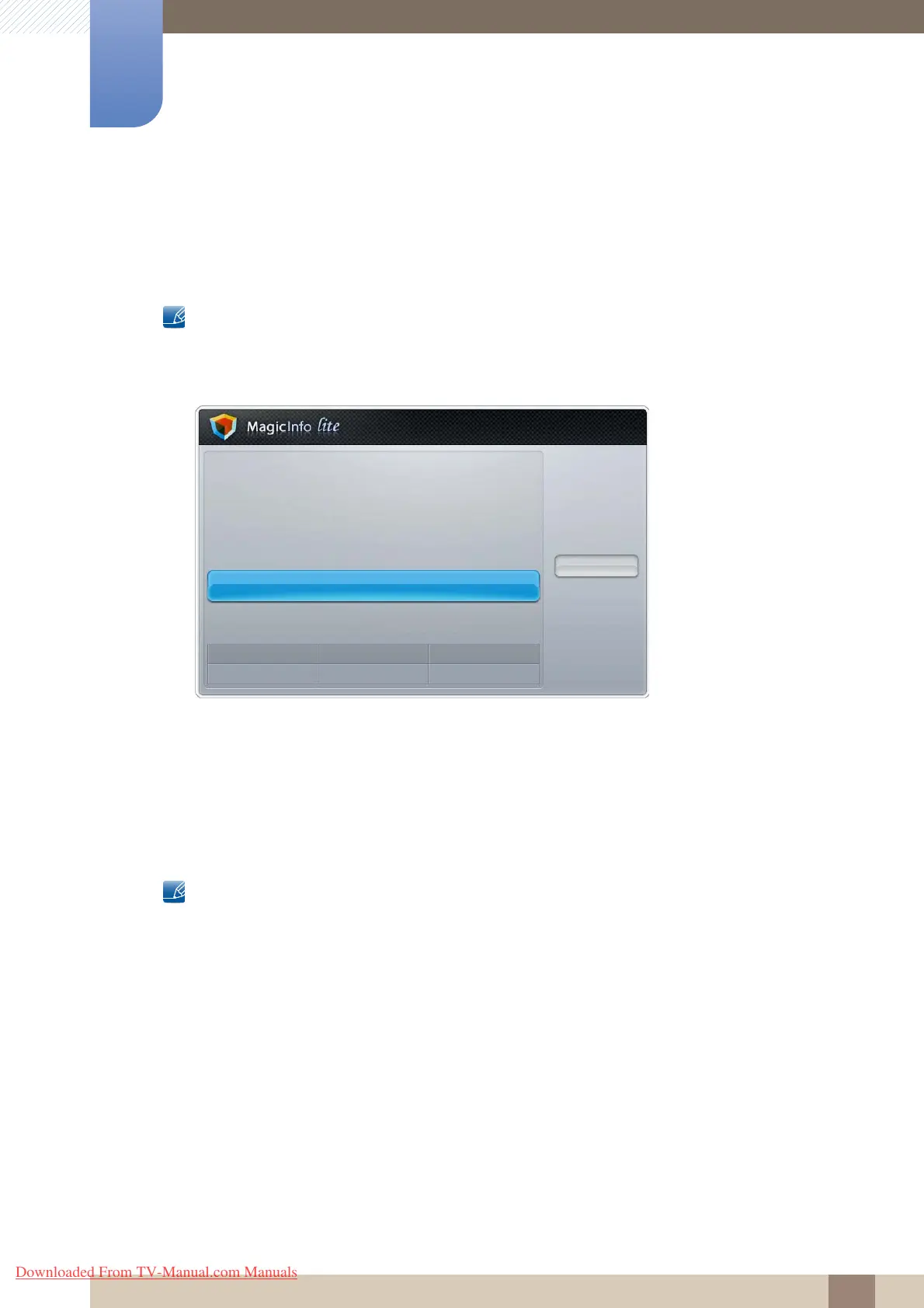
1 Select Internal AutoPlay in the MagicInfo Lite menu screen.
z Play content, which has been copied to Internal Memory, in alphabetical order.
11.7 USB AutoPlay
11.7.1 Running Internal AutoPlay
Ensure a USB device is inserted. Be sure to create a folder named "MagicInfoSlide" in the USB device
and put content in the folder.
1 Select USB AutoPlay in the MagicInfo Lite menu screen.
z The content contained in the MagicInfoSlide folder on the USB device will play in alphabetical
order.
Network Schedule
Local Schedule
· Local Schedule Manager
Contents Manager
Internal AutoPlay
USB AutoPlay
Close
Mode
Network Schedule
Server
Connected
USB
Disconnected
Downloaded From TV-Manual.com Manuals



 To Next Page