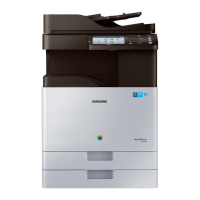
Basic copying
128
6. Copying
-A4 SEF and A5 LEF
- Letter LEF and Ledger
If Letter is the default paper size,
-A3 and A4 LEF
-B4 and B5 LEF
-Ledger and Letter LEF
- Legal, Letter SEF and Statement LEF
4
Adjust the settings for each copy such as Paper Source, Duplex and
more in the Basic tab.
5
Set the copy features in the Advanced or Image tab, if necessary (see
"Using special copy features" on page 136).
6
Enter the number of copies using the numeric keypad on the control
panel, if necessary.
7
Press (Start) from the control panel to begin copying.



 To Next Page
 Loading...