63
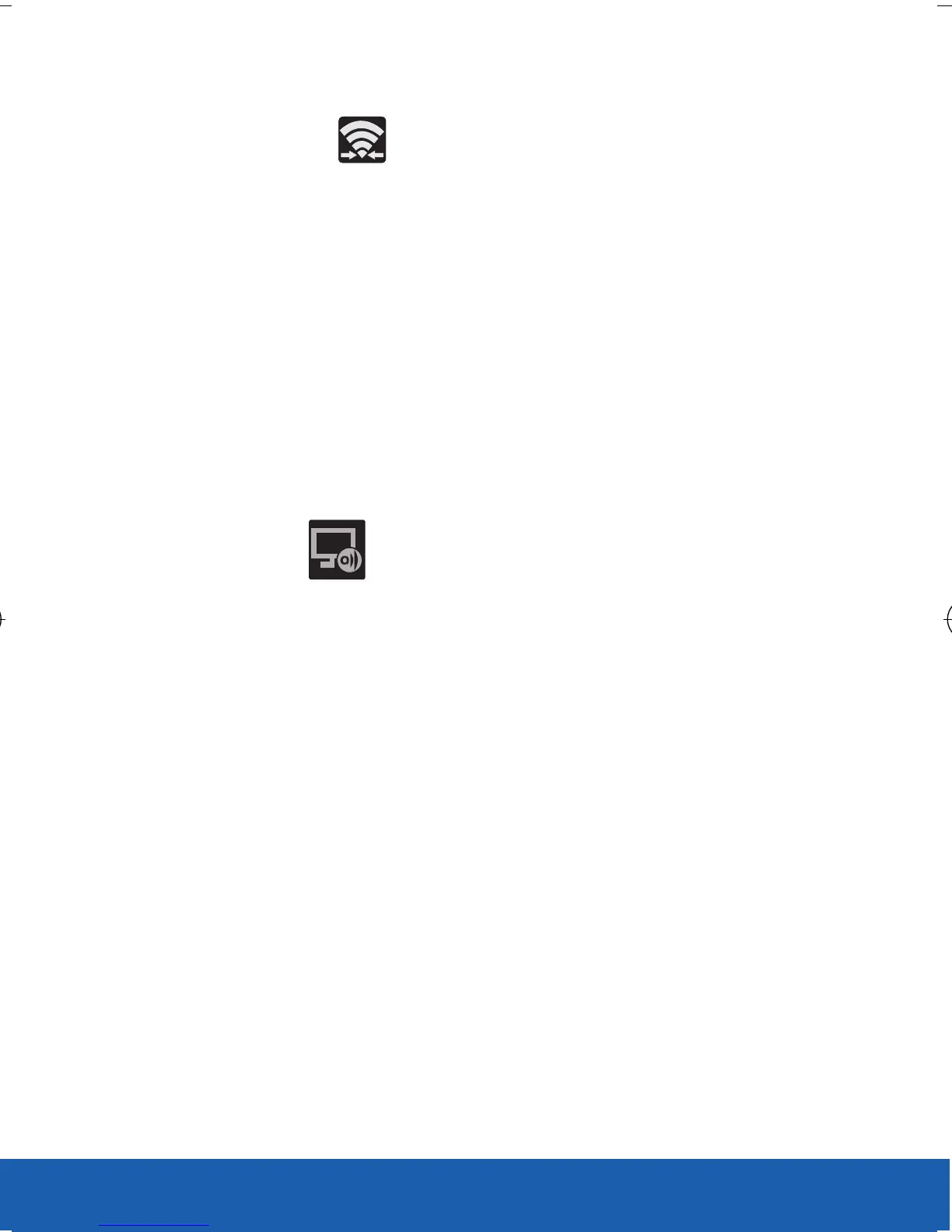
4. Verify the previous Wi-Fi Direct icon now
displays (Wi-Fi Direct Communicating).
NOTE: The AllShare Cast Hub communicates with your paired device
via a Wi-Fi Direct connection.
5. For a first time connection:
● Press the RESET button (located at the rear
of the hub) once and only for a second until
the LED turns solid BLUE.
● Quickly tap the hub name entry on your
device’s AllShare Cast screen.
6. Verify (AllShare Cast Hub
Communicating) appears at the top of the
device’s screen.
7. Confirm the connection by making sure both
your TV and device show the same image/
screen.
IMPORTANT: The AllShare Cast Hub is a 1-to-1 connection. If a
previous device was paired to the Hub and is still
connected to the AllShare Cast Hub, you can not pair a
new device until the first connection is stopped.
USC_T0_QRM_75X105.indd 63 9/27/2012 9:16:25 PM












 To Next Page