ENGLISH
2525
Turning the OSD (On Screen Display) On/Off
Preparation
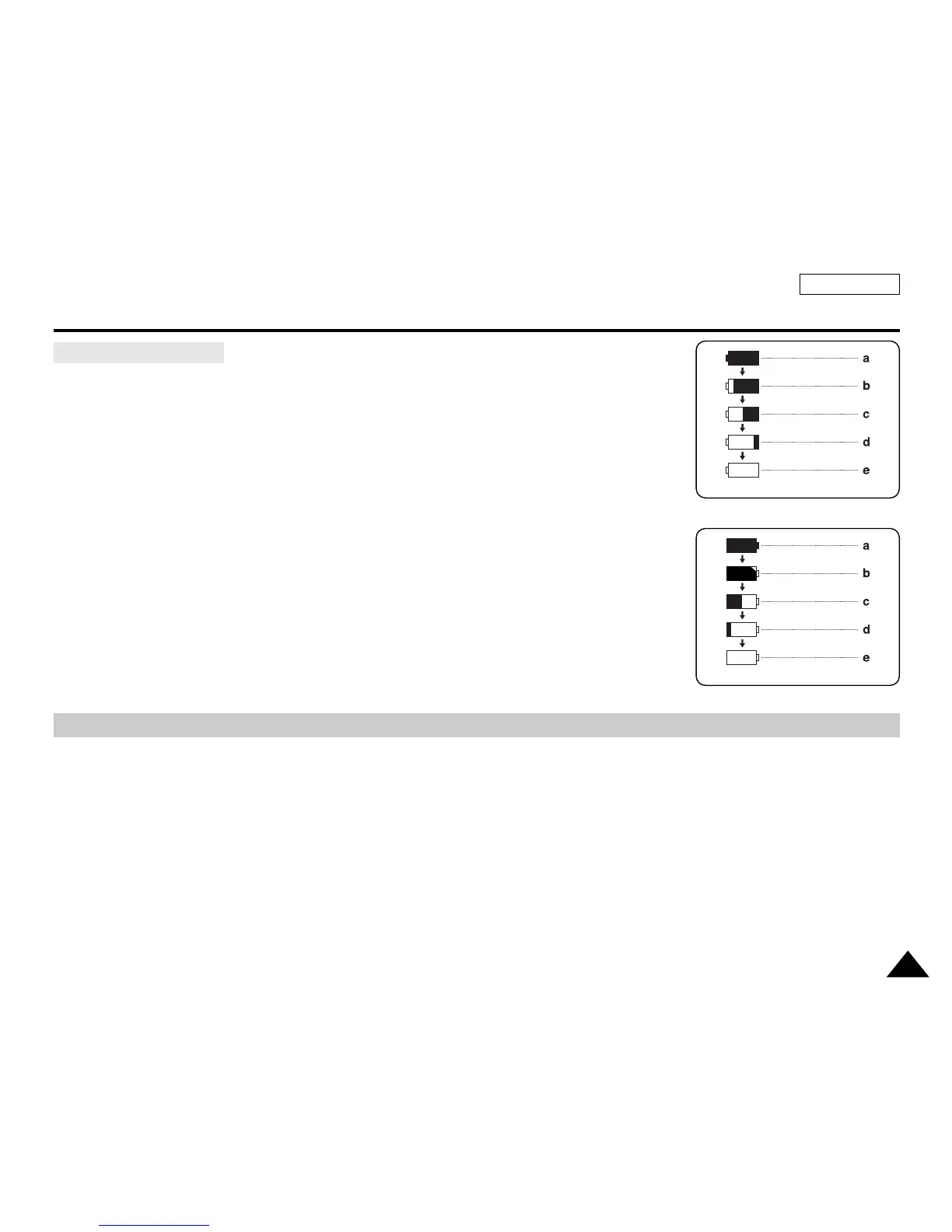
✤ The battery level display indicates the amount of power remaining in the Battery pack.
a. Fully charged
b. 20~40% used
c. 40~80% used
d. 80~95% used
e. Completely used (Blinking)
(The Camcorder will turn off soon, change the battery as soon as possible)
Tips for battery Identification
[ Notes ]
■
Please refer to the Table on page 24 for approximate continuous recording time.
■
The recording time is affected by temperature and environmental conditions.
■
The recording time shortens dramatically in a cold environment.
The continuous recording times in the operating instructions are measured using a fully charged
Battery pack at 77 °F (25 °C). As the environmental temperature and conditions vary.
The remaining battery time may differ from the approximate continuous recording times given in
the instructions.
■
Turning OSD on/off
Press the DISPLAY button on the left side control panel.
- Each press of the button toggles the OSD function on and off.
- When you turn the OSD off,
In REC Mode: The STBY, REC modes are always displayed on the OSD, even when the OSD is turned off and the key
input is displayed for 3 seconds then turned off.
In PLAY Mode: When you press any function button, the function is displayed on the OSD for 3 seconds before it turns
off.
■
Turning the Date/Time on/off
To turn the Date/Time on or off, access the menu and change the Date/Time mode. (see page 35)
Battery Level Display
(Blinking)
(Blinking)
<Camcorder Mode>
<Camera Mode>



 To Next Page
 Loading...








