Samsung Electronics 5-35
Alignment and Adjustment
g. Be sure to press the “MENU/ENTER(CON-
FIRM)” button of CAMCORDER to memorize
setting.
h. Reset the power source so as to fix the new data
to the EEPROM.
2-4. Adjusting Y-Emphasis Input
: This adjustment is performed to set the Y level
which is recorded in tape.
Maladjusted Y level impact to the next adjust-
ment.
a. Preparations
b. Connect a power source.
c. Get into the VCR adjustment mode.
d. Press the “DATE/TIME(MODE UP)/TITLE
(MODE DOWN)” button of CAMCORDER so
as to select the address 02.
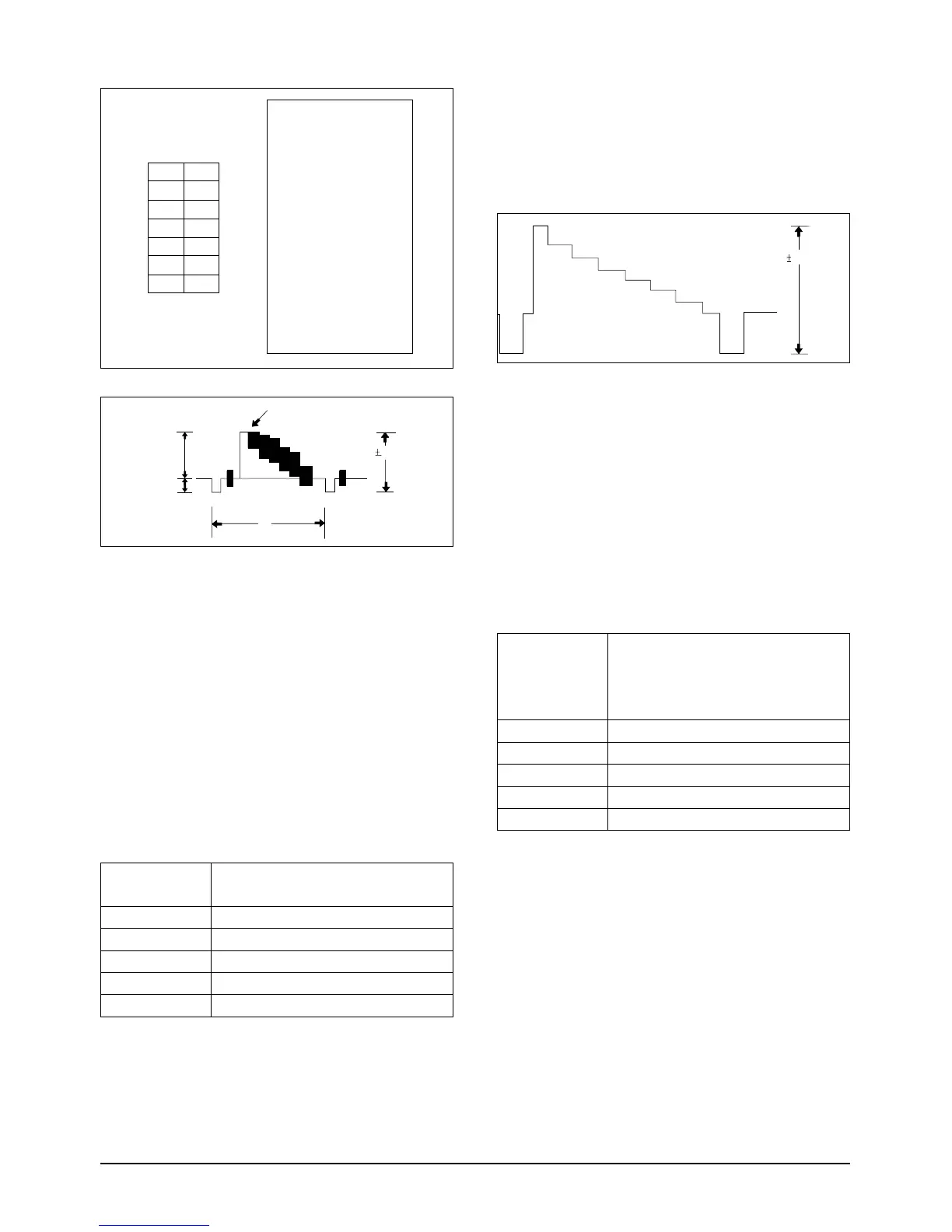
OSCILLOSCOPE
IC 201 PIN 13
02
Y-EMPHASIS IN (NOR)
EQUIPMENT
OTHER
TEST POINT
ADDRESS
NAME
8MM (NORMAL) TAPE
e. Insert a Normal Tape to the camcorder.
f. Connect the oscilloscope to the addressed Test
Point.
g. Press the “C/RESET(DATA UP)/Z/RTN(DATA
DOWN)” button so that the IC201 PIN13 is
0.5±0.02Vp-p from SYNC tip to peak level.
h. Be sure to press the “MENU/ENTER(CON-
FIRM)” button of CAMCORDER to memorize
setting.
i. Reset the power source so as to fix the new data
to the EEPROM.
2-5. Adjusting PB OUT LEVEL
: This adjustment is perform to set the video out
level to the regulated level.
a. Preparations
b. Connect a power source.
c. Get into the VCR adjustment mode.
d. Press the “DATE/TIME(MODE UP)/TITLE
(MODE DOWN)” button of CAMCORDER so
as to select the address 03.
e. Insert the Standard Color Bar Tape and press
the PLAY button.
f. Connect the oscilloscope to the addressed Test
Point.



 To Next Page