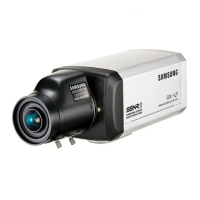
COLOR CCD CAMERA User’s Manual
13
COLOR CCD CAMERA User’s Manual
12
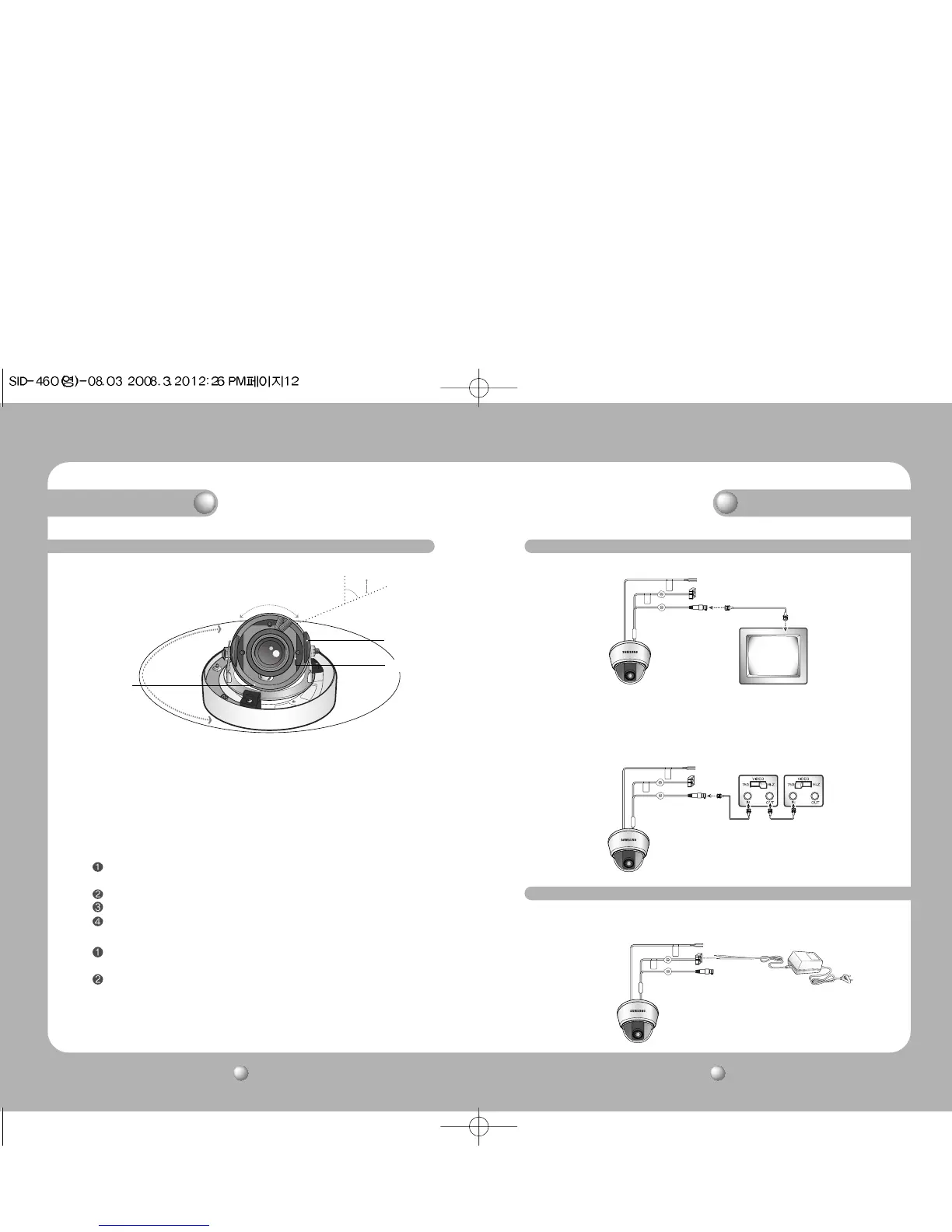
1) You can adjust camera to any direction by using Pan, Tilt, Rotate mechanism.
• Pan Base moves by 170˚ to each side direction and 340˚ on the whole.
• Tilt Base covers total 146˚ angle(73˚ to each side).
• Angle range of Rotate Base is the same as that of Pan Base. But One side range is 195˚
and another is 145˚.
2) Methods of adjustment
•The case of wall installation
After mounting the camera on a wall, adjusting the panning angle so that the camera
can face the direction to monitor when tilting.
And then adjust the tilting angle by rotating the tilt base.
Loosen the rotate base hold screw and adjust rotate base for the best monitoring.
Tighten the rotate base hold screw.
•The case of ceiling installation
After mounting the camera on a ceiling, adjusting the panning angle for better
monitoring area by rotating the pan base.
And then adjust the tilting angle by rotating the tilt base.
73˚
-170˚
145˚ 195˚
170˚
Pan Base
Tilt Base
Rotate Base
Installation
Adjust the panning and tilting, rotating while watching the monitor
Connecting Monitor
Connecting to Power
Connect the VIDEO-OUT jack to the VIDEO-IN jack of monitor.
CCTV Camera
Monitor
• As the connecting method varies with the instruments, refer to the manual supplied
with the instrument.
•
If necessary, you can connect the monitor to the REMOTE jack on the back of your camera.
• Only connect the cable when the power is turned off.
• Set the 75Ω / Hi-Z selection switch as shown below if you have an intermediate device.
CCTV Camera
Intermediate End monitor
Connection
Connect the adaptor to the power input connector as shown in the figure below. The
recommended adaptor specification for SID-460N/SID-460P is DC 12V / 500mA.



 To Next Page