28_ live
live
GETTING STARTED
Starting the system
1. Connect power cable to the product’s rear.
2. Touch and hold the front power button for over 3 seconds.
M
It takes about 10 seconds to display the start screen after
booting.
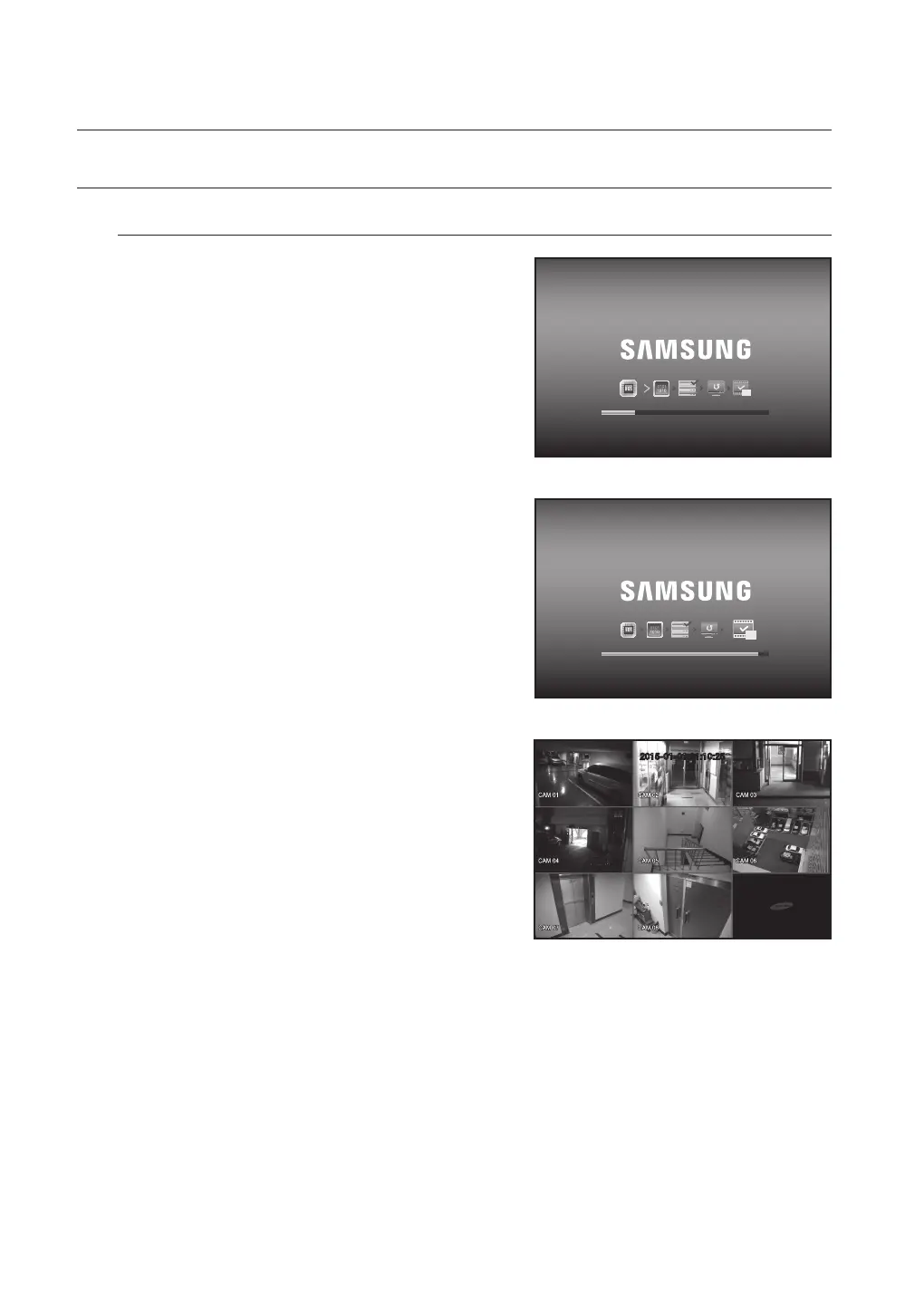
3. The boot up screen appears.
Booting up may take about 3 minute, as indicates
progress with icons.
If a new HDD is installed, the initialization process may
take longer.
4. The live screen appears with a beep.
REC
REC
2015-01-01 01:10:25



 To Next Page