English _53
● MAIN MENU
• SEQ-Dwell Time : You can set the dwell time between channels for the Live screen and Spot Out.
If set to <OFF>, the channel is not listed in the Auto Sequence mode.
• Type : Displayed the HD/SD type according to the camera connected.
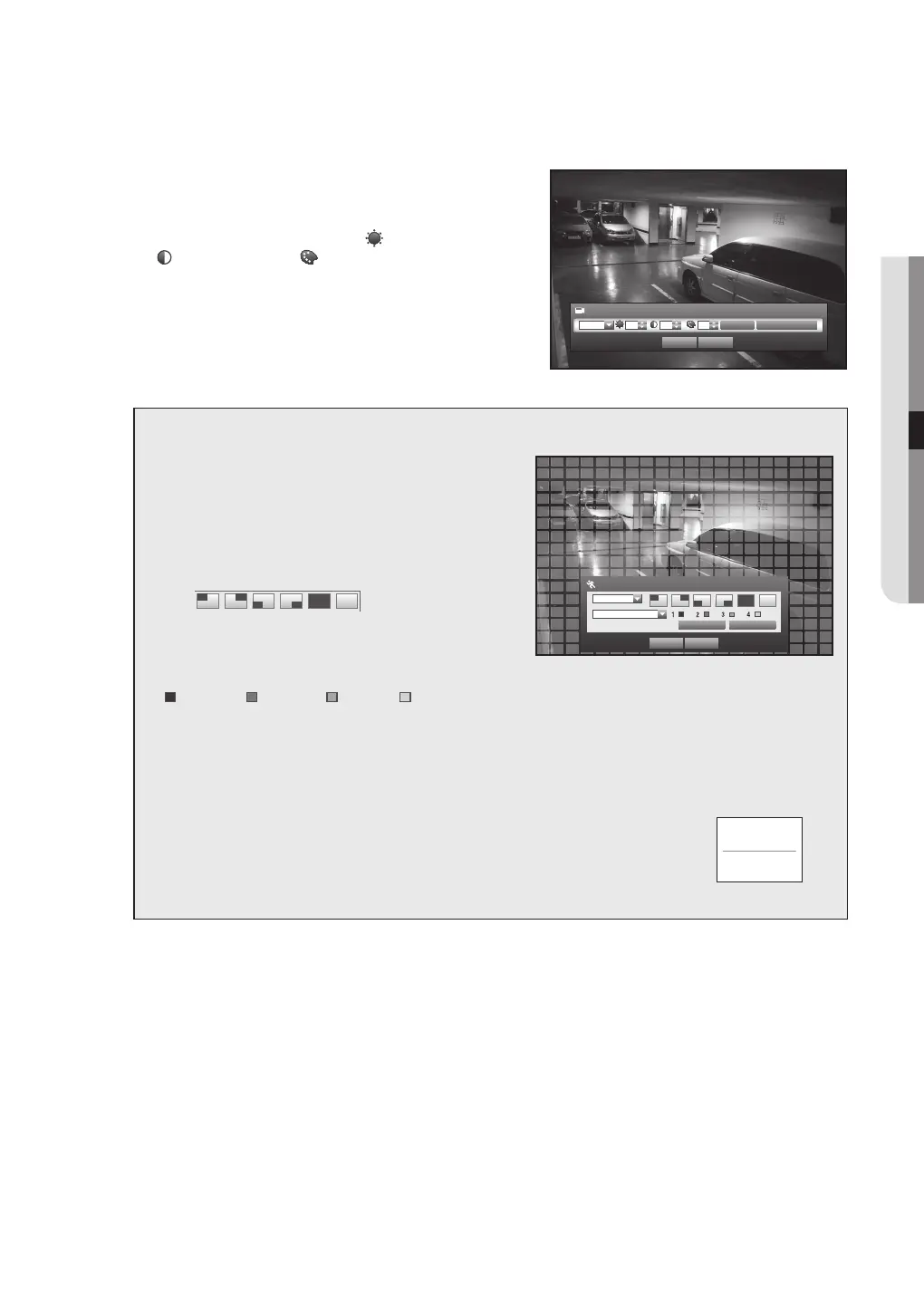
• Screen Setup : The video appeared on the screen may vary
depending on the channel’s camera, configure the DVR
display to your preferences.
Select a channel and adjust the
<
(Brightness)>,
<
(Contrast)>, and
<
(Color)> of the selected channel.
Press the <Init> to initialize settings back to the default.
• Privacy Region : You can specify a certain area of the
camera video to be protected for your privacy.
6. When the camera setup is done, press <OK>.
To set the privacy zone
Select <Privacy Region>.
When “Privacy Region” window appears, select a
channel for detection and set the area of motion
detection.
• To set the area in “Privacy Region” window
In the “Privacy Region” window, select desired region
from <
>.
• Privacy Region
You can specify up to 4 privacy zones for each channel,
which can be identified by the color.
1
Purple 2 Green 3 Blue 4 Yellow
• To set the area using <Individual> selection
Privacy Region
OK Cancel
Apply to All CH
CH1
Privacy Region1
Individual
In the “Privacy Region” window, you can select cells individually by using <Individual>.
When selected <Individual>, “Privacy Region” window disappears and you can select cells one by one.
When the motion area setup is done, Right-click to select <Menu> in the context menu or the [MENU]
button on the remote control to display the “Privacy Region” window again.
- Clear All : Selected cell is removed from the Privacy Region.
- Menu : After selecting individual motion areas, move to the “Privacy Region” window.
If selected <Apply to All CH>, selected motion area is applied to all channels.
When completing the privacy zone settings, click <OK>.
Clear All
Menu
Screen Setup
Init Apply to All CH
CH1 53 53 50
OK Cancel



 To Next Page