English _71
● MAIN MENU
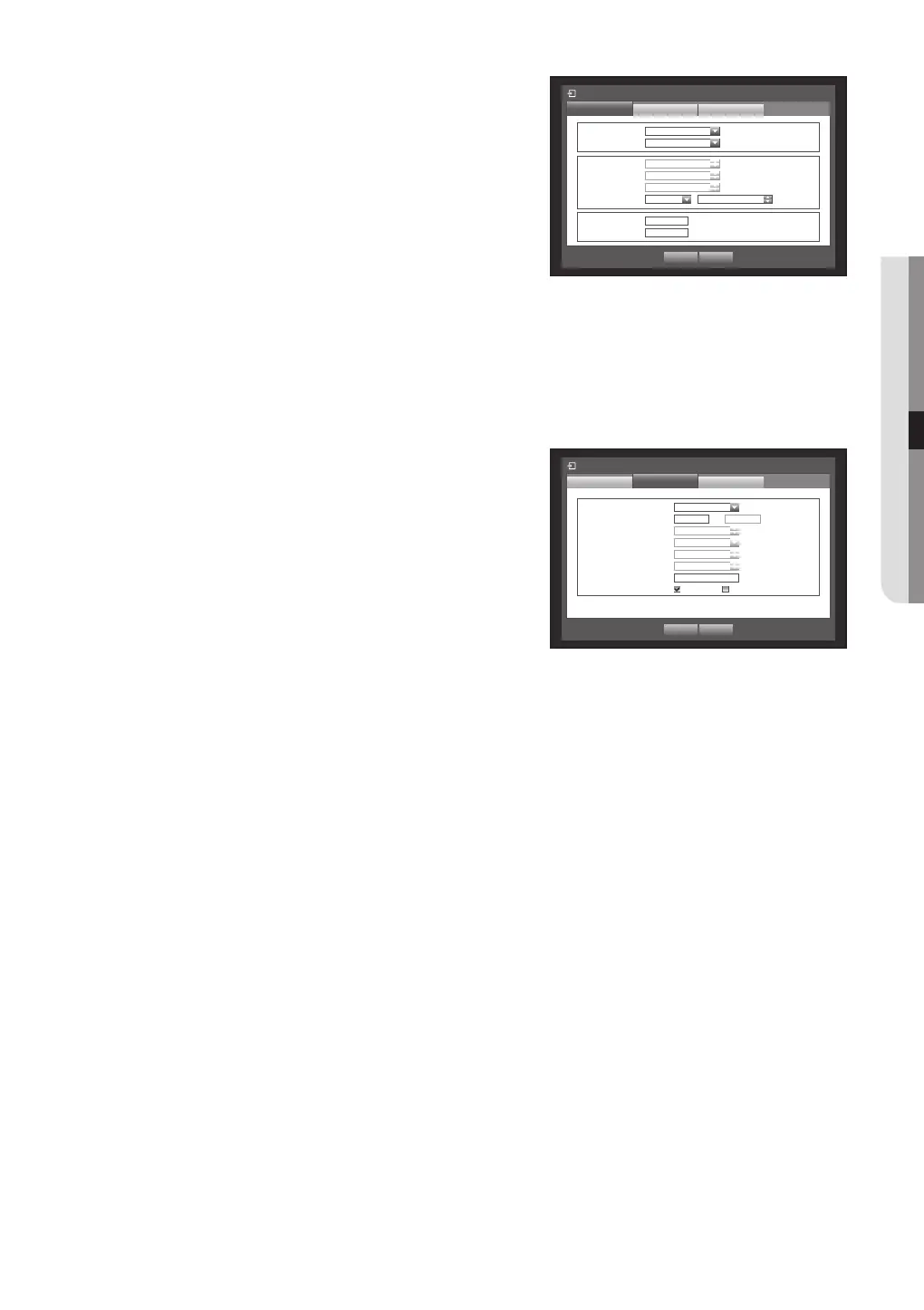
• IP Address, Gateway, Subnet Mask, and DNS
- For <Static> : You can directly input IP Address, Gateway,
Subnet Mask and DNS.
- For <DHCP> : IP Address, Gateway, and Subnet Mask
are set automatically.
- For <PPPoE> : IP Address, Gateway, and Subnet Mask
are set automatically.
• ID, Password : In case you selected PPPoE, provide the
“ID” and its “Password”.
M
DNS server for <DHCP> and <PPPoE> can be set by user only if you selected <Manual>.
6. When the connection setup is done, press <OK>.
Setting the Port
1. Use the up/down buttons () in <Network> window to
move to <Connection Mode>, and press [ENTER]
button.
2. Select <Port>.
3. Use direction buttons (◄ ►) to move to a desired item,
and set the value.
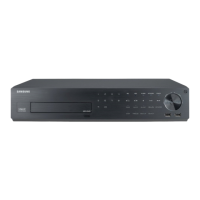
• Protocol Type : Select the protocol type between TCP and
UDP.
- TCP : If compared to UDP, TCP connection is more stable
but slow. Recommended for Internet connection.
- UDP : If compared to TCP, UDP connection is less stable but fast. Recommended for use in LAN
environment.
If selected UDP, selections of Device Port, UDP Port and Unicast/Multicast are activated.
If setting the connection mode to PPPoE, you cannot select UDP for the protocol type.
• Device Port : Initially, <4520~4524> is set. It increases / decreases by 5.
- TCP: It has better stability and lower speed when compared to UDP, and recommended for internet
environments.
• UDP Port : Initially, <8000~8160> is set. It increases / decreases by 160.
• Unicast/Multicast : Select one between UDP-Unicast and UDP-Multicast.
If selected Multicast, Multicast IP and TTL are activated.
- UDP- Unicast : Transfers data packet to an individual client.
- UDP-Multicast : Allows data communication to multiple clients causing no additional traffic to the network.
• Multicast IP Address : User can directly input.
• Multicast TTL : Select from 0 ~ 255. Initial value for the TTL is set to <5>.
• HTTP Port : Enter the port number for the Web Viewer. Initially, it is set to <80>.
• Secure Video Transmission : Send encrypted video.
If it is set to <ON>, network performance can be limited.
• Multi Browser Support : The Web Viewer can be used with a browser that supports the Silverlight.
The multi viewer can be used only if the HTTP port is set to 80, protocol type is TCP and device ports range
within 4505-4530.
This is for the Siliverlight’s security purposes.
4. When the protocol setup is done, press <OK>.
Connection Mode
Port
Interface Alarm
x
Protocol Type TCP
x
Device Port 4520 ~
4524
x
UDP Port
8000 ~ 8160
x
Unicast/Multicast
UDP-Unicast
x
Multicast IP Address
224.126.63.1
x
Multicast TTL
5
x
HTTP Port 80
y
Secure Video Transmission ON OFF
* Multi Browser Support:
Device Port 4505~4530, HTTP Port 80
OK Cancel
Connection Mode
Interface
Port Alarm
x
IP Type PPPoE
x
Transfer Bandwidth 600kbps
OK Cancel
x
IP Address
192.168.1.200
x
Gateway
192.168.1.1
x
Subnet Mask
255.255.255.0
x
DNS Manual 168.126.63.1
x
ID ID
x
Password
************



 To Next Page